




ML-3051N
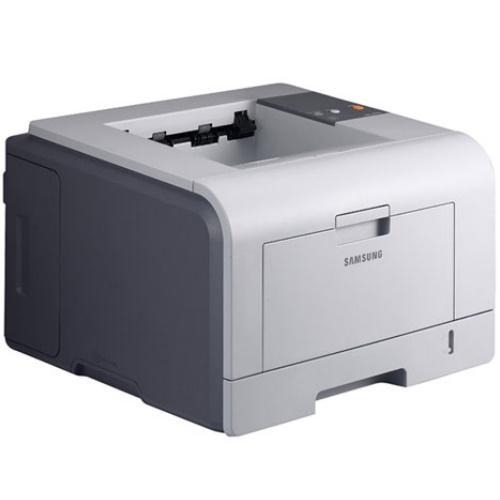
The Samsung ML-3051N added Ethernet networking to the workgroup mono platform — a shared departmental printer that multiple users could send jobs to directly.
Its cartridges are ML-D3050A and ML-D3050B. Compatible and genuine OEM toner for the ML-3051N is stocked here.
Toner Cartridges for ML-3051N
This printer works with the following toner cartridges:
- Samsung ML-D3050A
- Samsung ML-D3050B
More Samsung Printers
Frequently Asked Questions
My ML-3051N outputs garbled text after installation — could the driver be the cause?
Adding machines changes nothing on the ML-3051N itself — only each computer needs its own driver installation, and the ML-D3050A cartridge is unaffected. Install the identical driver package on every PC and point network setups at the printer's IP. Printing stays consistent across the whole workgroup.
How should I interpret a blinking toner LED on the ML-3051N?
A non-genuine message on the ML-3051N means the printer does not recognize the ML-D3050A's chip — this happens with compatible cartridges or simply a poorly seated chip. Remove the cartridge and push it back in firmly so the contacts meet squarely. If the message stays, the chip itself may be faulty, and the seller can usually replace the cartridge.
What would cause the ML-3051N to output nothing but empty pages?
On the ML-3051N, blank pages that come and go suggest a loose ML-D3050A or a driver hiccup — empty toner fades gradually, never all at once. Reseat the cartridge and restart the print spooler on your computer. Watch for a pattern, like blanks only on the first page after the printer wakes from sleep.