




ML-3050N
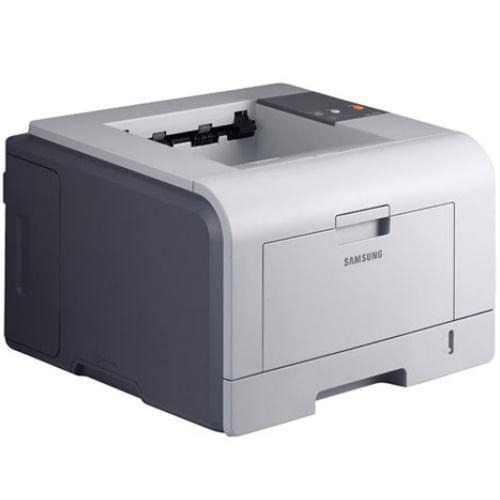
The Samsung ML-3050N brought network printing to the ML-3050 workgroup line — an Ethernet-equipped departmental mono laser for shared office use.
Its toner is ML-D3050A or the high-yield ML-D3050B. Compatible and genuine OEM cartridges for the ML-3050N are available here.
Toner Cartridges for ML-3050N
This printer works with the following toner cartridges:
- Samsung ML-D3050A
- Samsung ML-D3050B
More Samsung Printers
Frequently Asked Questions
What prep work does a fresh ML-D3050A need before going into the ML-3050N?
Before unboxing, lay a sheet of paper down to catch stray toner. Strip every seal and the orange protective tab off the ML-D3050A, then rock it gently side to side five or six times so the toner settles evenly. Slide it into the ML-3050N along the rails until it clicks, close the cover, and run a test page to confirm full, even coverage.
Does the ML-3050N work when plugged into a router as well as a network switch?
No sharing setup is needed beyond installing the network driver on each computer, since the ML-3050N has its own network port and IP address. Every PC prints directly to it without routing through another machine. Toner planning is the main shared concern, because the ML-D3050A cartridge serves the whole workgroup.
Should I keep printing after the ML-3050N says toner is empty?
When the ML-3050N's toner light blinks, it means low toner, a poorly seated ML-D3050A, or an unreadable cartridge. Reseat the cartridge and clear away packaging remnants such as seals or tabs. A light that persists with a known-good ML-D3050A calls for a different cartridge to determine whether the issue is the cartridge or the printer.