




ML-3051NDG
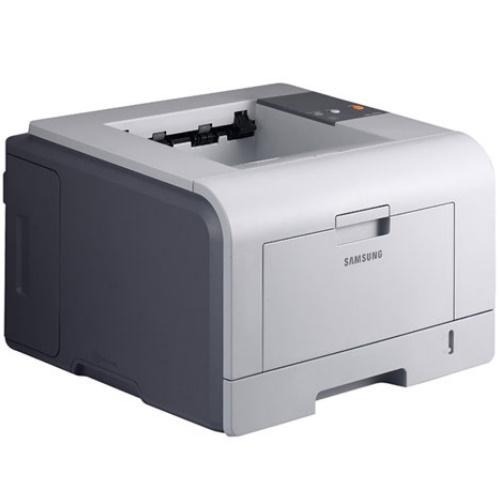
The Samsung ML-3051NDG is a regional variant of the networked, duplexing ML-3051ND — the same shared workgroup mono laser under a market-specific G suffix.
It uses ML-D3050A or ML-D3050B toner. Compatible and genuine OEM cartridges for the ML-3051NDG are available here.
Toner Cartridges for ML-3051NDG
This printer works with the following toner cartridges:
- Samsung ML-D3050A
- Samsung ML-D3050B
More Samsung Printers
Frequently Asked Questions
Why will the front cover of the ML-3051NDG not close after I installed the cartridge?
Give the new ML-D3050A five or six gentle side-to-side rocks before installing it in the ML-3051NDG to distribute the toner evenly. Do not shake it violently - rough handling can spill toner inside the cartridge. This quick step helps the first pages print at full density.
The ML-3051NDG feeds paper but nothing prints - where do I start?
After clearing a jam on the ML-3051NDG, blank output most often traces to a missed torn piece or an ML-D3050A that was not fully reseated. Inspect the whole paper path for bits of paper, then reinstall the cartridge until it clicks. A test page printed from the control panel proves the path is clear.
Why does the ML-3051NDG stop printing over the network every few days?
Begin by confirming the Ethernet cable clicks firmly into both the ML-3051NDG and the router, with the link light lit. Print a network report from the printer to verify it holds a valid address on your subnet. If the address is wrong, investigate the cable or the DHCP assignment — not the ML-D3050A cartridge.