




ML-3051NGD
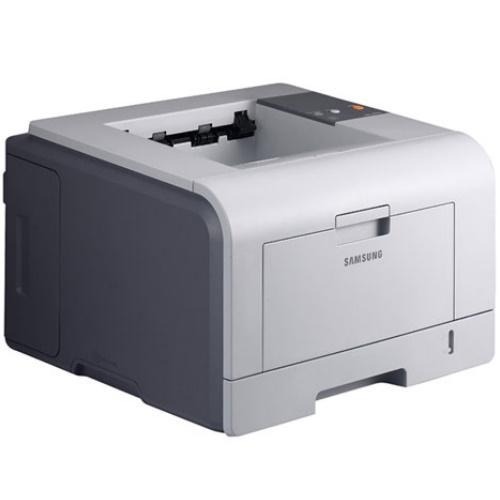
The Samsung ML-3051NGD combines the regional G configuration with network and duplex — a market-specific version of the fully equipped 3051 workgroup printer.
It prints with ML-D3050A or ML-D3050B cartridges. Compatible and genuine OEM options for the ML-3051NGD are available here.
Toner Cartridges for ML-3051NGD
This printer works with the following toner cartridges:
- Samsung ML-D3050A
- Samsung ML-D3050B
More Samsung Printers
Frequently Asked Questions
Why does Windows default to a generic driver for the ML-3051NGD instead of the right one?
Windows picks a generic class driver when it cannot reach the manufacturer's installer, and generic drivers miss features like toner-level reporting on the ML-3051NGD. Installing the official Samsung driver restores full control of quality and supply status. Restart the printer after swapping drivers to clear the queue.
Why is the ML-3051NGD asking for a toner replacement when I just installed a new cartridge?
A fresh ML-D3050A triggering a toner error in the ML-3051NGD is almost always a seating problem: either it never clicked fully in or protective seal material is still attached. Switch the printer off, take the cartridge out, inspect for leftover tape or seals, and reinstall it. It should be recognized when the printer powers back up.
Is it possible that a new ML-D3050A cartridge is behind the ML-3051NGD's blank pages?
The ML-3051NGD can print blank pages from a bad driver even with a full ML-D3050A installed. Replace the driver with the model-specific Samsung one, then run a test page from the printer panel — that skips the computer entirely. If the panel page looks right, the fault sits on the computer side.