




ML-2571N
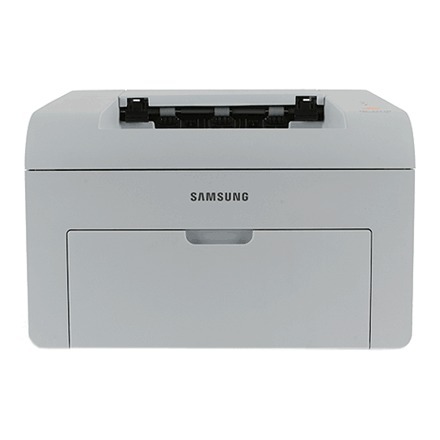
Adding Ethernet to the 2570 platform, the Samsung ML-2571N brought networked mono laser printing to small offices — the N suffix marks it as the shared version, dropping into a workgroup without a host PC.
Like the rest of this line, it takes ML-1610D3 or MLT-D119S toner. Both compatible and genuine OEM cartridges for the ML-2571N are stocked here. Rounding out the ML-2571N's supply list is the ML-2010D3, a cartridge this networked model accepts just like its desktop siblings.
Toner Cartridges for ML-2571N
This printer works with the following toner cartridges:
- Samsung ML-1610D2
- Samsung ML-1610D3
- Samsung ML-2010D3
- Samsung MLT-D119S
More Samsung Printers
Frequently Asked Questions
How do I safely clear a jam in the ML-2571N without damaging it?
To clear a jam in the ML-2571N, power it off and pull the paper out slowly in its normal travel direction — never backward through the rollers. Take the ML-1610D2 cartridge out first for a clear view of the path and to keep toner off your hands. Close everything firmly and print a test page before loading a full tray.
How long does a cartridge swap take on the ML-2571N?
If the ML-2571N front cover will not close after a cartridge swap, the ML-1610D2 is probably not seated fully or is inserted the wrong way - the handle should face you. Pull it out, align it with the side rails, and push until it clicks. Forcing the cover can crack the hinges.
My first prints with the new ML-1610D2 look light on the ML-2571N - is that normal?
Unpack the ML-1610D2 over a sheet of paper, remove all seals and the orange protective tab, then rock it gently side to side five or six times to settle the toner. Slide it into the ML-2571N along the rails until it clicks and close the cover. Print a test page to confirm full, even coverage.