




ML-1615
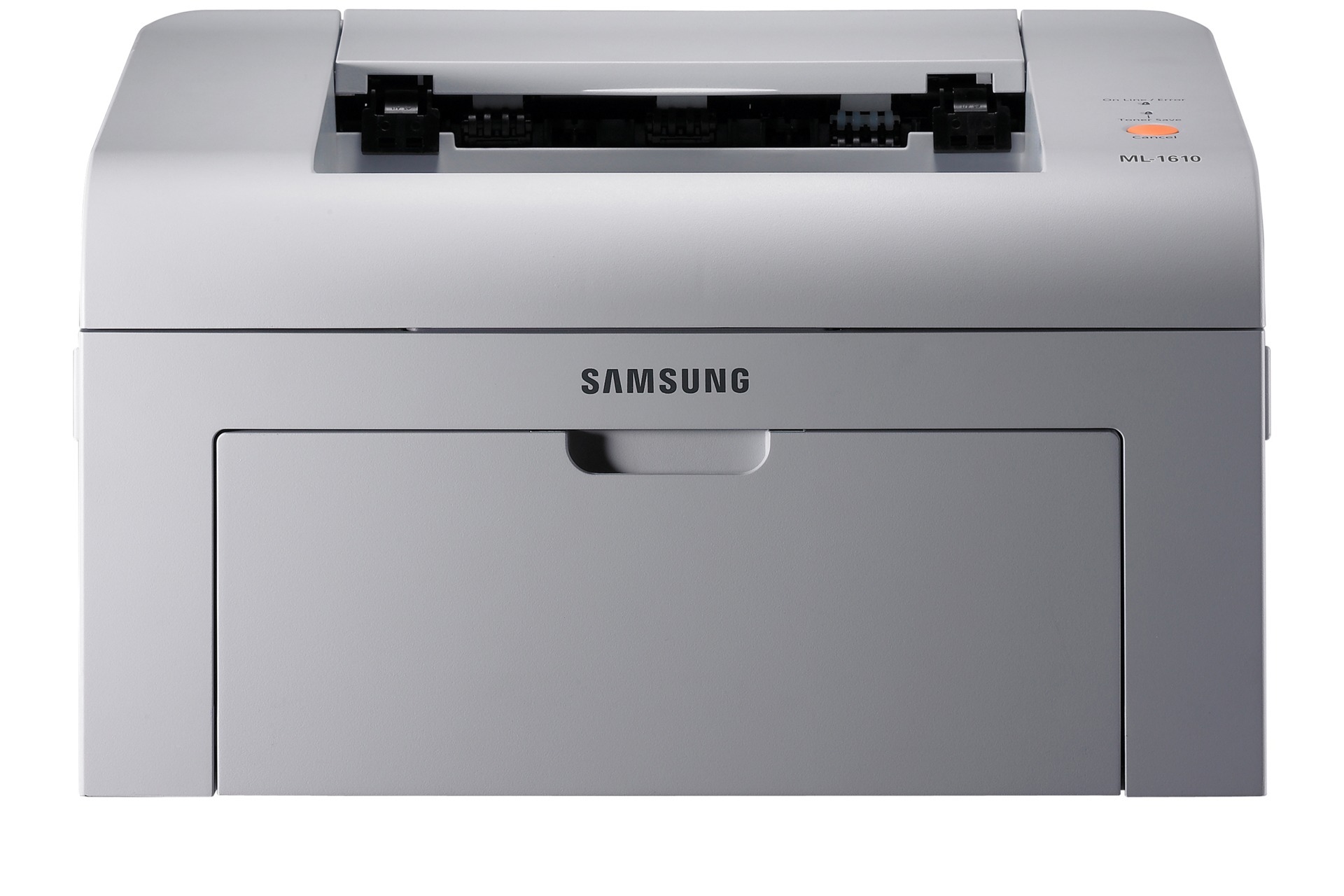
The Samsung ML-1615 was a refresh of the ML-1610 formula: the same desk-friendly mono laser for home and dorm use, with small refinements under the hood. Its cartridge story is wider than most. The machine runs on ML-1610D2 and ML-1610D3 cartridges, MLT-D119S fits as well, and it also takes the ML-2010D3 — which is the code the cartridges on this page are stocked under, sold in listings that carry the ML-1610 name. However the box is labeled, the fit check is the same: match the code on the cartridge you take out.
Home and dorm printing has a particular rhythm — nothing for a week, then an essay, a stack of forms and a boarding pass all on the same evening. A small mono laser suits it precisely because there is nothing to manage but one black slot. The ML-1615's tolerance for several cartridge codes is a quiet advantage in that setting: when a local shelf or an existing spare carries one of the accepted codes, the machine is not fussy about which name brought the toner. What it does ask is that the cartridge be seated well and its chip read cleanly.
Toner Cartridges for ML-1615
| Cartridge | Color | Page Yield |
|---|---|---|
| ML-2010D3 | Black | See product page |
| ML-2010D3 2 Pack | Black | See product page |
| ML-2010D3 4 Pack | Black | See product page |
Which cartridge should you buy?
Order by the code on the cartridge you are replacing, and let the listings here do the rest: the ML-2010D3 single for the occasional printer, the ML-2010D3 2 Pack if you like a spare permanently in the drawer, and the ML-2010D3 4 Pack for a machine that works through the school or tax season without pause. If you already hold a spare under one of the other accepted codes — ML-1610D2, ML-1610D3 or MLT-D119S — the ML-1615 accepts it as well, so check the drawer before you buy. Every cartridge listed here carries a 1-year warranty and 1-year returns.
Chip, toner and everyday use
The low-toner warning on this machine is an estimate, and it deserves a calm response. When it appears but your pages still look good, you can usually keep printing — and gently shaking the cartridge from side to side redistributes what toner remains and often buys a useful run of extra pages. Treat the warning as the starting gun for ordering, not as a stop sign: plan the replacement while output is still clean, rather than waiting for a fade in the middle of a job. Seat the new cartridge firmly so its chip reads on the first try.
Frequently Asked Questions
The ML-1615 says the cartridge is not genuine, or warns of low toner while pages look fine — what now?
Keep printing while the output looks good — the warning is an estimate, not a measurement. A gentle shake of the cartridge often buys more pages. Do use the warning as your cue to order the replacement now, by code, so the spare is already in the drawer when the fade becomes real.
A firmware update left my ML-1615 refusing cartridges — how do I get it working again?
First, reseat the cartridge and confirm its contacts are clean. For the update itself, firmware for the ML-1615 should only ever come from the official Samsung or HP support page for your exact model — never from pop-ups or third-party download sites. Follow the included instructions and keep the printer powered on throughout; an interrupted update can leave the machine unusable, so never start one during a storm or on a flaky outlet.
Can I set up the ML-1615 without the original installation CD?
Yes. The safest source for the driver is the official Samsung or HP support page for your operating system, since third-party download sites may bundle outdated packages. Choose the full driver package rather than a universal driver for the fullest feature access, and after installation, confirm the correct model name appears in your printer list.
More printers that use the same cartridges
The printers below share this machine's cartridge family:
ML-1610, ML-1610R, ML-1620, ML-1625R, ML-2010, ML-2510, ML-2570, ML-2571N