




ML-1710D
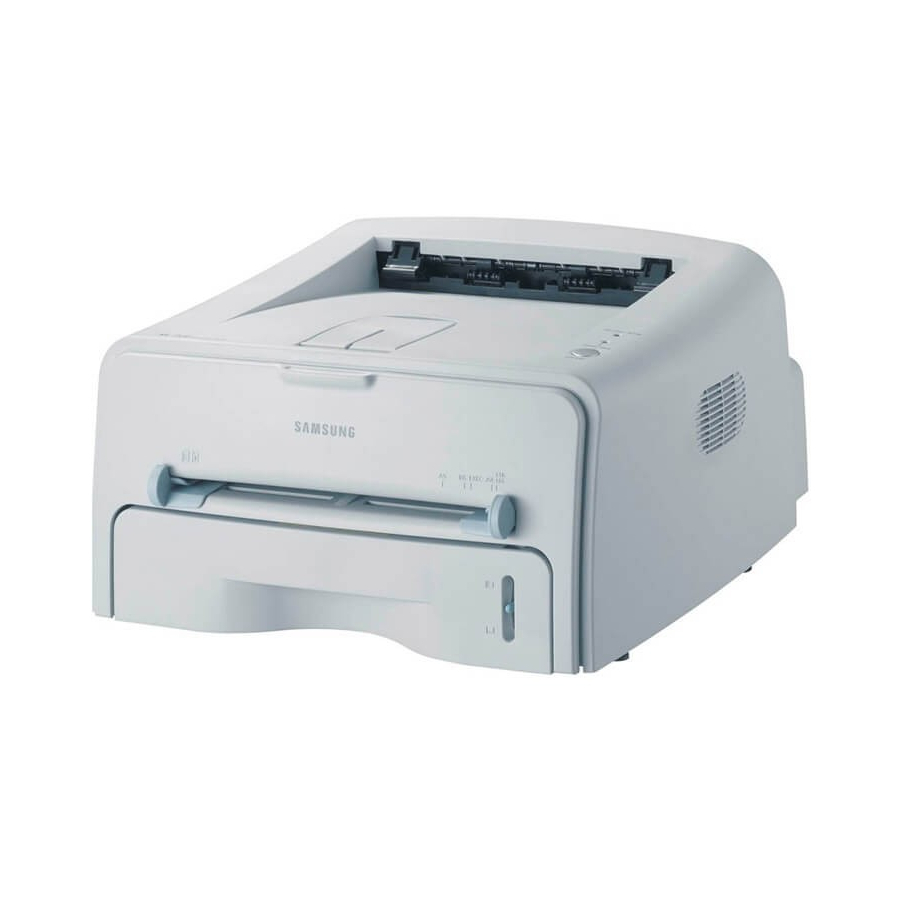
The D in the Samsung ML-1710D stands for duplex — automatic two-sided printing on the same compact mono laser platform that made the 1710 a home favorite.
It uses ML-1710D3 and ML-1520D3 toner. Both compatible and genuine OEM cartridges for the ML-1710D are available here.
Toner Cartridges for ML-1710D
This printer works with the following toner cartridges:
- Samsung ML-1710D3
- Samsung ML-1520D3
More Samsung Printers
Frequently Asked Questions
My first prints with the new ML-1710D3 look light on the ML-1710D - is that normal?
Pull the sealing tape completely out of the new ML-1710D3 - a partially removed seal is the top reason a fresh cartridge prints blank in the ML-1710D. The tape usually has a pull tab on one end. After removal, give the cartridge a gentle rock before installing.
My ML-1710D jams only with certain paper - why would that be?
A low ML-1710D3 cartridge does not cause jams in the ML-1710D; low toner shows up as faded prints, not feed errors. If jams started around the same time, treat them as separate issues and check the paper and rollers first. Replacing toner early will not fix a mechanical feed problem.
Is there a way to make draft the permanent default on the ML-1710D?
Yes — the ML-1710D driver offers a toner-save or eco option that lays down less toner from the ML-1710D3 per page of text. It suits drafts, internal documents, and anything headed for recycling. Switch it off for final copies or anything a client will see.