




ML-1710
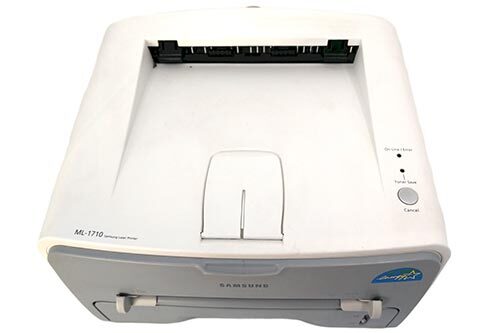
As the namesake of the ML-1710D3 cartridge, the Samsung ML-1710 was one of Samsung's best-selling home lasers of the early 2000s — a no-frills black-and-white printer for everyday documents.
The ML-1710 prints with ML-1710D3 or ML-1520D3 toner. Both compatible and genuine OEM cartridges are stocked here.
Toner Cartridges for ML-1710
This printer works with the following toner cartridges:
- Samsung ML-1710D3
- Samsung ML-1520D3
More Samsung Printers
Frequently Asked Questions
Where is the safest place to get a driver for the ML-1710?
Windows falls back to a generic class driver when the manufacturer's installer cannot be reached, and those generic drivers skip features like toner-level reporting for the ML-1710D3 on the ML-1710. Installing the official driver brings back full control of quality and supply status. Restart the printer after switching drivers to clear the queue.
The ML-1710 does not recognize the new cartridge - how do I fix it?
A toner error right after installing a new ML-1710D3 in the ML-1710 is usually a seating issue: the cartridge may not be fully clicked in or the protective seal was left on. Power the printer off, remove the cartridge, check for leftover tape or seals, and reinstall it. The printer should recognize it on the next power-up.
Could an incorrect driver be behind the blank pages coming from my ML-1710?
The wrong or corrupted driver can absolutely make the ML-1710 output blank pages even with a full ML-1710D3 cartridge. Reinstall the model-specific Samsung driver and print a test page from the printer's own panel, which bypasses the computer entirely. If the panel page prints fine, the computer side is at fault.