




B730DN
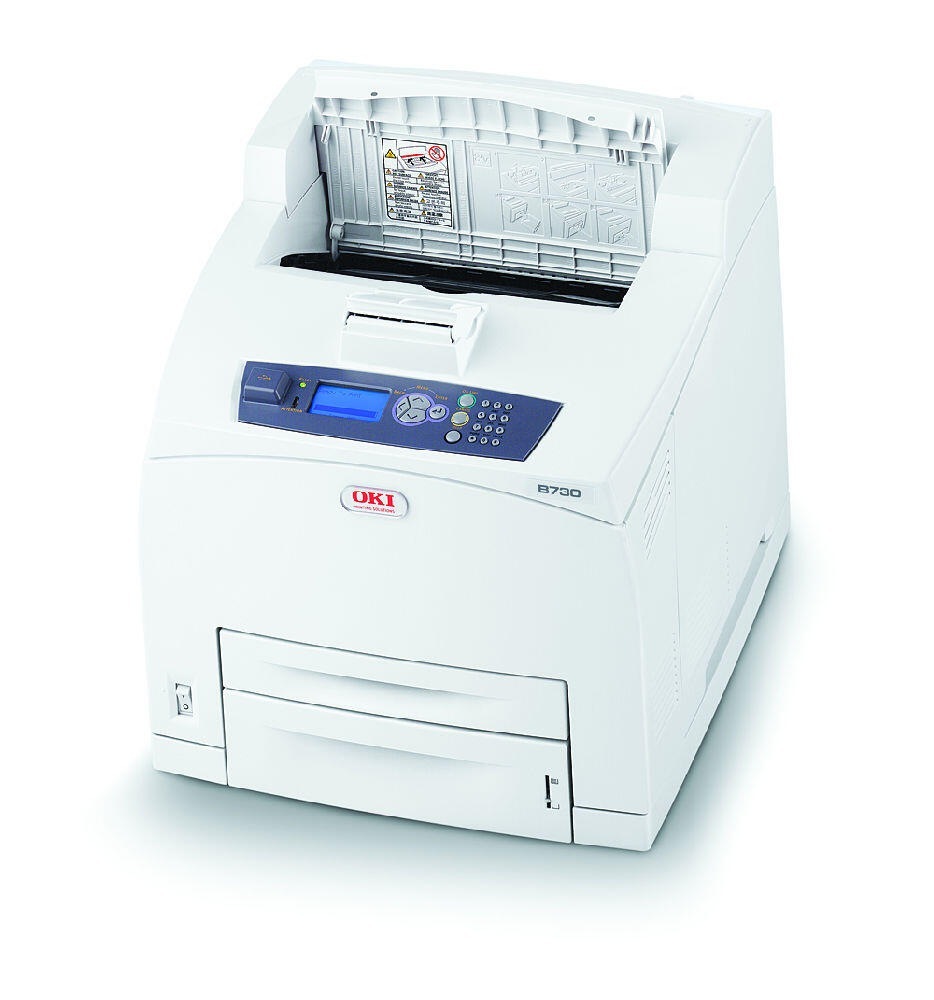
Duplexing and networking, added to the B730's high-volume monochrome engine, make the Okidata B730DN the version busy shared offices usually end up with. Its consumables are the 52123601 black cartridge, rated for about 15,000 pages, and the 52123603 high-yield cartridge at about 25,000 pages — the same two-tier arrangement as the B730 and B730N.
Two-sided printing is this model's quiet economy: contracts, reports and board packs come out on half the paper, and the network connection means the savings are shared by every desk that prints to it. That combination also burns toner steadily and predictably, which is exactly the pattern a two-size cartridge range is designed around — pick the size that matches the department's rhythm and restocking becomes routine.
Toner Cartridges for B730DN
The B730DN's stocked range leads off with the standard cartridge.
| Cartridge | Color | Page Yield |
|---|---|---|
| 52123601 | Black | Rated for 15,000 pages |
| B730DN Black | Black | Rated for 15,000 pages |
| 52123601 3 Pack | Black | Rated for 15,000 pages each |
| 52123601 5 Pack | Black | Rated for 15,000 pages each |
| B730DN Black 5 Pack | Black | Rated for 15,000 pages each |
The same shelf carries the B710DN-named standard listings — single, 2-pack, 3-pack, 5-pack, 10-pack — and the 52123603 high-yield family in a single, 2-pack, 3-pack, 5-pack and 10-pack, rated for about 25,000 pages each.
Which cartridge should you buy?
Let the department's monthly volume decide. The standard 52123601 is the lower-commitment buy and entirely adequate where the B730DN's queue is moderate. Offices that run duplex jobs all day will feel the difference in the high-yield 52123603: close to two-thirds more pages before anyone has to open the cover. Multi-packs of either size lower the per-cartridge cost, and on a shared machine the 5-pack is often the sweet spot between shelf space and reorder frequency.
Chip, toner and everyday use
When every page starts carrying straight vertical lines, clean the LED array inside the printer with a soft, dry cloth before blaming the toner — dust on the lens draws lines down the whole sheet. If streaks survive a cleaning and a fresh cartridge, the image drum is the next suspect. The cartridge itself drops in from the front in seconds. Store the spare sealed and flat, and treat the quoted yields as 5%-coverage figures: heavy duplex report work will use toner faster than the rating.
Frequently Asked Questions
What cartridge fits the B730DN?
The 52123601 standard cartridge (about 15,000 pages) or the 52123603 high-yield cartridge (about 25,000 pages) — a single black cartridge that loads from the front.
My B730DN prints streaks on every page. What should I check first?
Clean the LED array with a soft dry cloth; dust there prints as straight lines. If the streaks remain after cleaning and a fresh cartridge, look to the image drum.
Is the B730DN network-ready out of the box?
Yes — it carries built-in Ethernet. Give it an address on your network (DHCP works) and install the driver on each workstation that will print to it.
Standard or high-yield for a duplex-heavy office?
High-yield, in most cases. Long two-sided runs consume toner at a steady clip, and the 52123603's longer interval keeps changes rare and predictable.
More printers that use the same cartridges
The B730DN's cartridges also serve this wider family:
OKI B710, OKI B710DN, OKI B710N, OKI B720, OKI B720DN, OKI B720N, OKI B730, OKI B730N