




B720N
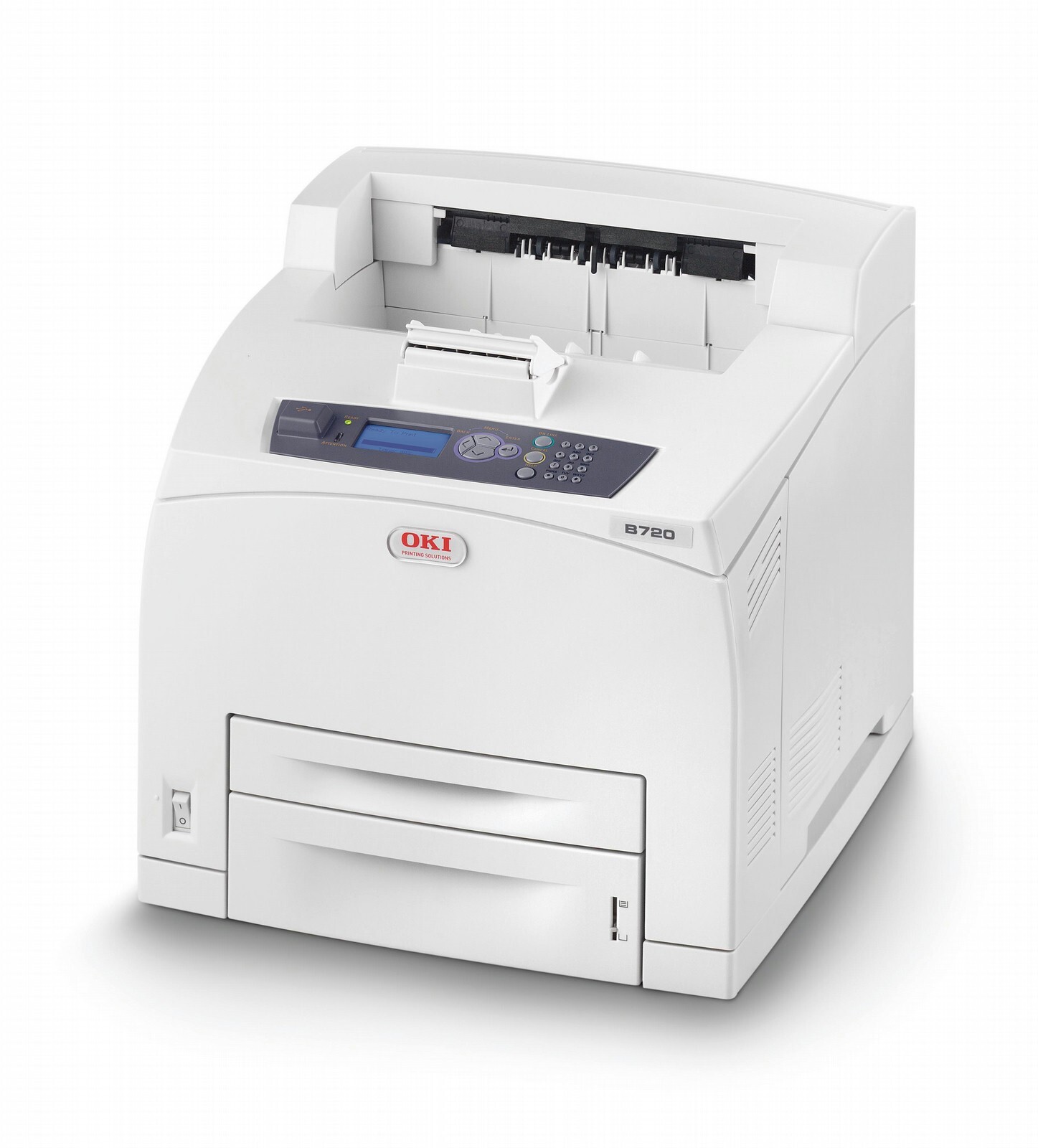
The Okidata B720N is the networked edition of the B720 monochrome laser printer, aimed at workgroups that print heavy black-and-white volume. Like the B720, it uses the 52123601 standard black cartridge (15,000 pages) and the 52123602 high-yield cartridge (20,000 pages).
Toner Cartridges for B720N
This printer works with the following toner cartridges:
- Oki 52123601
- Oki 52123602
Frequently Asked Questions
What toner fits the Oki B720n?
The B720n takes black toner in two yields: 52123601 (standard) and 52123602 (high-yield). The “N” adds network connectivity for shared office printing.
Which is the better buy for the B720n, 52123601 or 52123602?
On a shared network printer the high-yield 52123602 almost always wins — multiple users drain a standard 52123601 quickly, and fewer cartridge changes mean less interruption. The standard cartridge only makes sense if the printer sees very light use.
How do I install a new toner cartridge in the B720n?
Open the top cover, pull the empty 52123601/52123602 cartridge straight out, unpack the new one, rock it gently to distribute toner, remove any sealing tape, and slide it in until it clicks. The printer recognizes the new cartridge automatically — no reset procedure needed.