




LaserJet M5035X
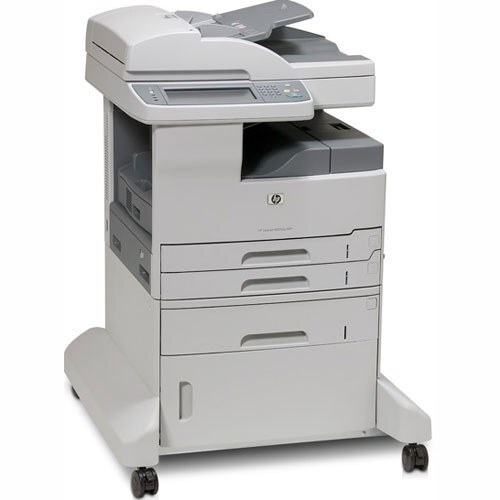
The X configuration gave the HP LaserJet M5035X expanded paper capacity and features over the base M5035, aimed at departments that ran their MFP nearly all day.
It accepts the black HP 70A (Q7570A) cartridge — a single consumable for the whole machine.
Toner Cartridges for LaserJet M5035X
This printer works with the following toner cartridges:
- HP Q7570A
More HP Printers
- LaserJet M5025
- LaserJet M5025MFP
- LaserJet M5035
- LaserJet M5035MFP
- LaserJet M5035XMFP
- LaserJet M5035XS
- LaserJet M5035XSMFP
Frequently Asked Questions
What toner cartridge does the LaserJet M5035X use?
The LaserJet M5035X takes the Q7570A toner cartridge. Always match the cartridge code to your exact model number before ordering.
How do I clear a paper jam in the LaserJet M5035X?
Switch the LaserJet M5035X off, open the paper-path covers, and pull the jammed sheet out slowly in the direction of the paper path so it does not tear. Reload with fresh, fanned paper before resuming.
Should I shake a new toner cartridge before putting it in the LaserJet M5035X?
Give the new Q7570A cartridge a gentle side-to-side rock before installing it in the LaserJet M5035X so the toner is evenly distributed. Keep it level and avoid touching the roller.