




LaserJet 9050MFP
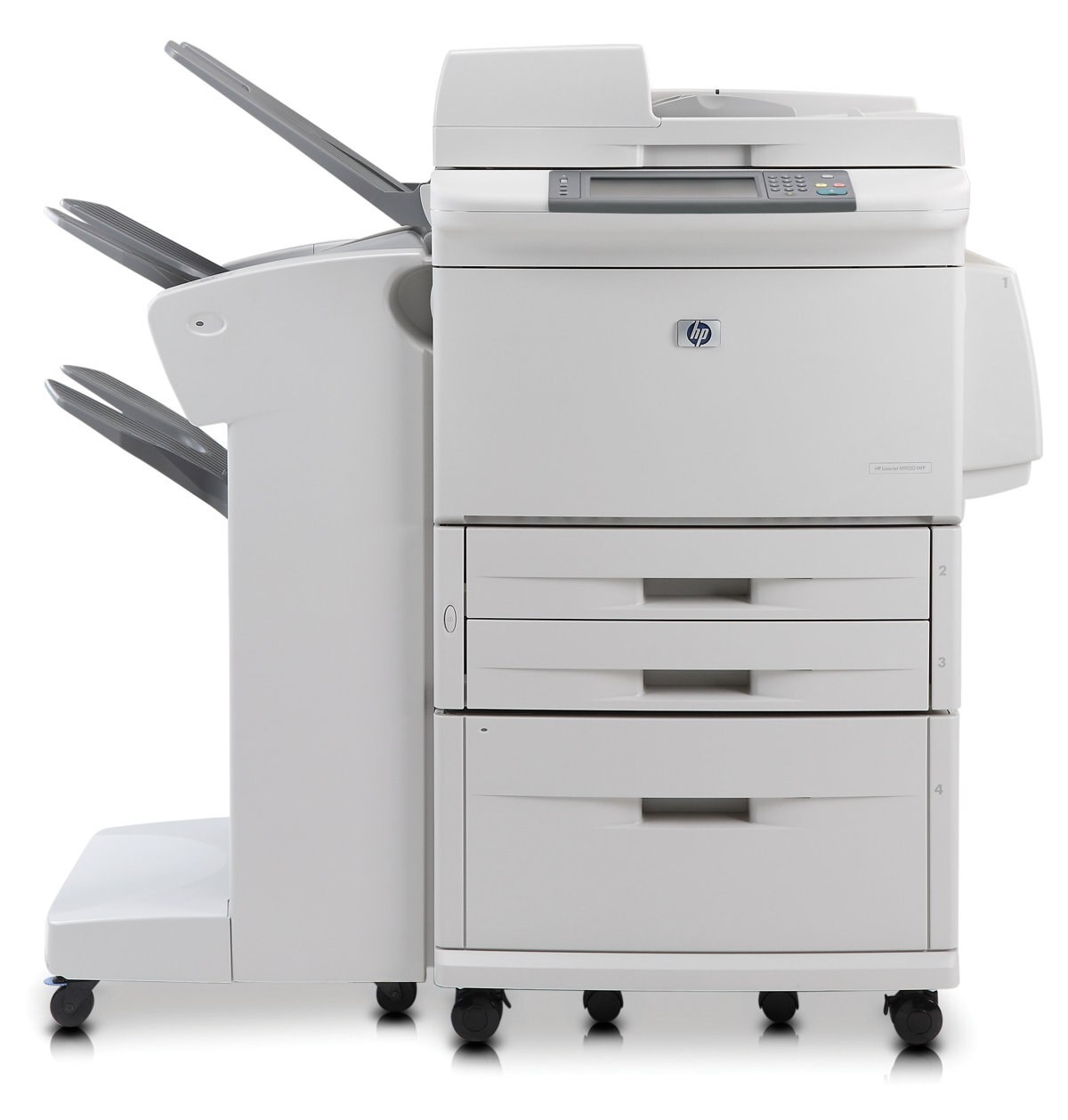
The 9050MFP was HP's multifunction flagship of the 2004 departmental line — a full A3 print/copy/scan system built on the fastest 43X engine. Corporate departments with the heaviest document needs centralized here.
It uses the HP 43X cartridge (C8543X). Compatible 43X toner and genuine OEM C8543X cartridges in stock.
Toner Cartridges for LaserJet 9050MFP
This printer works with the following toner cartridges:
- HP C8543X
More HP Printers
- LaserJet 9000
- LaserJet 9000DN
- LaserJet 9000HNF
- LaserJet 9000HNS
- LaserJet 9000L
- LaserJet 9000LMFP
- LaserJet 9000MFP
- LaserJet 9000MFR
- LaserJet 9000N
- LaserJet 9040
- LaserJet 9040DN
- LaserJet 9040MFP
- LaserJet 9040N
- LaserJet 9050
- LaserJet 9050DN
- LaserJet 9050N
- LaserJet M9040
- LaserJet M9040MFP
- LaserJet M9050
- LaserJet M9050MFP
- LaserJet M9059MFP
Frequently Asked Questions
Which toner cartridge does the LaserJet 9050MFP use?
The LaserJet 9050MFP uses the C8543X toner cartridge. Confirm the code printed on your current cartridge matches before ordering a replacement.
Can I scan documents with the LaserJet 9050MFP?
Yes — the LaserJet 9050MFP is a multifunction printer with a built-in scanner, so you can scan to your computer, email, or a USB drive. Use the LaserJet 9050MFP's scanner glass for single pages and delicate originals.
Can the LaserJet 9050MFP make copies without a computer?
Yes — the LaserJet 9050MFP works as a standalone copier: place the original on the scanner and press copy on the control panel. The LaserJet 9050MFP needs no computer connection for basic copying.