




LaserJet 9000HNF
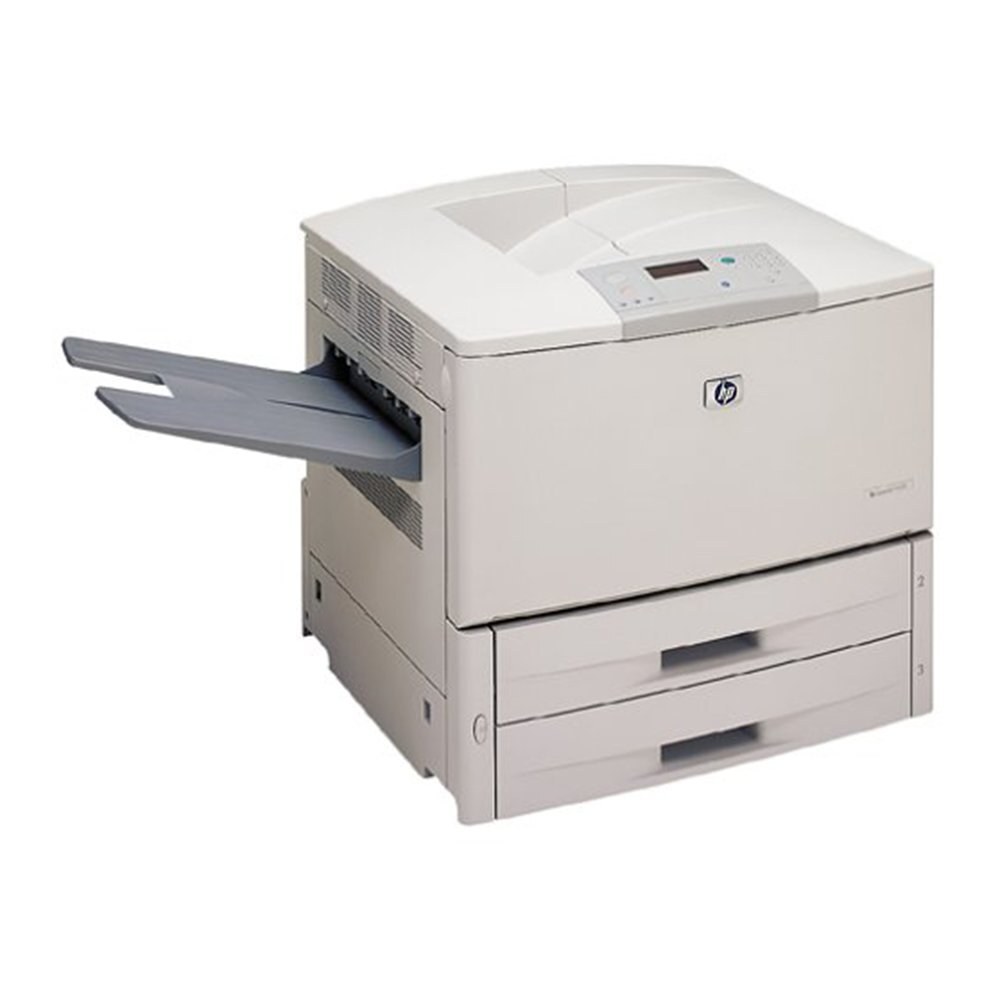
HP's 9000HNF was a high-capacity networked configuration of the LaserJet 9000 — extra paper handling for the 2000-era A3 departmental printer. Print centers with relentless volume chose this spec.
It takes the HP 43X cartridge (C8543X). We carry compatible 43X toner and genuine OEM C8543X for the HNF. Relentless volume is exactly what the 9000HNF was specced for, and its toner supply stretches further still with the C8543XJ (43XJ), thanks to a maximum-yield compatible fill.
Toner Cartridges for LaserJet 9000HNF
This printer works with the following toner cartridges:
- HP C8543X
More HP Printers
- LaserJet 9000
- LaserJet 9000DN
- LaserJet 9000HNS
- LaserJet 9000L
- LaserJet 9000LMFP
- LaserJet 9000MFP
- LaserJet 9000MFR
- LaserJet 9000N
- LaserJet 9040
- LaserJet 9040DN
- LaserJet 9040MFP
- LaserJet 9040N
- LaserJet 9050
- LaserJet 9050DN
- LaserJet 9050MFP
- LaserJet 9050N
- LaserJet M9040
- LaserJet M9040MFP
- LaserJet M9050
- LaserJet M9050MFP
- LaserJet M9059MFP
Frequently Asked Questions
Which toner cartridge does the LaserJet 9000HNF use?
The LaserJet 9000HNF uses the C8543X toner cartridge. Confirm the code printed on your current cartridge matches before ordering a replacement.
Should I buy genuine or compatible toner for the LaserJet 9000HNF?
Both work in the LaserJet 9000HNF: genuine cartridges come from HP, while compatible cartridges are third-party versions built for the same printer. Many LaserJet 9000HNF owners choose based on budget and print volume without issue.
Why is my LaserJet 9000HNF printing faded or streaky pages?
Faded or streaky output on the LaserJet 9000HNF usually means the cartridge is running low. Remove the C8543X and gently rock it side to side to redistribute the toner; if fading persists, the LaserJet 9000HNF needs a fresh cartridge.