




LaserJet 9000L
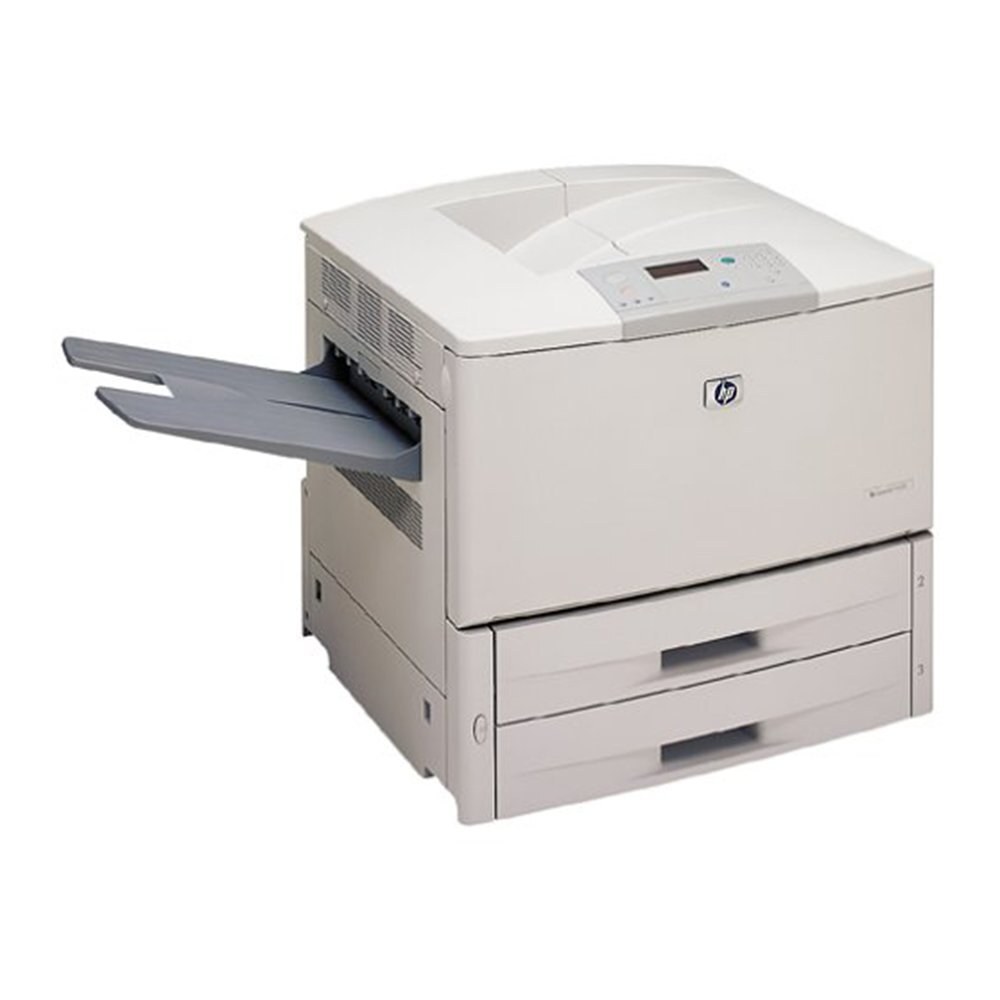
HP's 9000L served as the entry configuration of the LaserJet 9000 series — the same formidable 2000 A3 departmental engine in its most accessible form, and the machine departments started with when stepping up to tabloid printing. It uses the family's universal supply, the C8543X (43X) high-yield cartridge, and it takes the extended option too: the C8543XJ (43XJ), whose maximum-yield fill means fewer interruptions for offices growing into tabloid work.
Entry configuration never meant light duty in this series. The 9000L gave smaller departments the same A3 engine as the flagship at the point where their volume justified the floor space, and many of those starter machines simply never left — the work grew around them, and the printer kept absorbing it.
Toner Cartridges for LaserJet 9000L
| Cartridge | Color | Page Yield |
|---|---|---|
| C8543X (43X) high-yield cartridge | Black | See product page |
| C8543X high-yield 3-pack | Black | See product page |
| LaserJet 9000L toner cartridge (model listing) | Black | See product page |
| C8543XJ (43XJ) maximum-yield cartridge | Black | See product page |
| C8543X Premium high-yield 3-pack | Black | See product page |
| C8543X MICR cartridge | Black (MICR, for check printing) | See product page |
| C8543XJ maximum-yield 3-pack | Black | See product page |
Which cartridge should you buy?
The 9000L's typical workload argues for the straightforward choice: the standard C8543X high-yield single, replaced as needed. It is the same cartridge the flagship models burn through, so even a single spare on the shelf is a genuine reserve. Step up to the C8543XJ maximum-yield build when the L's queue has grown into departmental territory — longer runs between changes suit a machine whose users have multiplied. Three-packs make sense once toner changes become a monthly rhythm rather than an occasional event. The MICR cartridge is the specialist of the family, reserved for check printing.
Chip, toner and everyday use
An entry-series machine often sits in a general office rather than a print room, so keep its spare somewhere the whole team can find it — an unfindable reserve is the same as none. Fitting a cartridge takes a minute: cover open, old cartridge out by its handle, new one in until it clicks and the printer acknowledges the supply. If output turns pale mid-ledger, a gentle side-to-side rock redistributes the toner inside and usually restores even coverage for the remaining pages. Yields are rated at five percent coverage; dense tabloid spreadsheets will always run through a cartridge faster than the estimate.
Frequently Asked Questions
Does the 9000L use a smaller cartridge than the LaserJet 9000?
No — despite its entry positioning, the 9000L uses the full-size C8543X, identical to the flagship LaserJet 9000. There is no reduced-capacity supply for this model.
When is the C8543XJ worth choosing for a 9000L?
When the machine's role has outgrown its starter brief — shared by a whole department, running daily tabloid work. The C8543XJ is the same cartridge with a maximum-yield fill, so the only change is how rarely you swap it.
Can the 9000L print checks?
Yes, fitted with the C8543X MICR cartridge. Its magnetic toner is what check readers scan; standard toner will print the shapes but not the machine-readable ink, so swap deliberately for check runs.
More printers that use the same cartridges
The 9000L shares its cartridge with the entire 43X departmental family:
- HP C8543X
- LaserJet 9000
- LaserJet 9000DN
- LaserJet 9000HNF
- LaserJet 9000HNS
- LaserJet 9000LMFP
- LaserJet 9000MFP
- LaserJet 9000MFR
- LaserJet 9000N
- LaserJet 9040
- LaserJet 9040DN
- LaserJet 9040MFP
- LaserJet 9040N
- LaserJet 9050
- LaserJet 9050DN
- LaserJet 9050MFP
- LaserJet 9050N
- LaserJet M9040
- LaserJet M9040MFP
- LaserJet M9050
- LaserJet M9050MFP
- LaserJet M9059MFP