




LaserJet 9000N
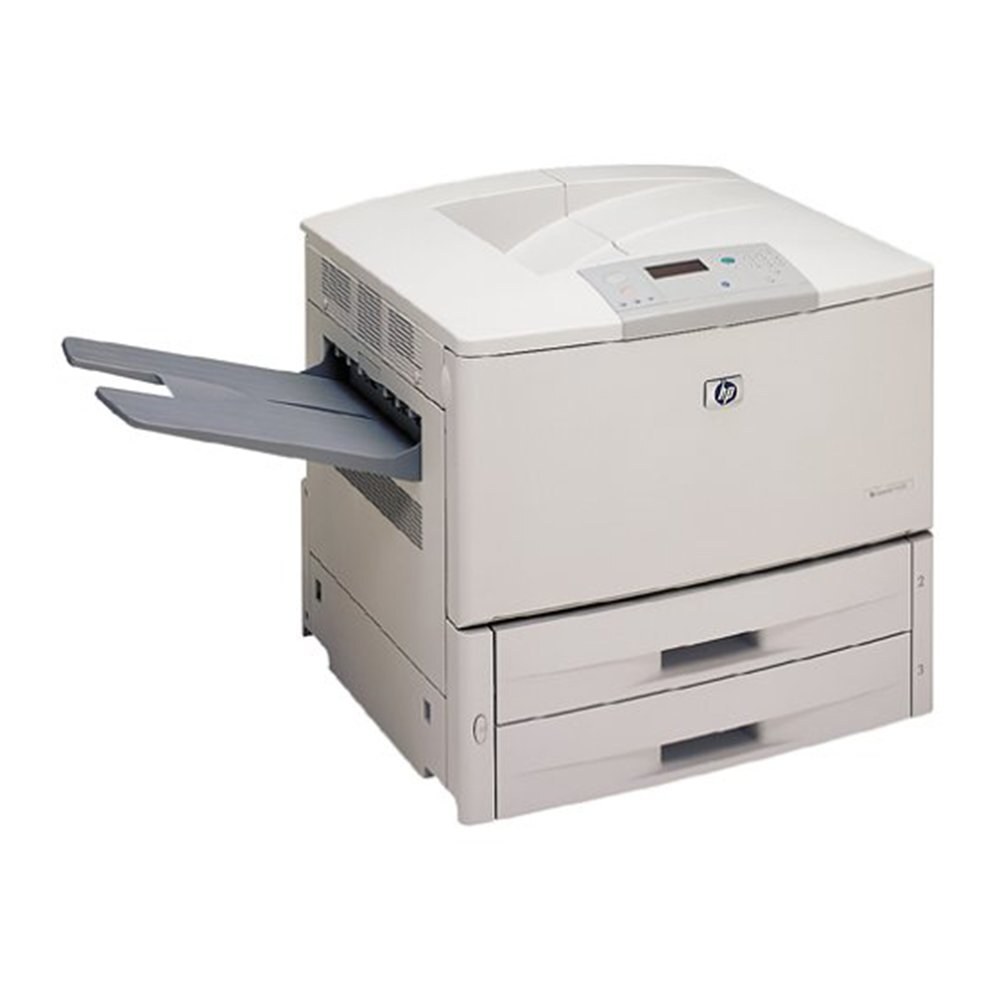
HP's LaserJet 9000N put the 2000 departmental A3 printer on the network — Ethernet built in for enterprise sharing. Whole departments printed tabloid documents to this single workhorse.
It takes the HP 43X cartridge (C8543X). Compatible 43X toner and genuine OEM C8543X cartridges in stock.
Toner Cartridges for LaserJet 9000N
This printer works with the following toner cartridges:
- HP C8543X
More HP Printers
- LaserJet 9000
- LaserJet 9000DN
- LaserJet 9000HNF
- LaserJet 9000HNS
- LaserJet 9000L
- LaserJet 9000LMFP
- LaserJet 9000MFP
- LaserJet 9000MFR
- LaserJet 9040
- LaserJet 9040DN
- LaserJet 9040MFP
- LaserJet 9040N
- LaserJet 9050
- LaserJet 9050DN
- LaserJet 9050MFP
- LaserJet 9050N
- LaserJet M9040
- LaserJet M9040MFP
- LaserJet M9050
- LaserJet M9050MFP
- LaserJet M9059MFP
Frequently Asked Questions
Which toner cartridge does the LaserJet 9000N use?
The LaserJet 9000N uses the C8543X toner cartridge. Confirm the code printed on your current cartridge matches before ordering a replacement.
Can the LaserJet 9000N be shared on an office network?
Yes — the LaserJet 9000N has Ethernet connectivity, so plug it into your network and install the driver on each workstation. Every computer can then send jobs directly to the LaserJet 9000N.
How do I clear a ‘Toner Low’ message on the LaserJet 9000N?
On the LaserJet 9000N, the Toner Low message means the cartridge is nearly empty — you can keep printing for a while, but order a replacement now. Installing a fresh cartridge clears the warning on the LaserJet 9000N automatically.