




LaserJet 9000
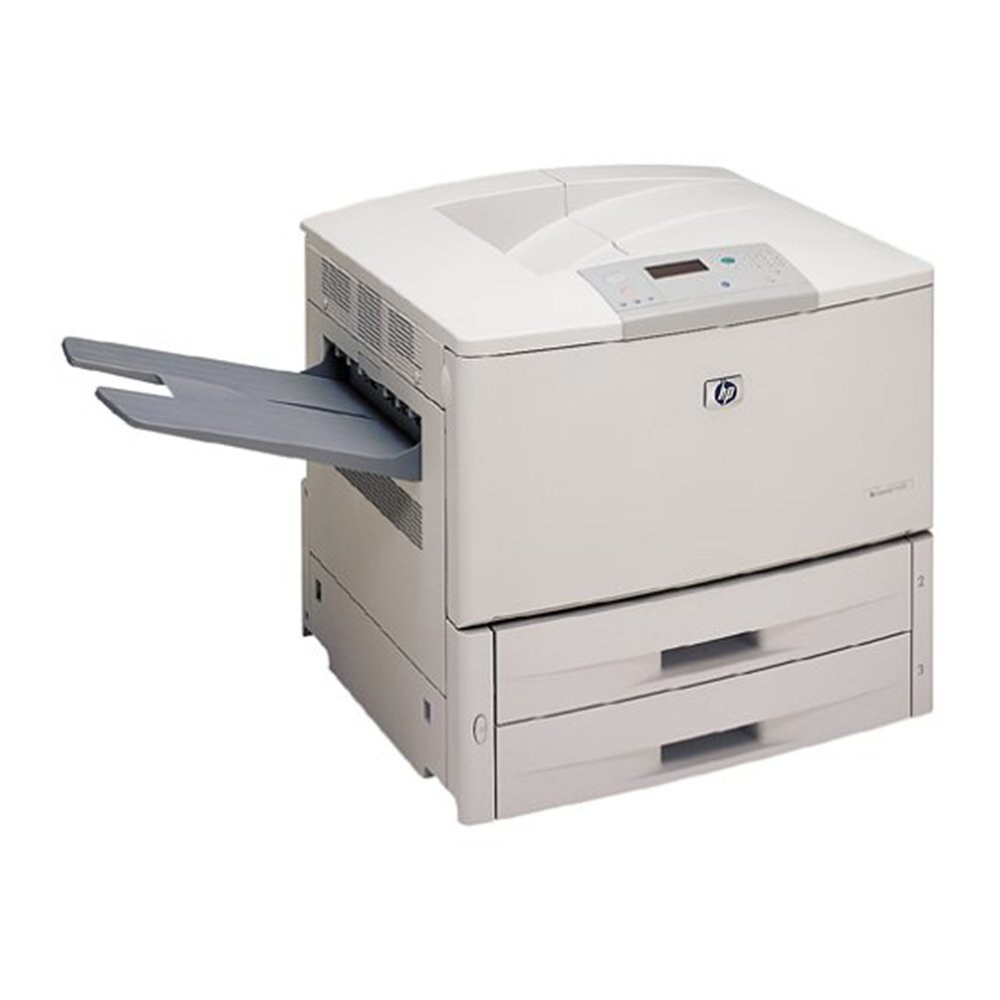
HP's LaserJet 9000, launched in 2000, redefined what a departmental printer could be — a fast A3 monochrome machine built for the busiest corporate print environments. It anchored print rooms well into the decade.
It runs on the HP 43X high-yield cartridge (C8543X). We stock compatible 43X toner and genuine OEM C8543X cartridges for the 9000. Print rooms chasing the longest runs between swaps can also choose a maximum-yield compatible build of this cartridge, the C8543XJ (43XJ), stocked here for the 9000's heaviest workloads.
Toner Cartridges for LaserJet 9000
This printer works with the following toner cartridges:
- HP C8543X
More HP Printers
- LaserJet 9000DN
- LaserJet 9000HNF
- LaserJet 9000HNS
- LaserJet 9000L
- LaserJet 9000LMFP
- LaserJet 9000MFP
- LaserJet 9000MFR
- LaserJet 9000N
- LaserJet 9040
- LaserJet 9040DN
- LaserJet 9040MFP
- LaserJet 9040N
- LaserJet 9050
- LaserJet 9050DN
- LaserJet 9050MFP
- LaserJet 9050N
- LaserJet M9040
- LaserJet M9040MFP
- LaserJet M9050
- LaserJet M9050MFP
- LaserJet M9059MFP
Frequently Asked Questions
Which toner cartridge does the LaserJet 9000 use?
The LaserJet 9000 uses the C8543X toner cartridge. Confirm the code printed on your current cartridge matches before ordering a replacement.
Why does the LaserJet 9000 make grinding noises when printing?
Grinding noises from the LaserJet 9000 can mean a mis-seated C8543X cartridge or worn pickup rollers. Reseat the cartridge in the LaserJet 9000 firmly; if the noise continues, the rollers may need cleaning.
How do I replace the toner cartridge in the LaserJet 9000?
Open the toner-access door on the LaserJet 9000, pull the spent cartridge out by its handle, and slide the new C8543X straight in until it clicks. The LaserJet 9000 recognizes the new cartridge automatically — print a test page to confirm clean output.