




LaserJet 9000HNS
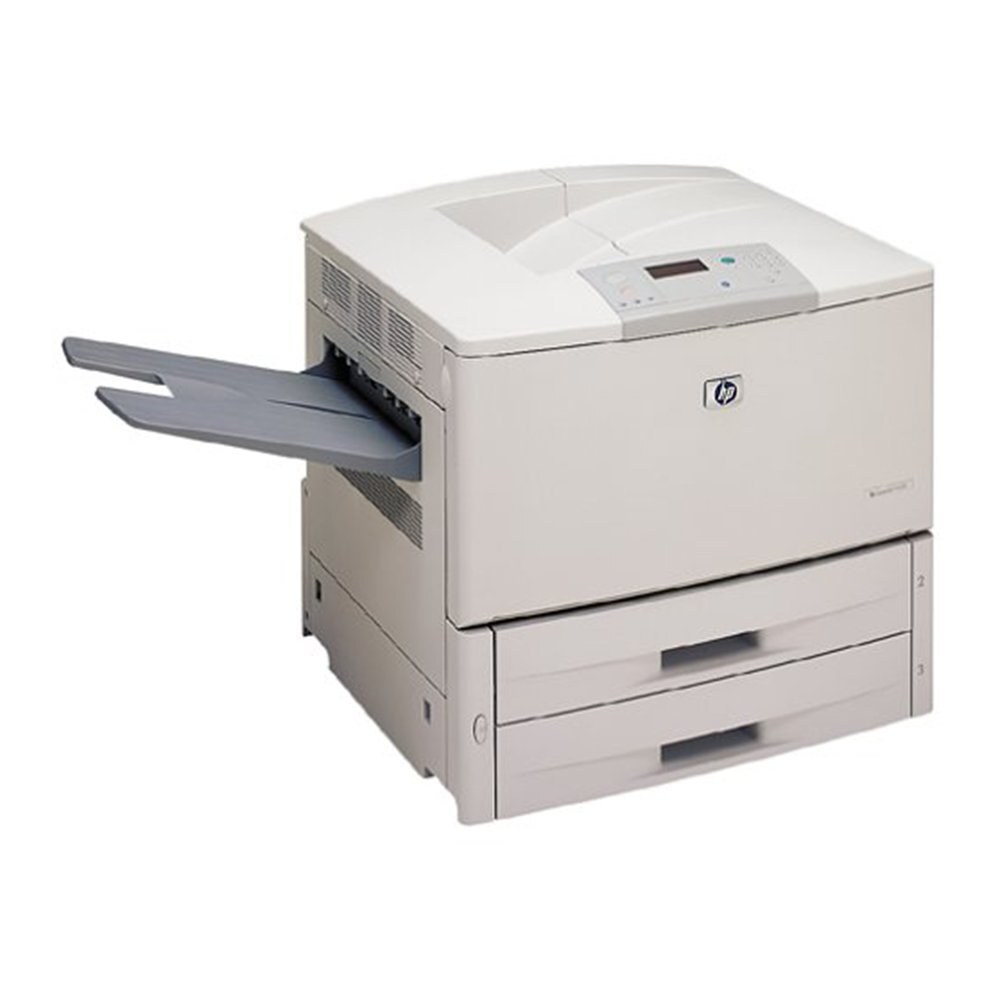
The 9000HNS bundled HP's LaserJet 9000 for solutions-oriented deployments — the 2000 A3 departmental workhorse configured for managed enterprise environments. The engine inside was pure print-room muscle, and its cartridge is the family's standard: the C8543X (43X) high-yield black cartridge. Managed fleets built on the 9000HNS can cut swap frequency with the C8543XJ (43XJ), the maximum-yield compatible member of the 43X family.
Solutions-bundled machines live under management — tracked, serviced on contract, supplied through a plan. That context favors standardization above all: one cartridge code across the fleet, predictable swap intervals, no surprises for the service desk. The HNS is built for exactly that regime, and its supply list here is deliberately short.
Toner Cartridges for LaserJet 9000HNS
| Cartridge | Color | Page Yield |
|---|---|---|
| C8543X Premium high-yield 3-pack | Black | See product page |
| C8543X high-yield 3-pack | Black | See product page |
| C8543XJ maximum-yield 3-pack | Black | See product page |
| C8543X (43X) high-yield cartridge | Black | See product page |
| C8543XJ (43XJ) maximum-yield cartridge | Black | See product page |
| LaserJet 9000HNS toner cartridge (model listing) | Black | See product page |
| C8543X MICR cartridge | Black (MICR, for check printing) | See product page |
Which cartridge should you buy?
Fleet logic governs this page. Standardize on one build across every 9000HNS you manage: the Premium three-pack of the C8543X suits sites buying a higher-grade compatible cartridge in managed quantities, while the C8543XJ maximum-yield three-pack reduces the number of interventions a service schedule must absorb. A single standard cartridge is the right call only for a standalone machine outside the fleet system. The MICR version stays a special-order item for locations with check-printing duties — do not let it enter the general fleet rotation, where a well-meaning swap could put magnetic toner into everyday work.
Chip, toner and everyday use
In a managed environment the cartridge chip does double duty: the printer reads it at installation, and its supply data feeds the monitoring that tells the service desk when a site is running low. Seat each cartridge firmly so the read is clean. Keep site stock sealed and rotated oldest-first, and log swaps against the machine so consumption per device stays visible — a unit suddenly burning cartridges faster than its sisters is flagging a problem worth a technician's look. When density fades mid-run, rocking the cartridge gently levels the toner and finishes the job.
Frequently Asked Questions
What cartridge does the LaserJet 9000HNS use?
The C8543X — the HP 43X high-yield cartridge shared by the whole series, including the base LaserJet 9000. The maximum-yield C8543XJ is the longer-running alternative.
Why standardize the fleet on one 43X build?
Because every variant fits every machine, mixed stock invites confusion without buying flexibility. One build — standard, Premium or maximum-yield C8543XJ — means any site's spare fits any site's printer, and purchasing deals in a single line item.
What if a 9000HNS reports a supply error after a swap?
Reseat the cartridge first: draw it out and slide it back until it locks, so the chip contacts meet cleanly. Persistent errors on a managed unit should go to the service desk with the cartridge's code noted — the C8543X code and the error together identify the fault quickly.
More printers that use the same cartridges
Fleet-wide, the 43X cartridge also serves these models:
HP C8543X, LaserJet 9000, LaserJet 9000DN, LaserJet 9000HNF, LaserJet 9000L, LaserJet 9000LMFP, LaserJet 9000MFP, LaserJet 9000MFR, LaserJet 9000N, LaserJet 9040, LaserJet 9040DN, LaserJet 9040MFP, LaserJet 9040N, LaserJet 9050, LaserJet 9050DN, LaserJet 9050MFP, LaserJet 9050N, LaserJet M9040, LaserJet M9040MFP, LaserJet M9050, LaserJet M9050MFP, LaserJet M9059MFP