




LaserJet 2200DN
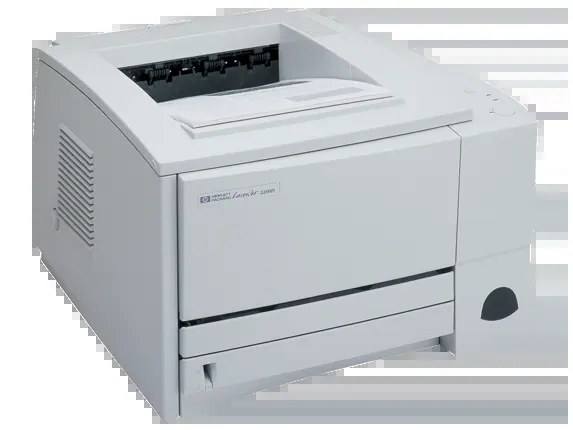
Two-sided output on a shared office printer: the LaserJet 2200DN pairs automatic duplex with built-in networking — the workgroup configuration of the millennium-era 2200 series.
One cartridge keeps it fed: HP 96A (C4096A), compatible or genuine OEM. Duplex saves paper; the C4096A keeps the pages coming.
Toner Cartridges for LaserJet 2200DN
This printer works with the following toner cartridges:
- HP C4096A
More HP Printers
- LaserJet 2100
- LaserJet 2100M
- LaserJet 2100SE
- LaserJet 2100TN
- LaserJet 2100XI
- LaserJet 2200
- LaserJet 2200D
- LaserJet 2200DSE
- LaserJet 2200DT
- LaserJet 2200DTN
Frequently Asked Questions
Can I use any HP toner cartridge in the LaserJet 2200DN?
No — the LaserJet 2200DN only accepts C4096A. Toner cartridges are keyed to specific printer families, so one made for another HP model generally won't fit or be recognized. Stick to the codes listed for your LaserJet 2200DN.
Why won't my LaserJet 2200DN print after a cartridge change?
If the LaserJet 2200DN won't print after a cartridge change, confirm the new C4096A is fully seated and its sealing tape was removed. Read any message on the printer's display and follow its steps. Removing and reinserting the cartridge with the printer powered on usually clears recognition errors.
What does the toner-low message on my LaserJet 2200DN mean?
The LaserJet 2200DN estimates toner from page counts rather than weighing the cartridge, so "low" means it's getting close — not that it's empty. Keep a spare C4096A on hand and swap it when print quality visibly fades. The warning usually clears on its own once the new cartridge is recognized.