




LaserJet 2100TN
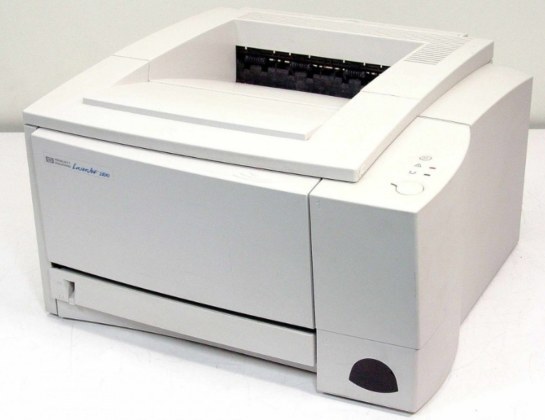
An extra paper tray and a network port: the TN in the LaserJet 2100TN marks the high-volume configuration of the 2100 series — the millennium-era mono printer built for departments that print in bulk.
It runs on a single cartridge: HP 96A, the C4096A. Compatible or genuine OEM C4096A, the 2100TN's toner story is as simple as its paper story is generous.
Toner Cartridges for LaserJet 2100TN
This printer works with the following toner cartridges:
- HP C4096A
More HP Printers
- LaserJet 2100
- LaserJet 2100M
- LaserJet 2100SE
- LaserJet 2100XI
- LaserJet 2200
- LaserJet 2200D
- LaserJet 2200DN
- LaserJet 2200DSE
- LaserJet 2200DT
- LaserJet 2200DTN
Frequently Asked Questions
Which cartridge codes fit the LaserJet 2100TN?
The LaserJet 2100TN fits C4096A. The code printed on the box is what matters; matching it exactly is how you avoid returns.
How do I install a new toner cartridge in my LaserJet 2100TN?
Open the cartridge door on the LaserJet 2100TN and slide the old C4096A out by its handle — set it aside for recycling. Unpack the new C4096A, pull off its protective seal, and slide it straight in until it clicks. Close the door and print a test page from the LaserJet 2100TN to confirm.
Where do I get drivers and firmware for the LaserJet 2100TN?
Download them from HP's official support site — search for the LaserJet 2100TN and choose your operating system. Current drivers fix printing, scanning, and connectivity problems, so keep them updated. Skip third-party driver sites, which often bundle unwanted software.