




LaserJet 2100SE
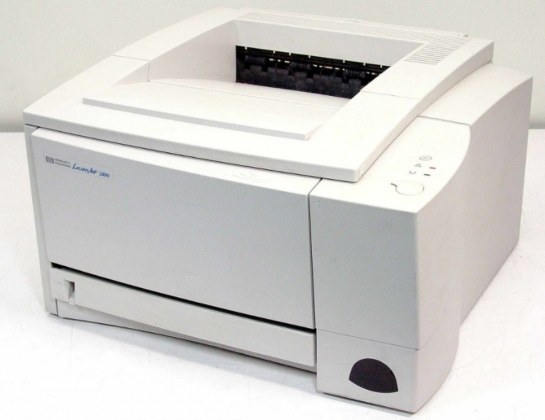
As a millennium-era mono single-function printer, the LaserJet 2100SE earned its reputation the slow way — page after page of clean, reliable output. The LaserJet 2100SE treats everyday office document printing as its whole job description, and does it well.
The LaserJet 2100SE shares its HP 96A cartridges — including the C4096A — with 10 other HP models, keeping replacement options plentiful. Stock up on HP 96A cartridges for the LaserJet 2100SE: genuine OEM C4096A for the purists, compatible versions for everyday savings.
Toner Cartridges for LaserJet 2100SE
This printer works with the following toner cartridges:
- HP C4096A
More HP Printers
- LaserJet 2100
- LaserJet 2100M
- LaserJet 2100TN
- LaserJet 2100XI
- LaserJet 2200
- LaserJet 2200D
- LaserJet 2200DN
- LaserJet 2200DSE
- LaserJet 2200DT
- LaserJet 2200DTN
Frequently Asked Questions
Can I use any HP toner cartridge in the LaserJet 2100SE?
No — the LaserJet 2100SE only accepts C4096A. Toner cartridges are keyed to specific printer families, so one made for another HP model generally won't fit or be recognized. Stick to the codes listed for your LaserJet 2100SE.
When should I replace the toner in my LaserJet 2100SE?
Swap the C4096A when prints from the LaserJet 2100SE fade, streak, or the printer reports the cartridge as empty. "Toner low" warnings arrive earlier and still leave room to print, so keep a spare C4096A ready. Change it when quality visibly drops, not at the first warning.
Where do I get drivers and firmware for the LaserJet 2100SE?
Download them from HP's official support site — search for the LaserJet 2100SE and choose your operating system. Current drivers fix printing, scanning, and connectivity problems, so keep them updated. Skip third-party driver sites, which often bundle unwanted software.