




Color LaserJet Pro MFP M181fw
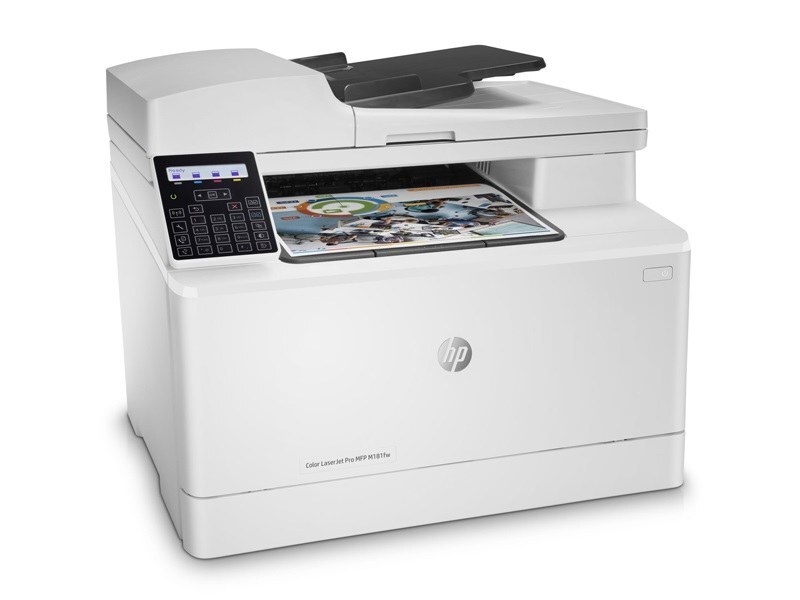
The Color LaserJet Pro MFP M181fw belongs to the 2018-era generation of color all-in-ones serving compact workspaces. For teams that just need pages on paper, this printer delivered without ceremony. It takes the HP 204A/205A toner family (CF510A, CF511A).
Genuine OEM CF510A, CF511A toner keeps the Color LaserJet Pro MFP M181fw printing exactly as HP intended, and compatible cartridges keep high-volume offices economical. We stock both so you never wait on toner.
Toner Cartridges for Color LaserJet Pro MFP M181fw
This printer works with the following toner cartridges:
- HP CF510A
- HP CF511A
- HP CF512A
- HP CF513A
- HP CF530A
- HP CF531A
- HP CF532A
- HP CF533A
More HP Printers
Frequently Asked Questions
Which toner cartridges work with the Color LaserJet Pro MFP M181fw?
CF510A, CF511A, CF512A, CF513A, CF530A, CF531A, CF532A and CF533A are the cartridge codes for the Color LaserJet Pro MFP M181fw. Checking the label on the old cartridge is the fastest way to confirm.
What causes vertical streaks on pages from the Color LaserJet Pro MFP M181fw?
Vertical streaks on the Color LaserJet Pro MFP M181fw usually come from a dirty drum or one failing color cartridge. Print a supplies-status page to identify which of the CF510A, CF511A, CF512A, CF513A, CF530A, CF531A, CF532A and CF533A needs attention, then clean or replace it.
How do I clear a paper jam in the Color LaserJet Pro MFP M181fw?
Switch the Color LaserJet Pro MFP M181fw off, open the rear and toner doors, and ease the jammed sheet out along the paper path without tearing it. Fan the paper stack and reset the tray guides before you print again.