




Color LaserJet Pro M154a
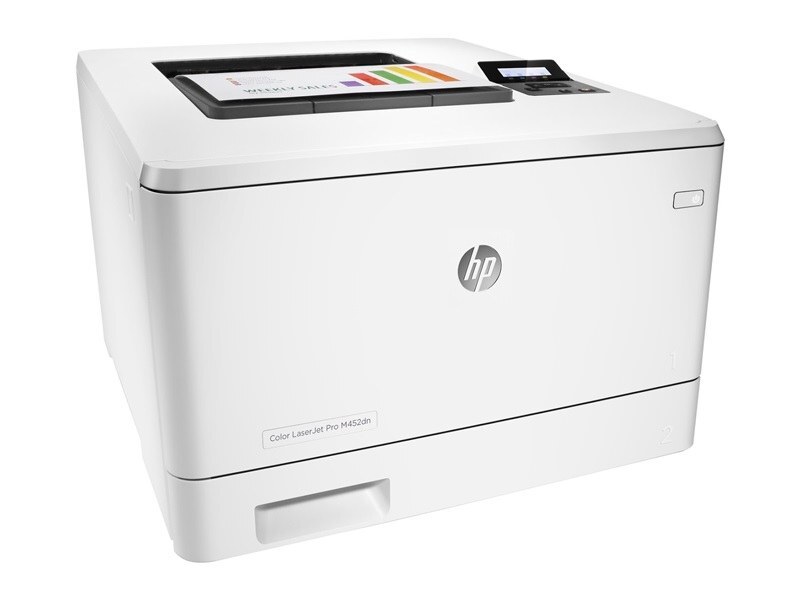
The Color LaserJet Pro M154a represents HP's 2018-era answer to compact workspaces looking for a dependable color workgroup machine. Offices kept it around because it prints what it is asked to, day after day. HP matched this printer with the HP 204A/205A cartridge series (CF510A, CF511A).
Stock both kinds and decide per job: genuine OEM CF510A, CF511A for presentations, compatible for internal prints. The Color LaserJet Pro M154a handles either without complaint.
Toner Cartridges for Color LaserJet Pro M154a
This printer works with the following toner cartridges:
- HP CF510A
- HP CF511A
- HP CF512A
- HP CF513A
- HP CF530A
- HP CF531A
- HP CF532A
- HP CF533A
More HP Printers
Frequently Asked Questions
Which toner cartridges work with the Color LaserJet Pro M154a?
CF510A, CF511A, CF512A, CF513A, CF530A, CF531A, CF532A and CF533A are the cartridge codes for the Color LaserJet Pro M154a. Checking the label on the old cartridge is the fastest way to confirm.
When should I replace the toner cartridge in my Color LaserJet Pro M154a?
Replace the CF510A cartridge in the Color LaserJet Pro M154a when prints fade, show streaks, or the low-toner warning no longer clears. Keeping one spare on the shelf means the swap takes minutes instead of days.
Where do I download drivers for the Color LaserJet Pro M154a?
Get the latest drivers for the Color LaserJet Pro M154a from HP's official support site by searching the exact model name. Installing the current driver fixes most connectivity and print-quality issues.