




Color LaserJet Pro MFP M180n
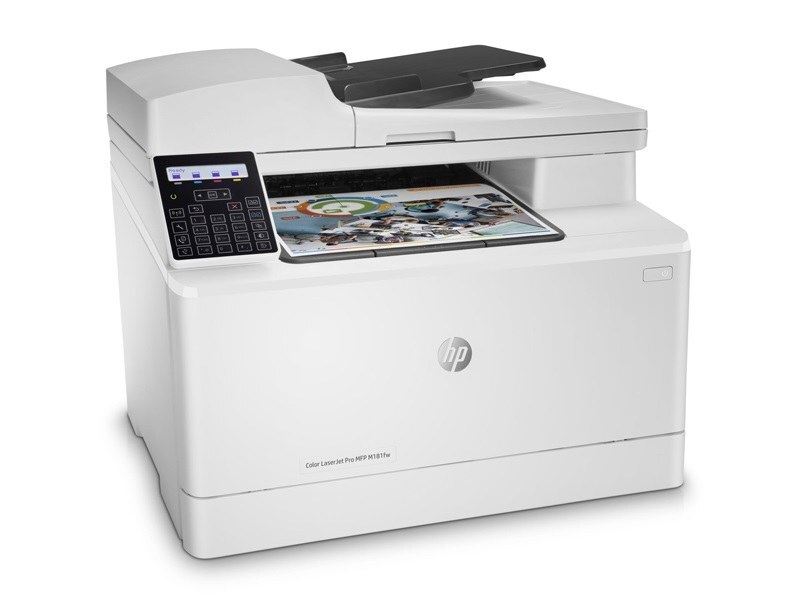
As a 2018-era color print/scan/copy unit, the Color LaserJet Pro MFP M180n gave compact workspaces a no-drama way to keep pages flowing. The N suffix brings built-in networking, so the printer drops straight onto an office network. HP matched this printer with the HP 204A/205A cartridge series (CF510A, CF511A).
Both genuine OEM CF510A, CF511A and compatible cartridges are stocked for this printer, so you can match HP's original formulation or save on running costs. Your Color LaserJet Pro MFP M180n does not care which box the toner came from — only that it fits.
Toner Cartridges for Color LaserJet Pro MFP M180n
This printer works with the following toner cartridges:
- HP CF510A
- HP CF511A
- HP CF512A
- HP CF513A
- HP CF530A
- HP CF531A
- HP CF532A
- HP CF533A
More HP Printers
Frequently Asked Questions
Which toner cartridges work with the Color LaserJet Pro MFP M180n?
CF510A, CF511A, CF512A, CF513A, CF530A, CF531A, CF532A and CF533A are the cartridge codes for the Color LaserJet Pro MFP M180n. Checking the label on the old cartridge is the fastest way to confirm.
Do I need to replace all four cartridges in the Color LaserJet Pro MFP M180n at the same time?
No — the Color LaserJet Pro MFP M180n tracks each cartridge separately, so replace only the one that is empty. The others can stay until their own levels run low.
Where do I download drivers for the Color LaserJet Pro MFP M180n?
Download drivers for the Color LaserJet Pro MFP M180n directly from HP's support website — search the full model name and pick the package matching your operating system. Reinstalling the driver resolves many setup problems.