




Laser 2335DN
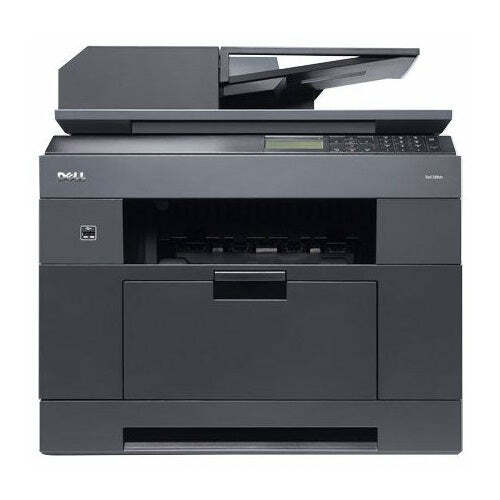
The Dell 2335dn packs printing, copying, scanning, and fax into one compact monochrome unit — around 30 pages per minute with automatic duplex. It’s the classic small-office all-in-one: one machine, one power cable, and every document function a team of five to ten people needs.
Its black cartridge family (including 330-2208 and 330-2209) offers standard and higher yields, so you can right-size toner to your actual volume. Compatible 2335dn cartridges deliver the same crisp text and clean copies for less, and we ship them fast so the office never stalls.
Toner Cartridges for Dell 2335DN
This printer works with the following toner cartridges:
- Dell CR963
- Dell NX993
- Dell 330-2208
- Dell HX756
- Dell NX994
- Dell 330-2209
- Dell R189G
- Dell 593-10329
Frequently Asked Questions
Does the Laser 2335dn use the same toner as the Laser 2335?
Yes: the 2335dn uses the identical 330-2208 and 330-2209 toner family (letter codes CR963, NX993, NX994, HX756, R189G; kit 593-10329). The 'DN' adds duplexing and networking to the same multifunction engine, so cartridges interchange freely.
How do I set up scan-to-email on the 2335dn?
Configure it through the printer's web interface by entering your mail server's SMTP settings and credentials; the 2335dn needs a valid sender address to relay scans. Test with a one-page scan first; authentication errors are the usual stumbling block and they are easier to diagnose on a small job.
The 2335dn's network scans are very slow, is something wrong?
Slow scanning is a resolution and network issue, not a toner issue: scanning at 600 dpi in color produces huge files that crawl over the network. Drop to 200-300 dpi black-and-white for documents, which scans dramatically faster with no readability loss.