




Color Laser Laser 2355DN
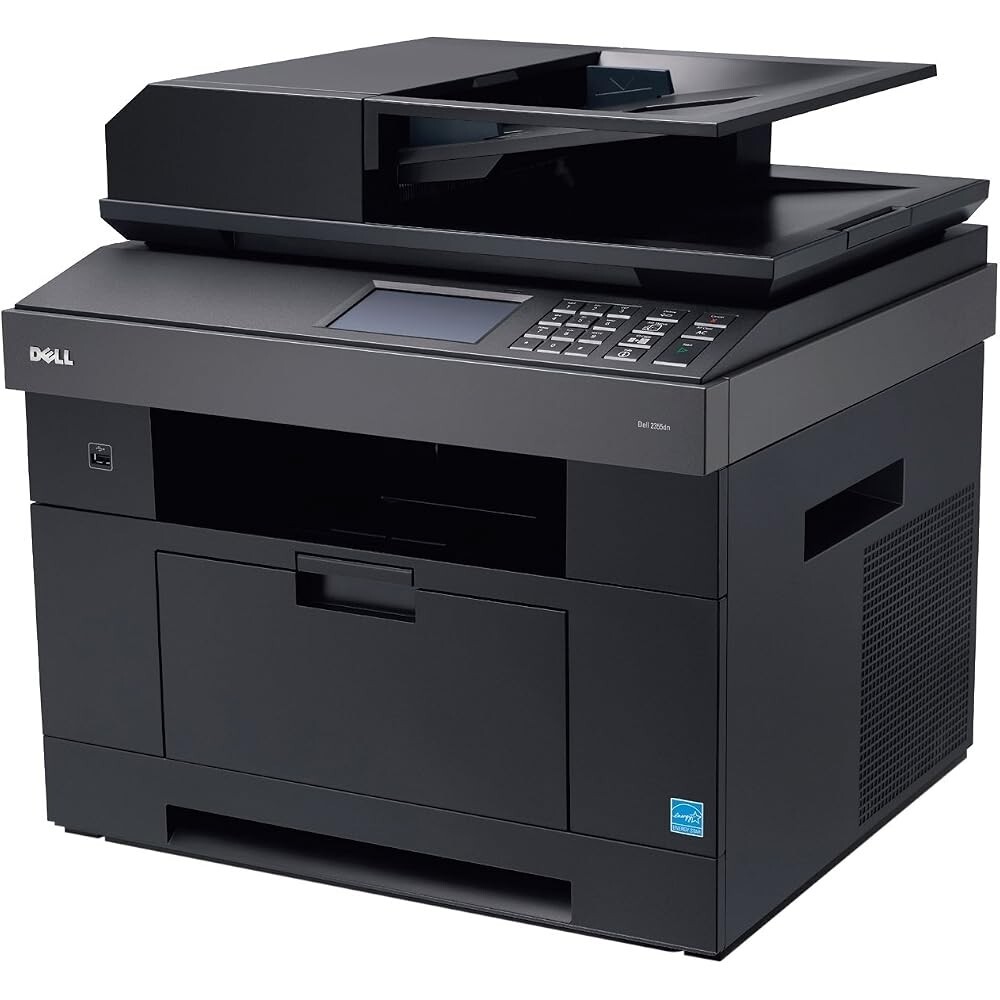
Workgroups that route everything through one machine need it to be fast, networked, and economical — the Dell 2355DN checks all three boxes. Duplex printing is automatic, network setup takes minutes, and its roughly 33-page-per-minute engine clears print queues quickly.
The economics come from its cartridge family: higher-yield black options keep the cost per page low even under shared-office loads. We offer genuine OEM Dell 2355DN toner and compatible cartridges with equivalent yields — sharp output, fast shipping, and real savings for busy teams.
Toner Cartridges for Dell 2355DN
This printer works with the following toner cartridges:
- Dell CR963
- Dell NX993
- Dell 330-2208
- Dell HX756
- Dell NX994
- Dell 330-2209
- Dell R189G
- Dell 593-10329
- Dell R2W64
- Dell YTVTC
- Dell 331-0611
Frequently Asked Questions
Which toner cartridges does the Dell 2355DN take?
The Dell 2355DN uses the Dell cartridge family that includes CR963, NX993, 330-2208, HX756, NX994, 330-2209, and more. Match the part number on your old cartridge to be sure you get the right color.
What causes horizontal bands on my 2355DN's prints?
Repeating marks at regular intervals on 2355DN output usually trace to a damaged drum or roller inside one of the toner cartridges (CR963, NX993, 330-2208, HX756, NX994, 330-2209, and more). The spacing of the marks hints at which roller — replace the cartridge for the affected color.
How do I put the Dell 2355DN on my office network?
Connect the 2355DN to your router or switch with an Ethernet cable, then print a network configuration page from its menu to get its IP address. Install the driver on each computer pointed at that IP and everyone can print to it.