




Laser 2355DN
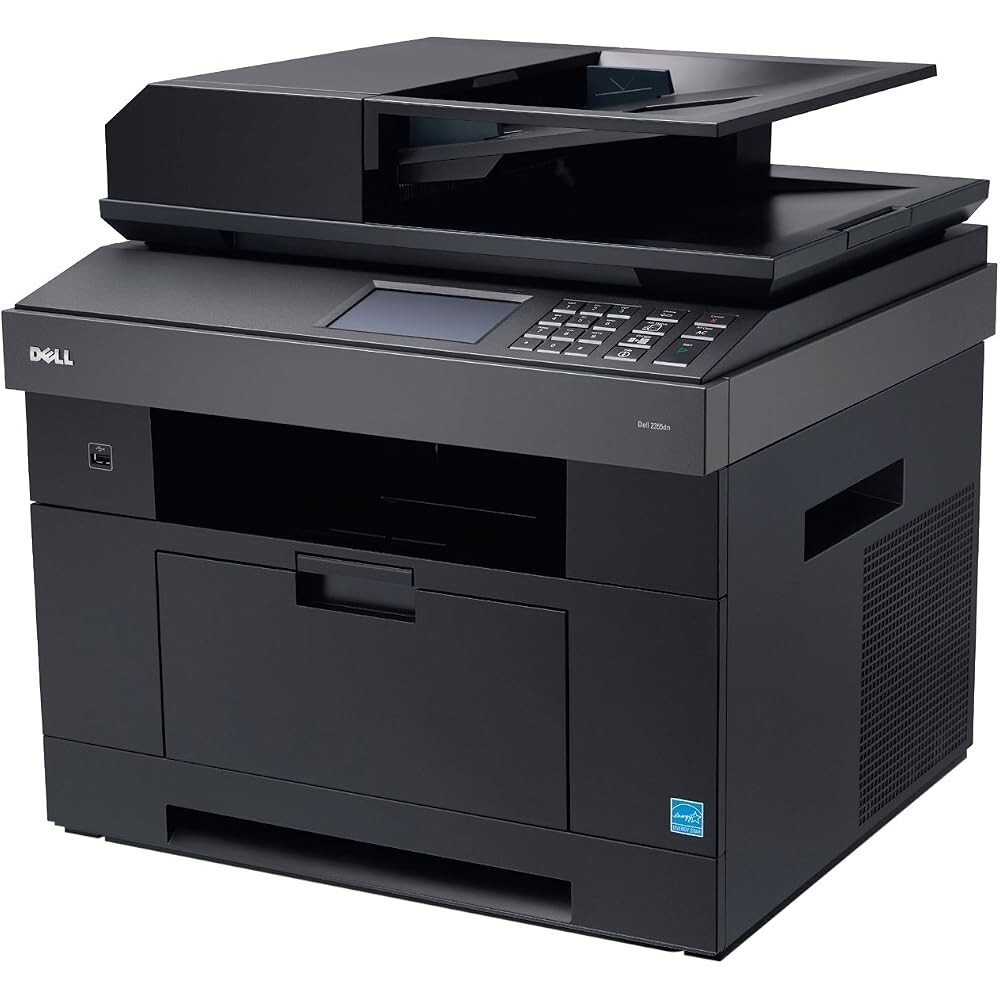
The Dell 2355DN is the step up in Dell's mono multifunction line: around 33 pages per minute, automatic duplexing, and print, copy, scan and fax in one network-ready unit sized for workgroups of up to about ten people. Everything it prints runs on a single black cartridge, the high-yield 331-0611. Listings that carry the 2355DN name rather than the code are the same cartridge sold under Dell's model naming, in single and multi-pack boxes.
Shared duty is the point of this machine. It sits on the office network, takes print jobs from every desk around it, and still handles the walk-up copying, scanning and faxing that small teams generate all day. Supplies for a shared printer need to be boring in the best way: one cartridge to stock, one part number to reorder, and enough yield that ordering toner is a monthly habit rather than a weekly interruption.
Toner Cartridges for the Dell 2355DN
| Cartridge | Color | Page Yield |
|---|---|---|
| 2355DN Toner Cartridge, High Yield | Black | See product page |
| 331-0611 Toner Cartridge, High Yield | Black | See product page |
| 331-0611 Toner Cartridge, High Yield, 2 Pack | Black | See product page |
| 2355DN Toner Cartridge, High Yield, 3 Pack | Black | See product page |
| 331-0611 Premium Quality Toner Cartridge, High Yield, 3 Pack | Black | See product page |
Which cartridge should you buy?
There is only one decision here, and it is about quantity rather than type: every cartridge stocked for the 2355DN is the high-yield 331-0611, which suits a machine printing for a whole workgroup. A single cartridge is the right buy for a small team with modest volume. The 2-pack and 3-pack versions lower the per-cartridge cost and mean the replacement is already in the cabinet when the low-toner message appears — the setup most shared offices end up preferring. The premium-quality 3-pack is the alternative for buyers who want the closest match to OEM build. Compatible cartridges here carry a 1-year warranty and 1-year returns.
Chip, toner and everyday use
The printer reads the cartridge's chip at installation and tracks the level from there, so the display warns the office well before pages start to fade. When output does lighten, rocking the cartridge gently from side to side redistributes the toner clinging to the walls and restores even coverage for a while. Keep the spare where everyone can find it, store cartridges sealed and flat away from heat, and treat published yields as estimates based on about 5% page coverage — a fax- and copy-heavy week uses toner faster than the same page count of plain letters.
Frequently Asked Questions
Which cartridge does the Dell 2355DN take?
The high-yield 331-0611. It is sold both under its code and under the 2355DN model name; both listings are the same cartridge.
Is a standard-yield cartridge available for this model?
Everything stocked for the 2355DN is the high-yield version. For a networked workgroup machine that makes sense — the high-yield cartridge lasts longer between swaps and costs less per page.
Does the 2355DN share its toner with the 2335 models?
Yes. The 2335 and 2335DN sit in the same toner family, which is why they appear in the list below along with the other pages for this cartridge family.
Can the office keep printing after the low-toner warning?
Yes, the warning is an early notice, not a lockout. Pages continue until the cartridge is genuinely empty; use the interval to get the next 331-0611 on site.
More printers that use the same cartridges
The following Dell models and cartridge pages belong to the same black toner family: Color Laser Laser 2335dn, Color Laser Laser 2335, Color Laser Laser 2355DN, Dell 330-2209, Dell 331-0611, Laser 2335, Laser 2335DN, Laser 2355.