




Laser 2355
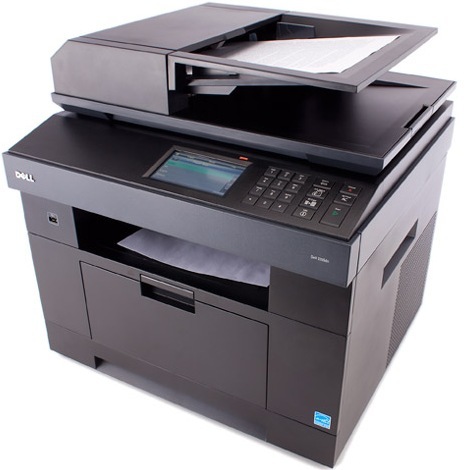
The Dell 2355 gives small offices the core of a workgroup multifunction — fast mono printing plus copying, scanning, and fax — in a configuration aimed at lighter-duty environments. It’s a practical all-in-one for teams that need capability without the dn model’s networking and duplex extras.
One black cartridge family serves the whole machine, with yield options for different print volumes. Our compatible Dell 2355 toner cartridges keep running costs low while producing crisp, professional documents — contracts, reports, and forms that look sharp every time.
Toner Cartridges for Dell 2355
This printer works with the following toner cartridges:
- Dell CR963
- Dell NX993
- Dell 330-2208
- Dell HX756
- Dell NX994
- Dell 330-2209
- Dell R189G
- Dell 593-10329
- Dell R2W64
- Dell YTVTC
- Dell 331-0611
Frequently Asked Questions
Which toner does the Dell 2355 use?
The 2355 uses the 330-2208 and 330-2209 black toner family: CR963, NX993, NX994, HX756 and R189G letter codes, plus R2W64, YTVTC and 331-0611 as additional Dell numbers, with 593-10329 as the kit number. Match your installed cartridge's number to order correctly.
Can the 2355 print on cardstock for business cards?
Yes, within limits: feed cardstock through the multipurpose tray and set the paper type to heavy or cardstock so the printer slows down and raises fuser heat. Keep to the printer's maximum supported weight; stock that is too thick jams and can damage the fuser.
The 2355's touchscreen is unresponsive, how do I reboot it?
Hold the power button to shut down fully, wait 30 seconds, then power back on; that clears most touchscreen freezes. If it stays unresponsive, unplug the printer for a full minute; persistent touchscreen failure after that points to a hardware fault needing service.