




Laser 1710N
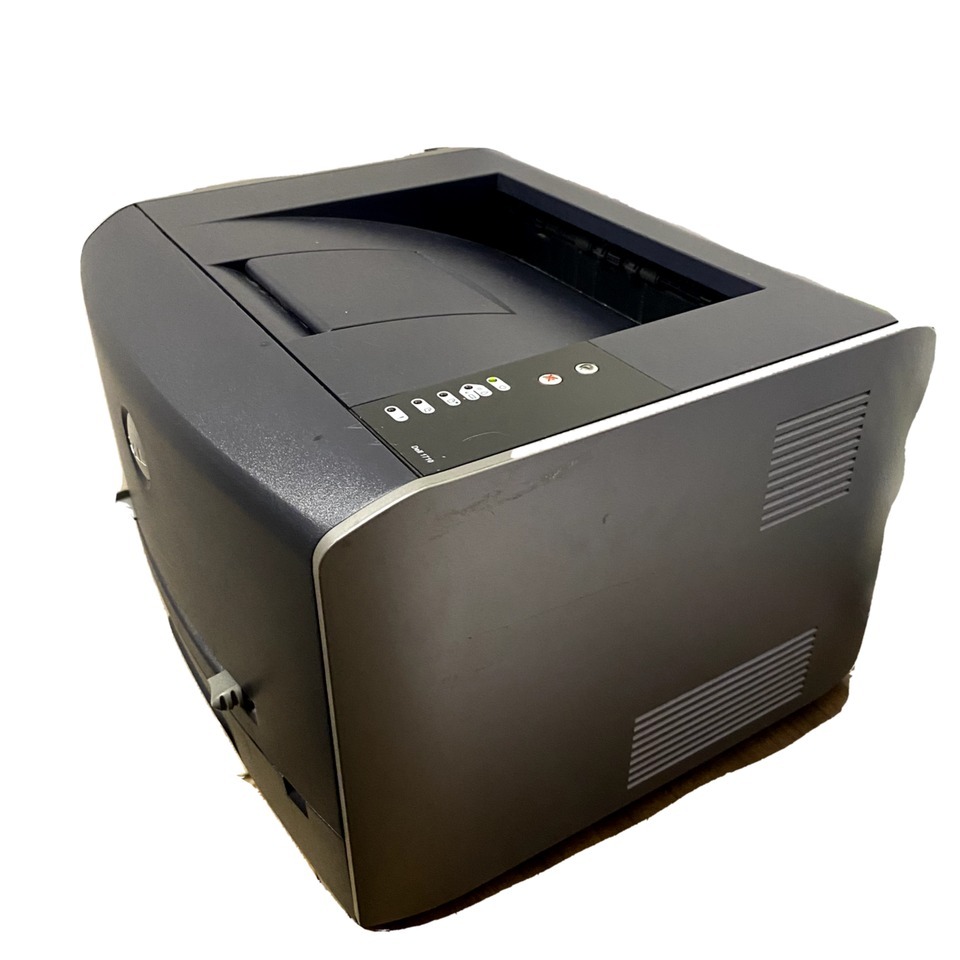
The Dell 1710N is the 1710 with built-in networking, which changes its role completely: instead of serving one desk over USB, it becomes a shared 27-ppm workgroup printer that everyone reaches over the office network. Same compact chassis, same 1200-dpi output — now available to the whole team.
Shared printers print more, so the high-capacity toner cartridge is the natural fit here, lasting thousands of pages between changes. Compatible cartridges keep the shared-printing cost per page low enough that nobody has to ration print jobs.
Toner Cartridges for Dell 1710N
This printer works with the following toner cartridges:
- Dell 310-5402
- Dell 310-5401
- Dell 310-5400
Frequently Asked Questions
Does the 1710N take the same toner as the Laser 1710?
Identical: the 1710N uses the same 310-5400, 310-5401 and 310-5402 black toner cartridges. The 'N' adds Ethernet networking to the same print engine, so supplies, driver print-quality settings and maintenance are all shared with the base 1710.
What is the default IP setup for the 1710N out of the box?
Out of the box the 1710N requests an address via DHCP: connect it to your network, then print a configuration page from the control panel to see what address it received. For long-term stability, reserve that address in your router's DHCP settings so the printer keeps the same IP.
The 1710N drops off the network after being idle, how do I fix it?
This is usually the printer's power-save mode not waking the network interface cleanly: disable deep sleep in the printer's settings or set the network port to stay active. A static IP reservation also helps, since some drops are actually the router reassigning the address while the printer sleeps.