




Laser 1700
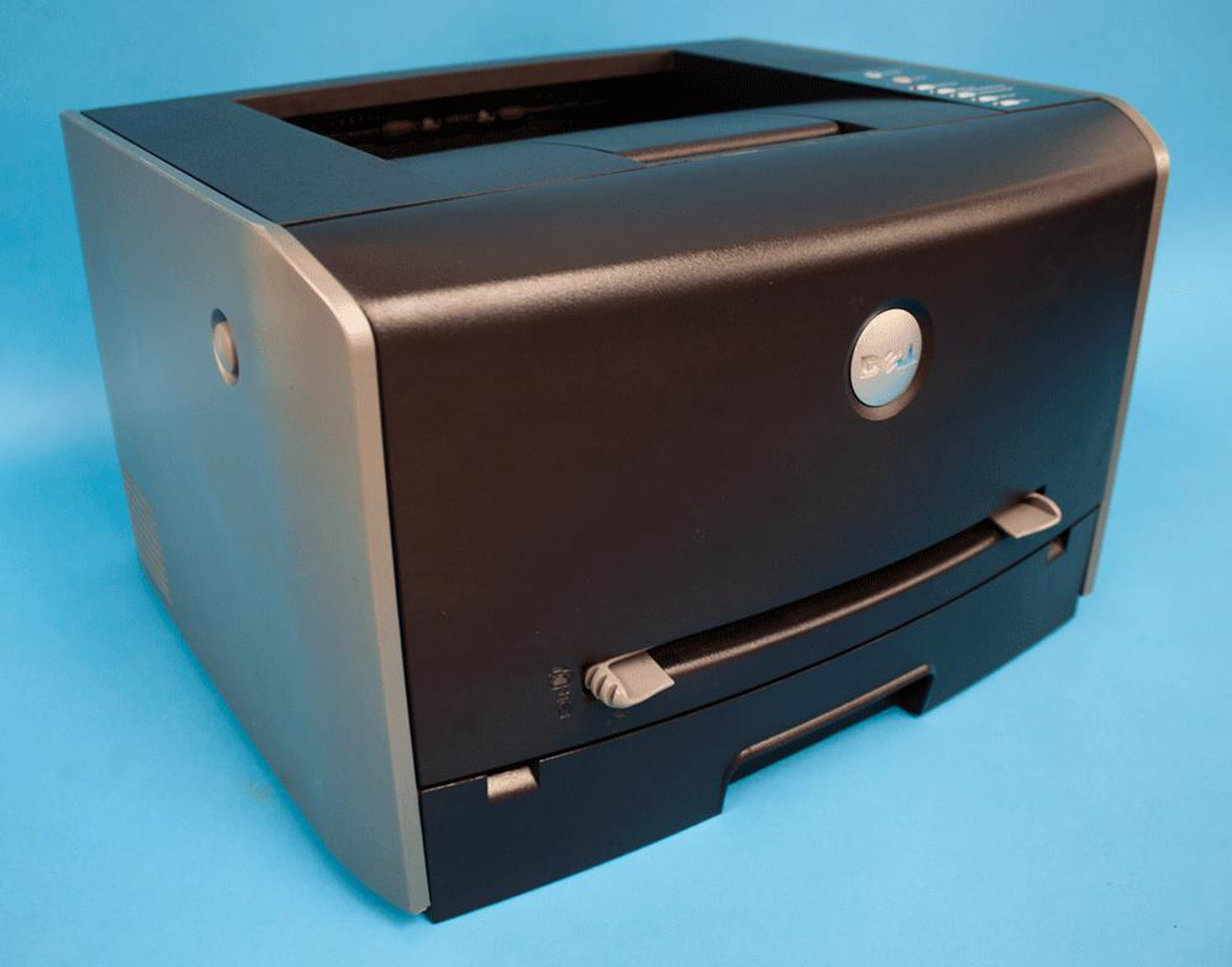
The Dell 1700 is a classic compact monochrome laser: up to 25 pages per minute, true 1200 x 1200 dpi resolution, and a footprint small enough for a desk or home office. USB and parallel connections keep setup simple, and an optional drawer can grow paper capacity all the way to 800 sheets.
Toner comes in standard and high-capacity sizes, with the larger cartridge stretching to about 6,000 pages — ideal if the little printer ends up doing bigger jobs than planned. Compatible cartridges match OEM output quality while cutting the cost of every page.
Toner Cartridges for Dell 1700
This printer works with the following toner cartridges:
- Dell 310-5402
- Dell 310-5401
- Dell 310-5400
Frequently Asked Questions
Which toner cartridge fits the Dell 1700?
The 1700 uses the 310-5400 standard and 310-5401 and 310-5402 higher-capacity black toner cartridges; all fit the same slot. Match the number on your current cartridge, or step up to a higher-capacity version if you are replacing toner annoyingly often.
How do I clear a paper jam in the 1700?
Power the printer off, open the front and rear covers, and pull the jammed sheet slowly along the paper path, never against it. The 310-540x toner cartridge can stay in place for most jams; just avoid touching the drum and keep it out of bright light if you do remove it.
The 1700 prints a blank page between every job, how do I stop it?
That is the separator-page setting, not a toner problem: disable banner or separator pages in the printer driver preferences or the control panel. Each wasted blank page also triggers a tiny toner and drum cycle, so turning it off saves supplies as well as paper.