





 See Compatible Printers
 Read more about our ink!
Epson
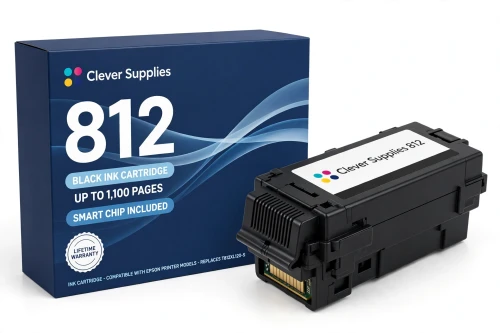
Compatible Epson 812 T812XL120 Black Ink Cartridge
- Page Yield:
- Up to 1,100 pages (ISO/IEC 24711)
- Shipping:
- Calculated at Checkout

Amazon Price:

- Page Yield:
- Up to 1,100 pages (ISO/IEC 24711)
- Shipping:
- Calculated at Checkout
- Compatible Printers
- Specifications
- SKU:
- CS-EP-812-BKXL
- Condition:
- New Compatible
- OEM Part #:
- T812XL120-S
- Color:
- Black
- Ink Type:
- Pigment
- Page Yield:
- Up to 1,100 pages (ISO/IEC 24711)
- Chip:
- Yes — new compatible chip (level reporting); recognition after future firmware updates is not guaranteed
- Warranty:
- Lifetime Warranty
- Returns:
- 1-Year Free Returns
- Description
- Reviews
This is the black cartridge the 812 family actually lives on — in its high-capacity form. Our compatible T812XL120-S carries DURABrite Ultra pigment ink rated up to 1,100 pages (ISO/IEC 24711). Epson builds this family in three black tiers — standard 812, this 812XL, and a black-only 812XXL above it — and the XL is the tier the compatible ladder is built on: the one that keeps a wide-format printer fed between changes without paying XXL money.


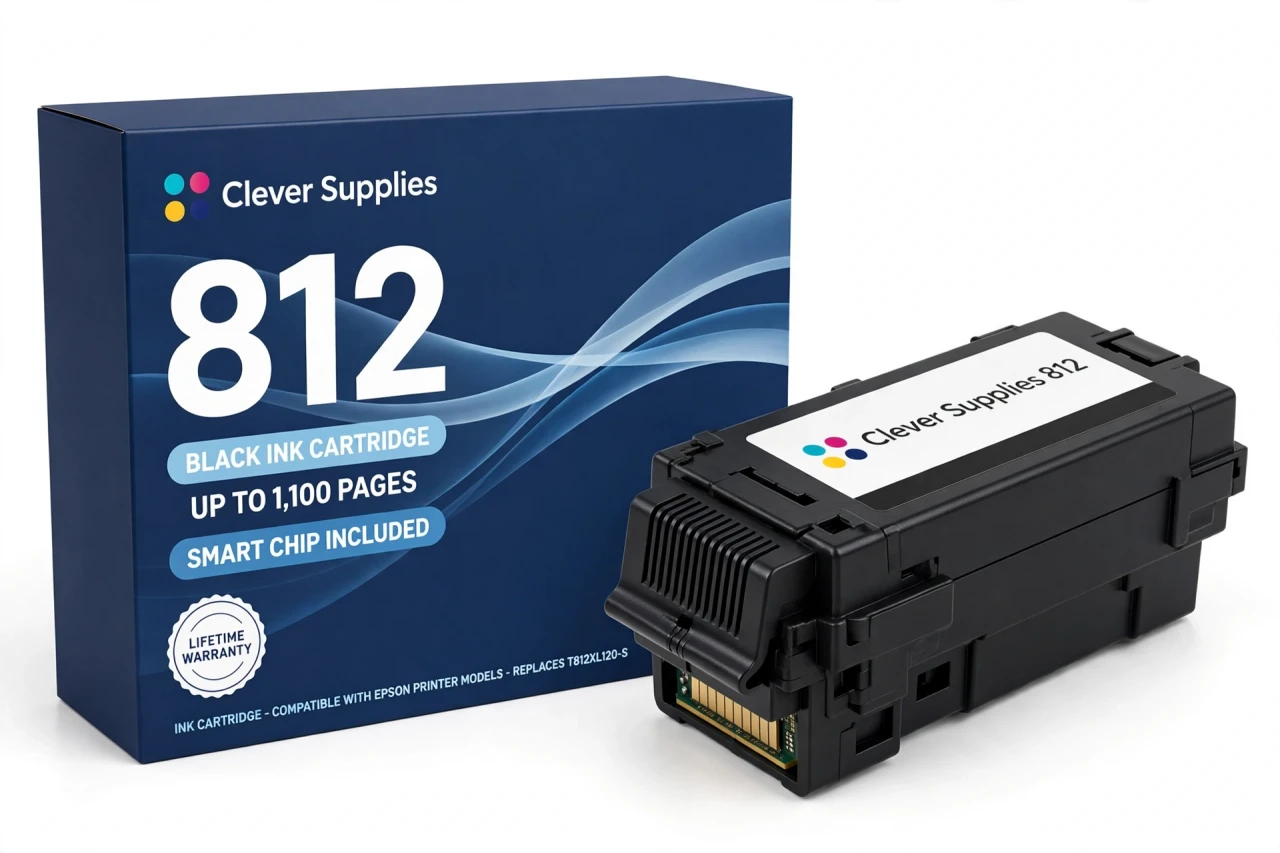
A note on how this shelf is built, because it surprises people: we sell the 812 family in its XL tier. The standard-capacity codes (T812120-S black and its color siblings T812220-S, T812320-S, T812420-S) and the black-only T812XXL120-S are listed in this page's specification area for reference, and every 812 printer accepts the tiers in the same slots — but the cartridges we stock are the XL ones, including the T812XL220-S cyan, T812XL320-S magenta and T812XL420-S yellow alongside this black.
It fits all four verified US models — WF-7310, WF-7820, WF-7840, EC-C7000 — and no others: not the WF-3820-class office printers, which take the separate 822 family in the US, and not the EC-C110, which runs 215 cartridges. The cartridge carries a new compatible chip; please read the firmware note in the questions below before ordering. Covered by our lifetime warranty, with free returns for the first year.
Shop the Epson 812 family: T812XL220 Cyan Ink Cartridge · T812XL320 Magenta Ink Cartridge · T812XL420 Yellow Ink Cartridge · Set of 4 BCMY Ink Cartridge · Set of 9 3 Black 2 Cyan 2 Magenta 2 Yellow Ink Cartridge
Browse by series: WorkForce
Frequently Asked Questions
Three black codes show up for these printers — 812, 812XL and 812XXL. Which one is on this page?
The middle one. For a single shared slot Epson sells three black capacities: the standard 812, the high-capacity 812XL — this T812XL120, rated up to 1,100 pages — and an extra-high 812XXL that exists for black alone. Our shelf stocks the XL tier. The other two codes still appear on this page so you can check them against whatever cartridge comes out of your printer.
My printer arrived with standard 812 cartridges fitted. Can I move up to this XL?
Yes — the hardware does not change. In all four models the standard and XL cartridges occupy identical slots, and Epson lists both tiers for every model. Mixing is equally allowed position by position: XL black beside standard colors, or standard black beside XL colors, both run fine.
What does the 1,100-page figure actually promise?
It is the number Epson publishes for this code under the ISO/IEC 24711 test pattern. Everyday output drifts away from it with coverage, paper size and cleaning cycles — a 13" x 19" sheet drinks far more ink than a letter page, so wide-format work shortens the count.
Why does black run out ahead of the colors on a wide-format machine?
Look at what these printers earn their keep printing: documents, drawings and proofs, where black does the heavy lifting, plus black laid into text and shadows on color pages too. The XL's 1,100 pages narrow the gap considerably, but black stays the most frequent reorder — hence it is offered on its own and inside the Set of 4 and the Set of 9.
Which printers does this cartridge belong in?
The verified US 812 family has just four members: WF-7310, WF-7820, WF-7840 and EC-C7000. All of them run the same 812 / 812XL code set, a point Epson's own cartridge documentation confirms.
A marketplace listing pairs this cartridge with the WF-3820. Should I trust it?
No. That pairing mixes regions. Stateside, the WF-3820 is an 822 machine; the same hardware is sold overseas under the 812 name, and that is where the confusion creeps in. A US-market 812 cartridge fits only the four models named on this page.
What if a firmware update leaves the printer unable to see the new chip?
The chip on this cartridge is new and compatible, yet Epson's own guide for these printers warns that firmware updates may affect the functionality of third-party ink. So before condemning the cartridge: power down, reseat it until it clicks, restart. We do not guarantee acceptance under every firmware release still to come; where a recognition fault survives that routine, our lifetime warranty covers the cartridge.
Should I turn automatic firmware updates off?
Once a set of compatible cartridges is working in the machine, we recommend it for these models. The control sits in the printer's setup / maintenance menus and in the Epson software on your computer. Optional, certainly — but nothing else protects a working setup as effectively from a future update rewriting the rules for compatible chips.
What ink formula is in the tank?
DURABrite Ultra pigment ink, the family Epson specifies across the entire 812 range in all four colors. Pigment is the reason output from these printers shrugs off smudging, water and fading — 13" x 19" sheets included.
Walk me through a cartridge swap.
Out with the old cartridge for that color. Open the replacement's pack only when fitting time arrives, strip off just the protective tape, and keep fingers away from the green chip. Seat the cartridge in its holder with a firm press until it clicks, shut the cover, and give the printer time to charge the ink before the first page.
I keep a spare on the shelf. How should it wait its turn?
Unopened, standing upright, somewhere at room temperature away from direct sunlight. The pack stays sealed until install day; that seal is what keeps the cartridge dependable. (A specific shelf-life figure is not published for this product; see Specifications.)
Is this an Epson-made cartridge?
It is not. This is Clever Supplies' compatible version, engineered around the genuine cartridge's code and specification, and the box and this page both label it compatible. Epson has no part in manufacturing it.
Related Items

Epson
Compatible Epson 812 T812XL320 Magenta Ink Cartridge
Magenta is the color that decides whether a presentation board looks rich or washed out — reds, purples and skin tones all lean on it. Our compatible T812XL320-S is the high-capacity magenta for the...


Epson
Compatible Epson 812 T812XL420 Yellow Ink Cartridge
Yellow is the cartridge owners forget — until greens go blue and highlights go muddy. Our compatible T812XL420-S is the high-capacity yellow for the 812 line: DURABrite Ultra pigment ink, rated up to...
Epson
Compatible Epson 812 T812XL220 Cyan Ink Cartridge
Cyan does the quiet structural work in this family: it is the base of every chart blue, sky and brand color that comes off a 13" x 19" sheet. Our compatible T812XL220-S is the high-capacity cyan for...

Epson
Compatible Epson 812 Set of 4 BCMY Ink Cartridge
One box, the whole shelf: this set is the complete 812XL refill — T812XL120-S black, T812XL220-S cyan, T812XL320-S magenta and T812XL420-S yellow, every cartridge in its high-capacity form and every...