





 See Compatible Printers
 Read more about our ink!
Epson
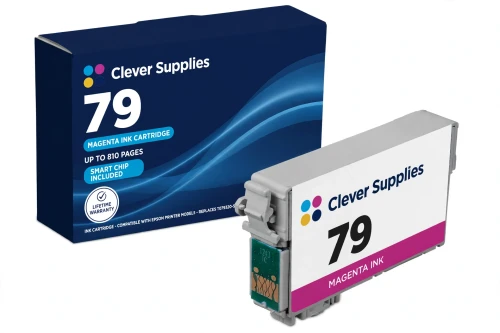
Compatible Epson 79 T079320 Magenta Ink Cartridge
- Page Yield:
- Up to 810 pages (Epson published rating)
- Shipping:
- Calculated at Checkout

Amazon Price:

- Page Yield:
- Up to 810 pages (Epson published rating)
- Shipping:
- Calculated at Checkout
- Compatible Printers
- Specifications
- SKU:
- CS-EP-079-M
- Condition:
- New Compatible
- OEM Part #:
- T079320-S
- Color:
- Magenta
- Ink Type:
- Dye
- Page Yield:
- Up to 810 pages (Epson published rating)
- Chip:
- New compatible chip (Intellidge-type ink-level chip)
- Warranty:
- Lifetime Warranty
- Returns:
- 1-Year Free Returns
- Description
- Reviews
Magenta decides how reds, sunsets and skin tones land on the page — when portraits look sunburned or roses look flat, this is the position doing the work. Our compatible T079320-S cartridge carries Claria Hi-Definition dye ink, rated up to 810 pages on Epson's published rating. Like every 79 cartridge it is the high-capacity version; the family has no standard tier.


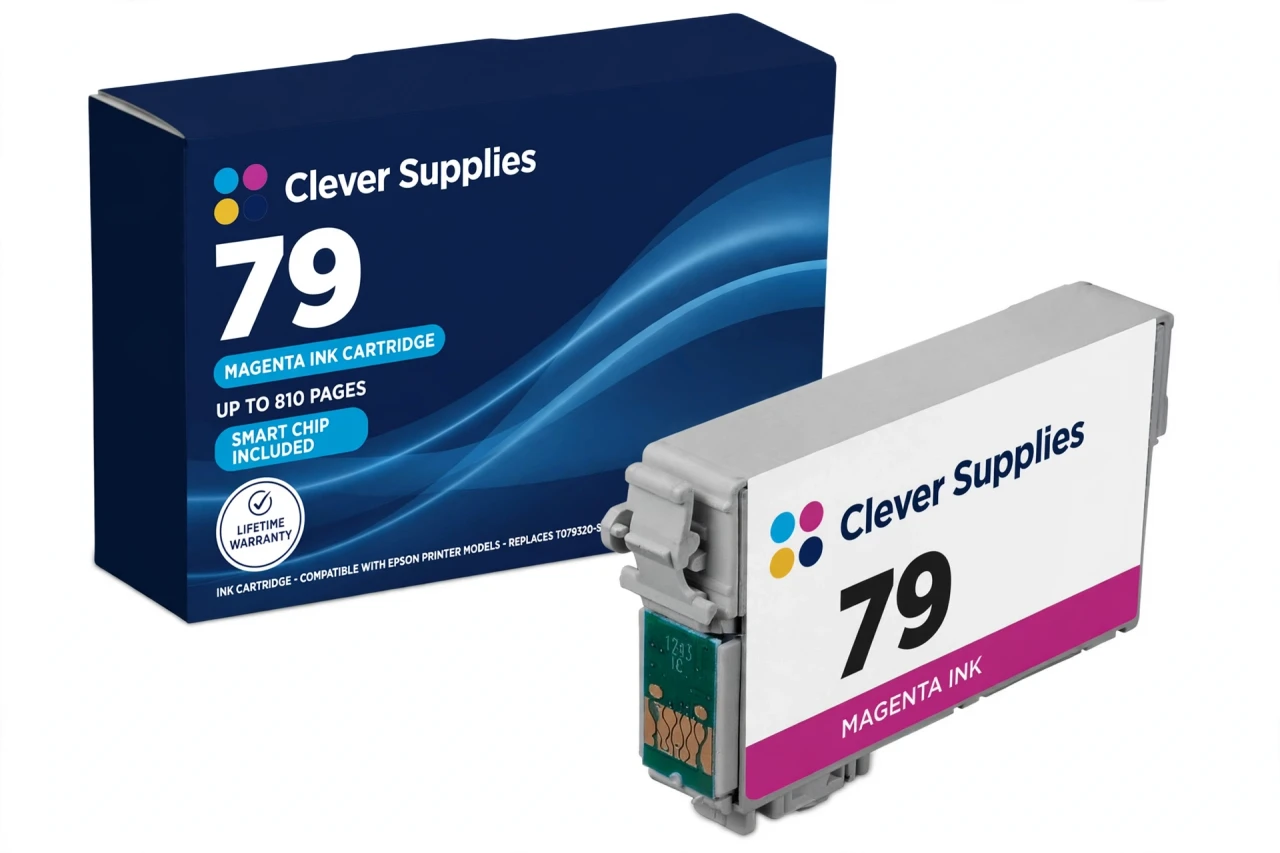
The cartridge is chipped for ink-level reporting, with a new compatible chip. The straight note: this cartridge carries a new compatible chip. If your printer's firmware has been updated, recognition issues can occasionally occur — reseat until it clicks and restart the printer before assuming the cartridge is faulty. Around it sit T079120-S black (up to 470 pages) and T079220-S cyan, T079420-S yellow, T079520-S light cyan and T079620-S light magenta, each colour rated up to 810 pages.
It fits the Stylus Photo 1400 and the Artisan 1430 — the two printers Epson documents for the T079 set — and no other models. Covered by a lifetime warranty, with free returns for the first year.
Shop the Epson 79 family: T079120 Black Ink Cartridge · T079220 Cyan Ink Cartridge · T079420 Yellow Ink Cartridge · T079520 Light Cyan Ink Cartridge · T079620 Light Magenta Ink Cartridge · Set of 6 All Colors Ink Cartridge · Set of 14 4 Black 2 Each Color Ink Cartridge
Browse by series: Artisan · Stylus Photo
Frequently Asked Questions
What ink is inside the T079320?
Claria Hi-Definition dye ink — the photographic dye system Epson built this six-cartridge generation around. Dye ink is what produces the smooth tonal steps these printers are known for.
How many pages does it yield?
Up to 810 pages on Epson's published rating for the genuine cartridge. Full-bleed photographs use considerably more ink per page than the rating pattern, so real photo counts will be lower.
Which printers take it?
Two only: Stylus Photo 1400 and Artisan 1430. Both are verified from Epson's own support listings for the T079120–T079620 codes.
Magenta or light magenta — which slot am I refilling?
Check the holder label: the printer has both. This cartridge is the full-strength magenta (T079320-S); the light magenta (T079620-S) is a paler tint in its own slot. They are not interchangeable.
Does it carry a chip?
Yes — a new compatible chip that reports the ink level. This cartridge carries a new compatible chip. If your printer's firmware has been updated, recognition issues can occasionally occur; firm reseating and a restart clear most false warnings, and the lifetime warranty covers a cartridge that will not recognise.
Is there a standard-capacity 79 magenta?
No. All six 79 cartridges are high capacity by Epson's own description — the family was never sold in a standard tier.
My reds look washed out. Will a new magenta fix it?
Run a nozzle check first: a partial pattern points to a clog or a low cartridge, a clean pattern points to paper or driver settings. Replacing magenta helps only in the first two cases.
Can the printer run with magenta empty?
No — these models stop when any one of the six cartridges is expended or removed.
How do I change it?
Keep the new cartridge sealed until the old one is out; remove only the yellow tape, avoid the chip contacts, press it into the magenta holder until it clicks, close the cover and let the printer charge.
Is this an Epson-made cartridge?
No. It is a Clever Supplies compatible built to the T079320-S specification, labelled compatible on the box and on this page.
How much ink is in it, in millilitres?
No verified millilitre figure exists in Epson's documentation for this family, so we leave the Volume field blank rather than repeat a seller's claim. Compare on the 810-page published yield instead.
Single or set?
This single when only magenta is low; the Set of 6 when several positions are close behind; the Set of 14 if the printer produces photographs in volume. Every option carries the lifetime warranty and first-year free returns.
Related Items

Epson
Compatible Epson 79 T079620 Light Magenta Ink Cartridge
Light magenta is the portrait cartridge: skin tones live in the palest part of the magenta range, where a full-strength ink prints visible dots and this paler tint prints a smooth wash. Our...

Epson
Compatible Epson 924XL T924XL320 Magenta Ink Cartridge
Magenta carries the warm half of everything a small office prints in colour — the red end of charts, photos in reports, the logo on the letterhead. Our compatible T924XL320 carries DURABrite Ultra...

Epson
Compatible Epson 202XL T202XL320 Magenta Ink Cartridge
Magenta decides whether printed faces look healthy and sunsets look like sunsets. Our compatible T202XL320-S is the high-capacity magenta for the 202 family: Claria dye ink rated up to 470 pages...

Epson
Compatible Epson 288XL T288XL320 Magenta Ink Cartridge
When home colour prints start looking cold or green, magenta is often the silent culprit. This compatible T288XL320-S is the high-capacity magenta for the Epson 288 family: DURABrite Ultra pigment...