





 See Compatible Printers
 Read more about our ink!
Epson
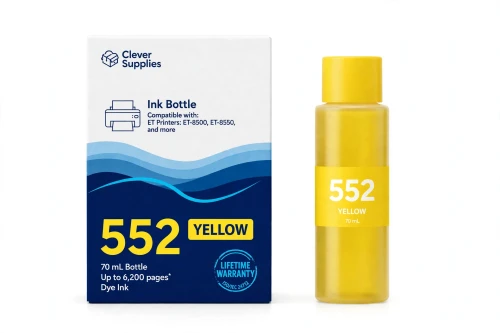
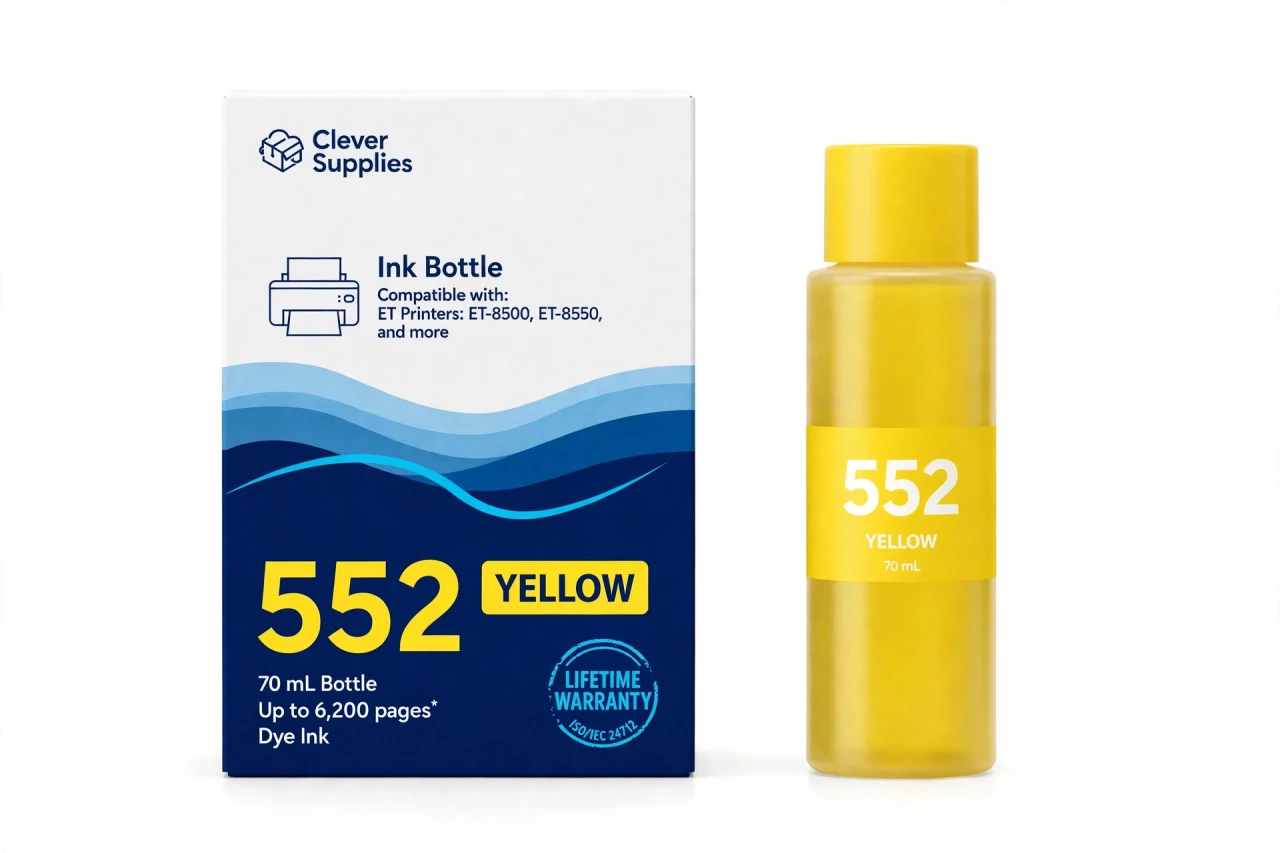
Compatible Epson 552 T552420 Yellow Ink Bottle
- Page Yield:
- Up to 6,200 pages (ISO/IEC 24712, Epson methodology; photo yields per ISO/IEC 29103 are significantly lower)
- Shipping:
- Calculated at Checkout

Amazon Price:

- Page Yield:
- Up to 6,200 pages (ISO/IEC 24712, Epson methodology; photo yields per ISO/IEC 29103 are significantly lower)
- Shipping:
- Calculated at Checkout
- Compatible Printers
- Specifications
- SKU:
- CS-EP-552-Y
- Condition:
- New Compatible
- OEM Part #:
- T552420-S
- Color:
- Yellow
- Ink Type:
- Dye
- Volume:
- 70 mL
- Page Yield:
- Up to 6,200 pages (ISO/IEC 24712, Epson methodology; photo yields per ISO/IEC 29103 are significantly lower)
- Chip:
- None (chipless bottle)
- Warranty:
- Lifetime Warranty
- Returns:
- 1-Year Free Returns
- Description
- Reviews
Yellow is the mixer that never gets the credit. Half of every green in a landscape, the warmth in every skin tone, the light inside every highlight — on the EcoTank Photo ET-8500 and ET-8550, all of it routes through this tank. Our compatible T552420-S bottle refills it with 70 mL of dye yellow ink, rated up to 6,200 pages on the ISO/IEC 24712 document pattern with Epson's methodology.
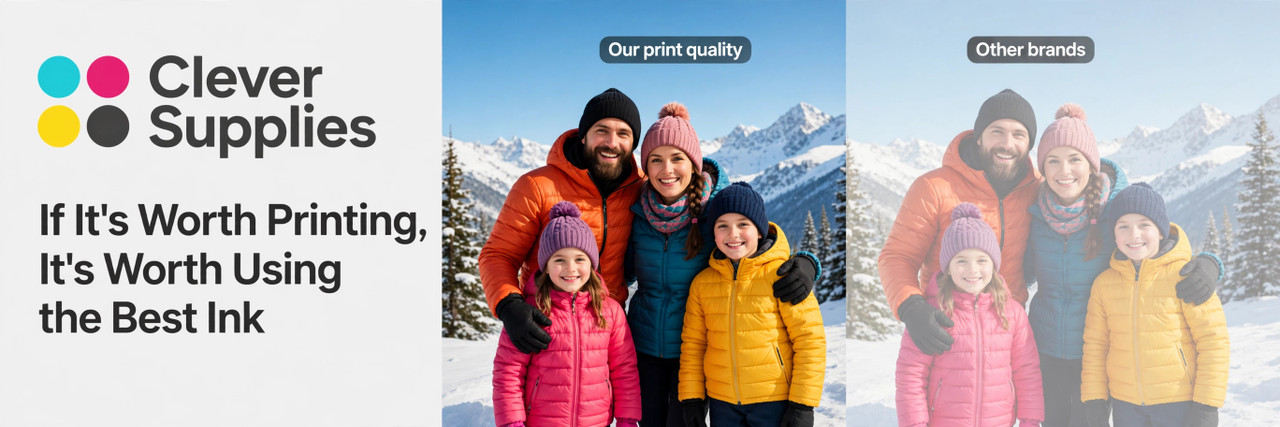
The low-yellow drift is subtle and unmistakable once you've seen it: greens cool toward blue, golden-hour photos lose their gold, faces go faintly sallow-green. Photographers meet it mid-project on the wide-format ET-8550, where big prints spend color quickly; the tank window confirms what the prints already said.
Two framing facts from Epson itself belong on this page: document yields in this family are ISO/IEC 24712 figures, while photo yields (ISO/IEC 29103) are significantly lower — so plan photo work by tank level, not by the headline number. And the chemistry: yellow here is dye, as Epson specifies for all five photo-side positions; only the document black is pigment. The refill is the EcoFit routine — keyed nozzle, auto-stop, no chip — and the bottle fits both 552 printers. Covered by our lifetime warranty, free returns for the first year.
Shop the Epson 552 family: T552020 Black Ink Bottle · T552120 Photo Black Ink Bottle · T552220 Cyan Ink Bottle · T552320 Magenta Ink Bottle · T552520 Gray Ink Bottle · Set of 6 Ink Bottle
Browse by series: EcoTank Photo ET
Frequently Asked Questions
What does this bottle refill?
The yellow tank of the EcoTank Photo ET-8500 or ET-8550. T552420-S: 70 mL dye ink, up to 6,200 pages on the ISO/IEC 24712 document pattern.
My landscape greens look blue. Yellow problem?
Very likely. Green is cyan + yellow; a starved yellow tank drags greens blue and cools warm scenes at the same time. Refill yellow, nozzle-check, reprint a sample.
Why is yellow in a photo printer so important if it's barely visible alone?
Because almost nothing warm or green prints without it. Yellow rarely appears as itself — it appears as the difference between cold and warm, blue-green and true green.
Is this interchangeable with the 512 yellow?
No. The 512 yellow (T512420-S) belongs to the ET-7700/7750 five-color system (5,000-page rating). This 552 yellow serves the six-color ET-8500/8550 (6,200). Different keying, different printers.
Dye or pigment?
Dye — matching Epson's specification for the yellow position in the Claria ET Premium family. The family's sole pigment bottle is the document Black.
How fast will the ET-8550 use it?
Faster than the document rating suggests — Epson's footnote states photo yields (ISO/IEC 29103) are significantly lower. Wide-format, full-bleed work is the heaviest drinker; the tank window is your real gauge.
Can the bottle be rejected by the printer?
No. There is no chip; the keyed nozzle is a mechanical fit. Fill, confirm the refill on the panel, print.
Should I refill yellow and magenta together?
Only if both are low — tanks are independent. Portrait-heavy users often see them dip together (skin tones use both), which is the one case where the pair refill makes sense; otherwise singles are the economical move.
What if prints stay cold-toned after a refill?
Run a nozzle check: a blocked yellow nozzle band mimics an empty tank. One cleaning cycle usually clears it. Persistent problems with a full tank and clean pattern are what the lifetime warranty covers.
How do I store the remainder?
Cap tight, upright, room temperature, away from sunlight.
Is this an Epson-manufactured bottle?
No — a Clever Supplies compatible made to the T552420-S specification, labeled compatible on box and page.
Warranty and returns?
Lifetime warranty: if the bottle ever fails to perform, we replace it. Free returns within the first year.
What is the right way to pour this yellow bottle into the tank?
Seat the keyed nozzle on the yellow tank — it fits no other position — and let the bottle fill at its own pace until the auto-stop cuts the flow at full. Resist topping beyond that point; the stop exists so the tank is not overfilled. Remove the bottle, recap the remainder tightly, and confirm the refill on the printer panel, as the T552420 instructions direct: fill, confirm, print. A quick nozzle check before the next landscape confirms yellow is laying down evenly again.
How can I tell whether a color problem is the yellow level or the yellow nozzles?
Start with the tank window: if the T552420 level is visibly low, refill first — a starved tank explains greens sliding blue on its own. If the level is healthy, or the cold cast survives a refill, print a nozzle check and look at the yellow band. Gaps in that band mean a blocked nozzle, and one cleaning cycle usually restores it. Only when the tank is full and the pattern prints complete should you look beyond yellow — at that point the cause sits elsewhere in the print path.
Related Items
Epson
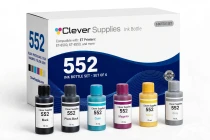
Compatible Epson 552 Set of 6 Ink Bottle
This is the full Claria ET Premium system in one box — all six bottles the EcoTank Photo ET-8500 and ET-8550 run on: T552020-S Black (pigment, for


Epson
Compatible Epson 552 T552220 Cyan Ink Bottle
Cyan is the foundation color of every photograph with weather in it — skies, sea, swimming pools, winter light. In the six-color Claria ET Premium system of the ET-8500 and

Epson
Compatible Epson 552 T552520 Gray Ink Bottle
Gray is the bottle that separates a photo printer from a printer that prints photos. Black-and-white images built from black alone jump from dark to light in visible steps; the ET-8500 and
Epson
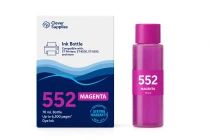
Compatible Epson 552 T552320 Magenta Ink Bottle
Six-color printing exists for the tones four colors can't reach, and magenta is where portraits are won or lost. Skin is mostly magenta and yellow in careful balance; when the magenta tank of an...