





 See Compatible Printers
 Read more about our ink!
Epson
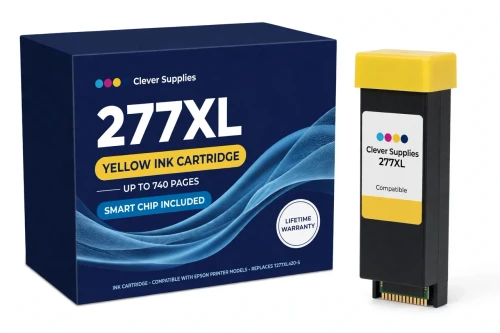
Compatible Epson 277XL T277XL420 Yellow Ink Cartridge
- Page Yield:
- Up to 740 pages (ISO/IEC 24711)
- Shipping:
- Calculated at Checkout

Amazon Price:

- Page Yield:
- Up to 740 pages (ISO/IEC 24711)
- Shipping:
- Calculated at Checkout
- Compatible Printers
- Specifications
- SKU:
- CS-EP-277-YXL
- Condition:
- New Compatible
- OEM Part #:
- T277XL420-S
- Color:
- Yellow
- Ink Type:
- Dye
- Page Yield:
- Up to 740 pages (ISO/IEC 24711)
- Chip:
- New compatible chip (ink-level reporting)
- Warranty:
- Lifetime Warranty
- Returns:
- 1-Year Free Returns
- Description
- Reviews
Yellow sits inside nearly every warm tone and green a photo printer makes, so in a six-color set it works harder than it looks. Our compatible T277XL420-S is a Claria Photo HD dye yellow rated up to 740 pages (ISO/IEC 24711 and 24712 pattern), against 360 pages for the standard T277420; code 420 is yellow in every 277 printer.


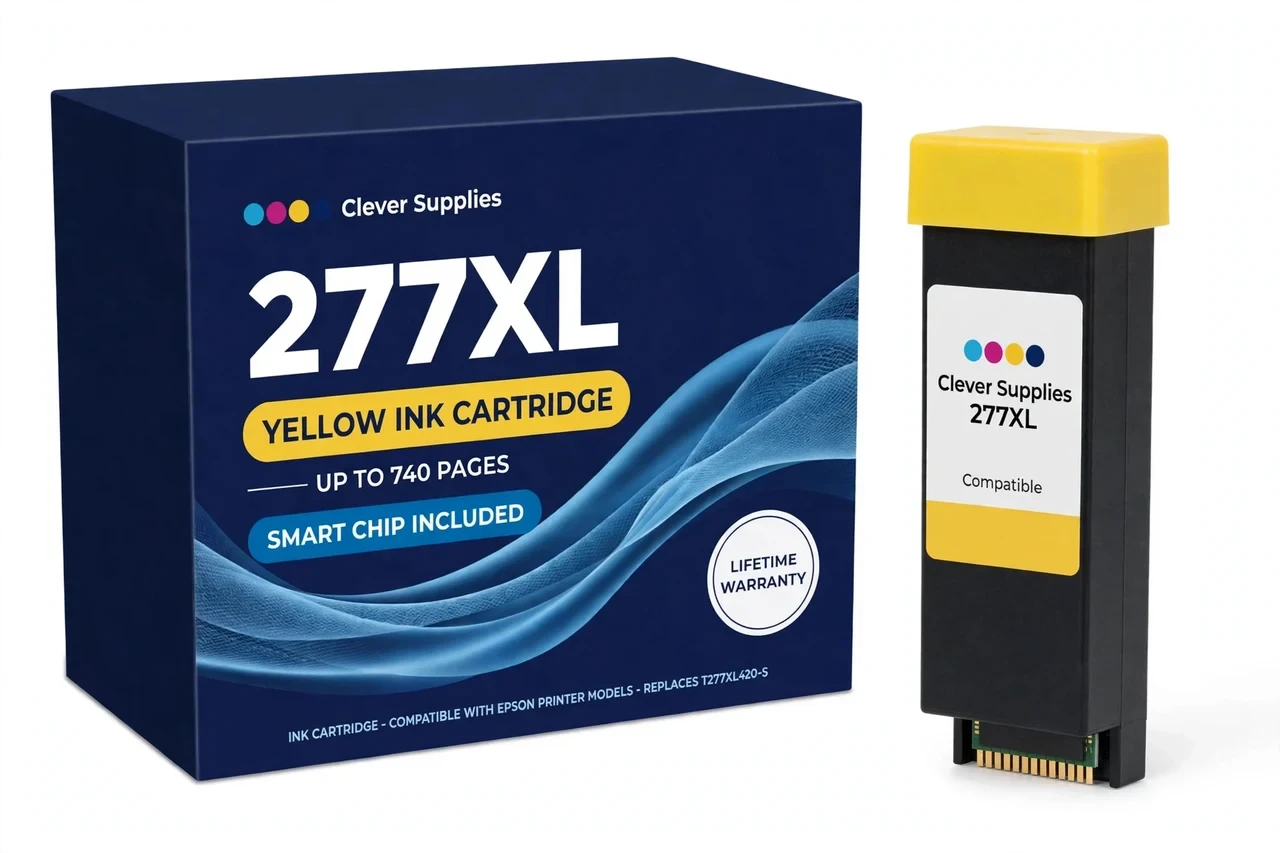
It carries a new compatible chip for ink-level reporting. This cartridge carries a new compatible chip. If your printer's firmware has been updated, recognition issues can occasionally occur — if a warning appears, reseat the cartridge firmly and restart the printer before assuming the cartridge is at fault. The rest of the shelf: T277XL120-S black (up to 500 pages) and T277XL220-S cyan, T277XL320-S magenta, T277XL520-S light cyan and T277XL620-S light magenta (up to 740 pages each).
It fits the five verified 277 printers — XP-850, XP-860, XP-950, XP-960 and XP-970 — and no other family. Covered by our lifetime warranty, with free returns for the first year.
Shop the Epson 277 family: T277XL120 Black Ink Cartridge · T277XL220 Cyan Ink Cartridge · T277XL320 Magenta Ink Cartridge · T277XL520 Light Cyan Ink Cartridge · T277XL620 Light Magenta Ink Cartridge · Set of 6 All Colors Ink Cartridge · Set of 13 3 Black 2 Each Color Ink Cartridge
Browse by series: Expression
Frequently Asked Questions
How many pages does the T277XL420 print?
Up to 740 pages, Epson's published rating for the genuine XL yellow (ISO/IEC 24711 and 24712 pattern), stated per cartridge as in Epson's own listings.
Which printers take it?
The five verified Expression Photo models: XP-850, XP-860, XP-950, XP-960 and XP-970.
Dye or pigment?
Dye — Claria Photo HD. All six inks in this family are dye-based; none is pigment.
Does it have a chip?
Yes — a new compatible chip that reports ink levels. This cartridge carries a new compatible chip. If your printer's firmware has been updated, recognition issues can occasionally occur — if a warning appears, reseat the cartridge firmly and restart the printer before assuming the cartridge is at fault.
Why do prints shift blue when yellow runs out?
Without yellow the printer cannot build warm tones or greens, so images skew blue-purple. Replacing the flagged yellow — not cyan or magenta — is the fix.
Can I install this XL yellow beside standard colors?
Yes. Each of the six slots is independent; XL and standard cartridges mix freely.
Is a millilitre volume available?
No published figure exists in Epson's US documentation for this family, so the Volume field is left blank. Compare on the ISO yield: up to 740 pages.
Standard or XL — which is this?
XL: T277XL420-S, rated 740 pages. The standard T277420 (360 pages) is not part of our compatible range for this family.
Is it a genuine Epson cartridge?
No — a Clever Supplies compatible built to the T277XL420-S specification, labeled compatible on the box and this page.
What does the lifetime warranty cover?
A cartridge not recognized after troubleshooting, leaking, or printing poorly from new is replaced under the lifetime warranty; free returns apply within the first year.
Does it fit the XP-960 — or is that a 279 printer?
It fits the XP-960, and the XP-960 is a 277 printer: Epson's fact sheet and support page both list 277/277XL for it. The 279 family is the XP-980 alone.
Single or set?
The single when only yellow is flagged. When the color set is ageing together, the Set of 6 or Bulk Set of 13 is cheaper per cartridge — both linked from this page.
How long can I keep a spare yellow on the shelf before installing it?
Kept sealed in its packaging, upright at room temperature and out of direct sunlight, a spare T277XL420 stays ready until the printer flags the yellow position — there is no need to install it early just because it is on hand. Open the packaging only at swap time, and work through shelf stock oldest first, so no cartridge sits forgotten at the back of the drawer for years.
Why does yellow seem to last forever on documents, then vanish during photo projects?
The 740-page rating for the T277XL420 comes from an ISO pattern with modest, even coverage. Everyday documents use yellow sparingly — a highlight here, a small chart there — so the cartridge can coast for months. Photo work is different: warm tones, sunsets and skin all draw heavily on yellow, and a single batch of large prints can consume more than weeks of office pages. The swing says more about what you print than about the cartridge.
Related Items
Epson
Compatible Epson 277XL T277XL220 Cyan Ink Cartridge
Cyan is one of the three core colors in the six-ink Claria Photo HD set: our compatible T277XL220-S is a dye cyan rated up to 740 pages (ISO/IEC 24711 and 24712 pattern), more than double the...


Epson
Compatible Epson 277XL T277XL320 Magenta Ink Cartridge
Magenta does the emotional work in a six-color photo set — skin tones, sunsets, reds. Our compatible T277XL320-S is a Claria Photo HD dye magenta rated up to 740 pages (ISO/IEC 24711 and 24712...

Epson
Compatible Epson 277XL T277XL120 Black Ink Cartridge
Read the code carefully, because this family breaks the pattern its neighbours set: in the 277 family, 120 is Black — the printer's only black. Our compatible T277XL120-S is a Claria Photo HD dye...

Epson
Compatible Epson 277XL T277XL520 Light Cyan Ink Cartridge
Light cyan is why a six-color printer beats a four-color one at photographs: pale blue ink laid down in skies and water, where full-strength cyan would grain. Our compatible T277XL520-S is a Claria...