




ImageRunner Advance C5235A
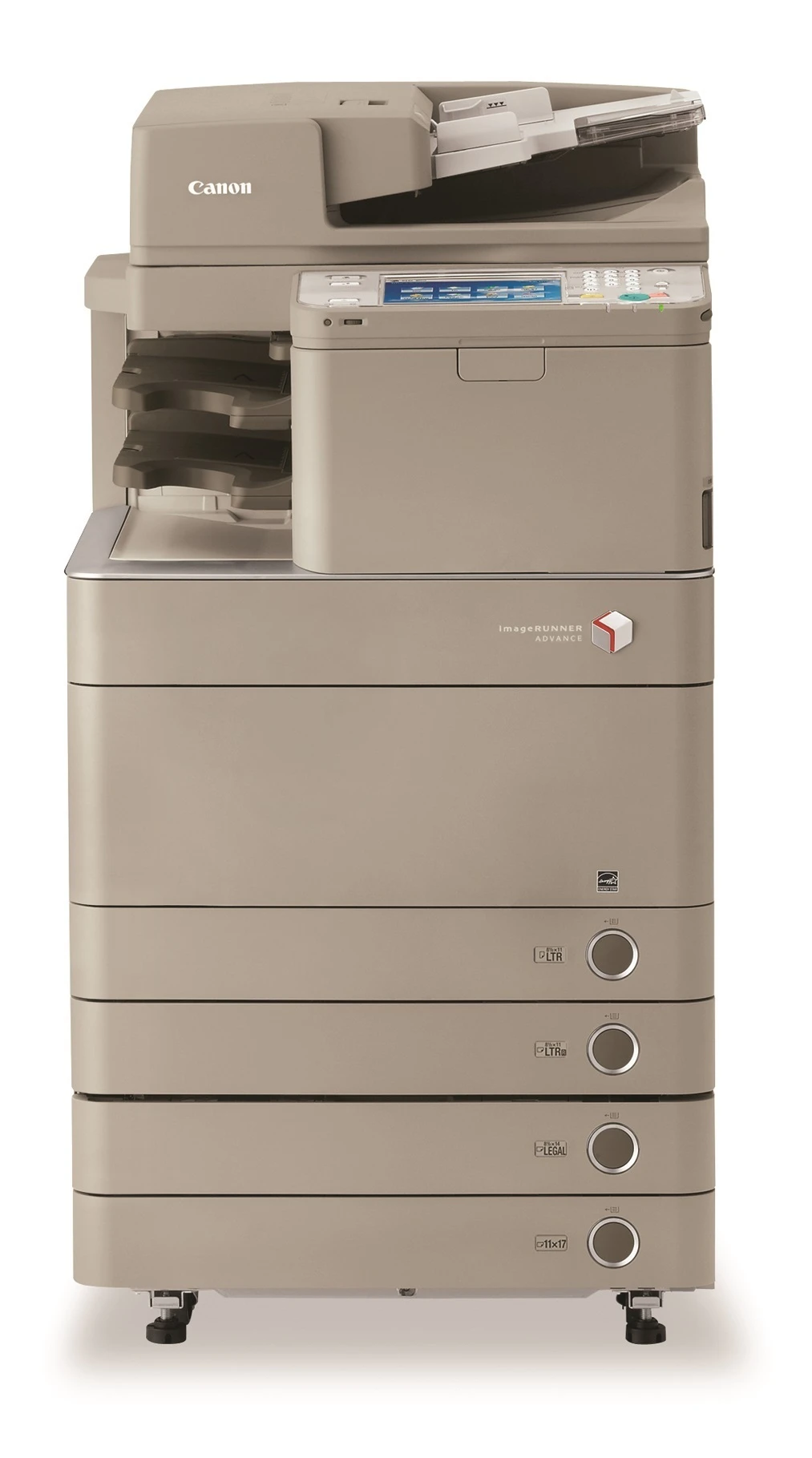
Canon replaced the C5235 with the imageRUNNER ADVANCE C5235A, headlined by a single-pass dual-head scanner that captures both sides of a page at up to 120 images per minute. Print speeds hold at 35 ppm black / 30 ppm color, with standard networking and duplexing. GPR-31 cartridges: Black 2790B003AA (36,000 pages), colors 27,000 each. The individual color numbers are 2794B003AA in cyan, 2798B003AA in magenta and 2802B003AA in yellow, each good for the same 27,000 pages, and the quartet is cross-listed under the GPR-31 codes GPR-31BK, GPR-31C, GPR-31M and GPR-31Y.
Toner Cartridges for Canon imageRUNNER ADVANCE-C5235A
| Cartridge | Color | Page Yield | OEM # |
|---|---|---|---|
| Canon GPR-31 Black (Compatible) | Black | 36,000 pages | 2790B003AA |
| Canon GPR-31 Cyan (Compatible) | Cyan | 27,000 pages | 2794B003AA |
| Canon GPR-31 Magenta (Compatible) | Magenta | 27,000 pages | 2798B003AA |
| Canon GPR-31 Yellow (Compatible) | Yellow | 27,000 pages | 2802B003AA |
Frequently Asked Questions
What toner does the Canon imageRUNNER ADVANCE-C5235A use?
The Canon imageRUNNER ADVANCE-C5235A uses the Canon GPR-31 toner cartridge set: Black (OEM #2790B003AA); Cyan (OEM #2794B003AA); Magenta (OEM #2798B003AA); Yellow (OEM #2802B003AA).
How many pages does a Canon GPR-31 cartridge print?
Standard Canon GPR-31 cartridges yield approximately Black: 36,000 pages; Cyan: 27,000 pages; Magenta: 27,000 pages; Yellow: 27,000 pages at 5% coverage.
Are compatible Canon GPR-31 cartridges safe for the imageRUNNER ADVANCE-C5235A?
Compatible cartridges are designed to work in the imageRUNNER ADVANCE-C5235A. Check your printer's warranty terms for specific coverage details.
How do I install a Canon GPR-31 toner cartridge in the imageRUNNER ADVANCE-C5235A?
Open the front cover of your Canon imageRUNNER ADVANCE-C5235A, remove the old cartridge, unpack the new Canon GPR-31 cartridge, gently rock it to distribute toner, and slide it into place until it clicks.