




What Toner Does the Brother MFC-L8395CDW Use?
Posted by Clever Supplies on Nov 9th 2026
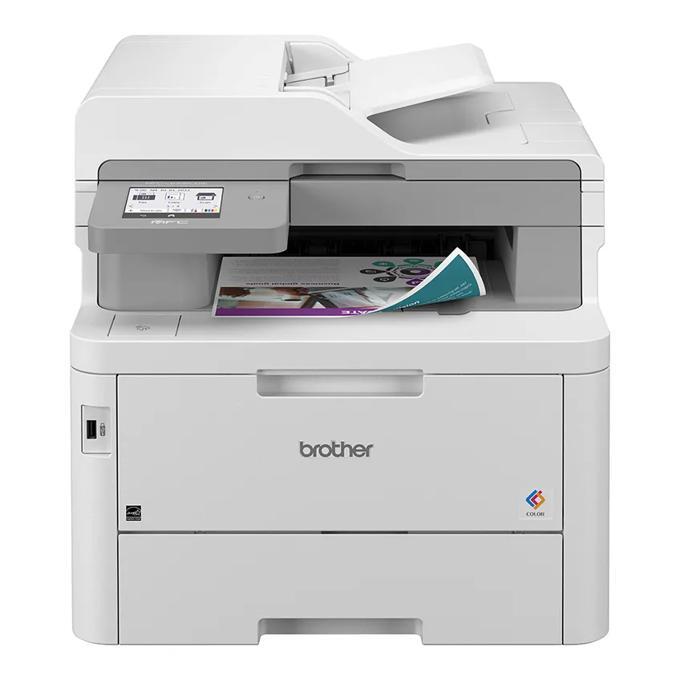
Quick answer: The Brother MFC-L8395CDW uses the TN229 toner family in black, cyan, magenta and yellow — and it is the one TN229 machine with three sizes to choose from. Alongside standard TN229 (about 1,500 pages black, 1,200 per color) and high-yield TN229XL (about 3,000 black, 2,300 per color), Brother lists super-high-yield TN229XXL cartridges for this model (about 4,500 black, 4,000 per color). All of them work with the DR229CL drum unit, rated around 20,000 pages.
The L8395 wears Brother's "Workhorse" badge for a reason: print and copy speeds up to 31 ppm, single-pass two-sided scanning up to 58 images per minute, an integrated NFC card reader for badge authentication, and a recommended monthly volume of up to 4,000 pages.
Three Sizes, One Printer: The Yield Ladder
| Tier | Black | Each color | Best suited to |
|---|---|---|---|
| TN229 standard | ~1,500 pages | ~1,200 pages | A satellite office that prints in bursts |
| TN229XL high yield | ~3,000 pages | ~2,300 pages | The default for steady team use |
| TN229XXL super high yield | ~4,500 pages | ~4,000 pages | The busiest single machine in the building |
Brother also loads this model generously from the factory: the starter black is rated around 3,000 pages and the starter colors around 1,400 — the strongest in-box set in the family. Behind the toner sit the DR229CL drum (~20,000 pages), the BU229CL belt unit and the WT229CL waste toner box (~50,000 pages apiece).
Cost per Page in Our Compatible Range
We stock the standard and XL tiers as compatibles. Priced on November 2, 2026, an XL single in any color is $37.84 — about 1.3¢ per black page and 1.6¢ per color page. Standard singles run $30.98 (black) and $31.47 (colors), landing near 2.1¢ and 2.6¢ per page. On a Workhorse machine, pages are the one thing you will never run short of demand for, so XL is the floor, not the ceiling, of sensible buying here.
High-yield singles, by color code:
Standard yield: TN229BK, TN229C, TN229M, TN229Y.
Buying the Set
Restocking all four? The compatible TN229XL four-color set is $103.13 against $151.36 for the singles bought apart — $48.23 saved and 9,900 combined rated pages on the shelf. For a machine feeding a department, that is the order that makes sense most quarters.
The counter-case, plainly: this printer's starters are uneven by design (3,000-page black, 1,400-page colors), so early in its life the colors will call for help while black still has legs. In that phase, singles track reality better. The set earns its keep once the machine settles into uniform, team-paced consumption.
Changing a Cartridge
1. Open the top cover and slide the cartridge tray out until it stops. 2. Lift the spent cartridge out of its color bay by the handle. 3. Rock the new cartridge side to side a few times, then remove its protective cover. 4. Press it into the same bay until it clicks home. 5. Slide the green corona-wire tab on that bay fully across and back, push the tray in, and shut the cover.
Two Things Worth Knowing About This Model
Badge-in printing is built in. The integrated NFC card reader lets staff release jobs with the same badge that opens the office door, and Brother's security stack (Secure Function Lock, Active Directory support, print-log storage) is aimed at managed fleets. Toner-wise this matters because secured, shared machines print other people's forgotten jobs far less — pull printing quietly cuts waste.
The 30-sheet multipurpose tray changes the paper mix. Envelopes, thick stock and letterhead run through the MP tray (280 sheets total capacity with the main tray) instead of jamming the standard path. Jobs that used to go to a second printer consolidate onto this one — and consolidated volume is precisely what the XL and XXL tiers exist for.
Frequently Asked Questions
Is the MFC-L8395CDW really a TN229 printer, or does it take something bigger? Both, in a sense. Its home family is TN229, and uniquely in this range Brother also rates TN229XXL super-high-yield cartridges for it (about 4,500 pages black, 4,000 per color). TN229 and TN229XL fit as well.
How long do the in-box cartridges last? Longer than most: Brother rates the starter black at about 3,000 pages and the starter colors at about 1,400 each.
What is the difference between this and the MFC-L3780CDW? Same print speed and scanning concept, but the L8395 is the Workhorse build: badge-reader NFC, the XXL toner tier, stronger starters, and fleet security features. They share the TN229/XL shelf either way.
When does the drum need attention? The DR229CL is rated around 20,000 pages. The machine tracks it and reports drum life; replace it when prompted or when output fades despite fresh toner.
Does it fax? Yes — 33.6 Kbps with duplex faxing and up to 500 pages of memory, like its MFC siblings.
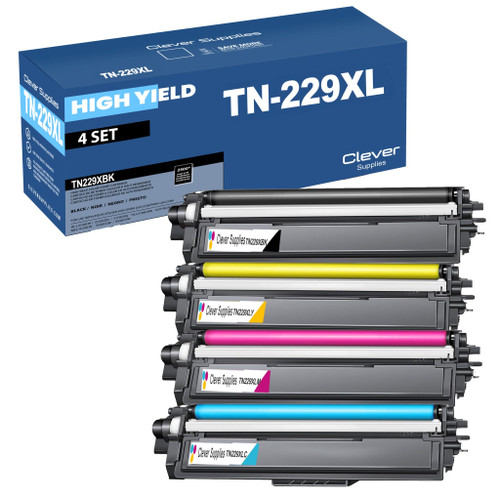 brother tn229xl tn229xlbk tn229xlc tn229xly tn229xlm toner c
 brother tn229 tn229bk tn229c tn229y tn229m toner cartridge 4
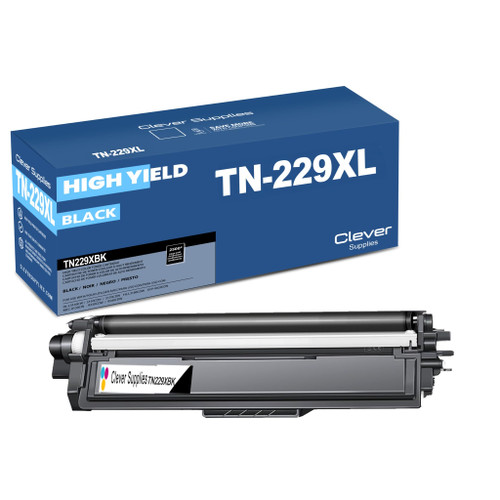 brother tn229xl tn229xlbk toner cartridge black
 brother tn229xl tn229xlc toner cartridge cyan
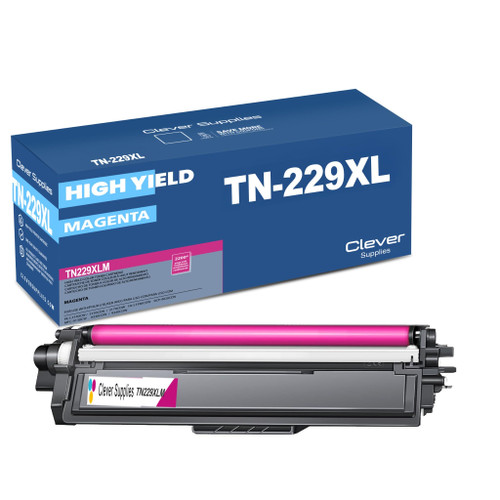 brother tn229xl tn229xlm toner cartridge magenta
 brother tn229xl tn229xly toner cartridge yellow
Key takeaways
- The top cartridge here is rated at 4,500 pages — fewer swaps, lower cost per page.
- Toner and drum are separate parts on this printer — replace only the one the printer asks for.
Other Printers That Use TN229 and TN229XL
To order, begin at the MFC-L8395CDW category page, where every listed supply is matched to this model.