




What Toner Does the Brother MFC-L3765CDW Use?
Posted by Clever Supplies on Nov 7th 2026
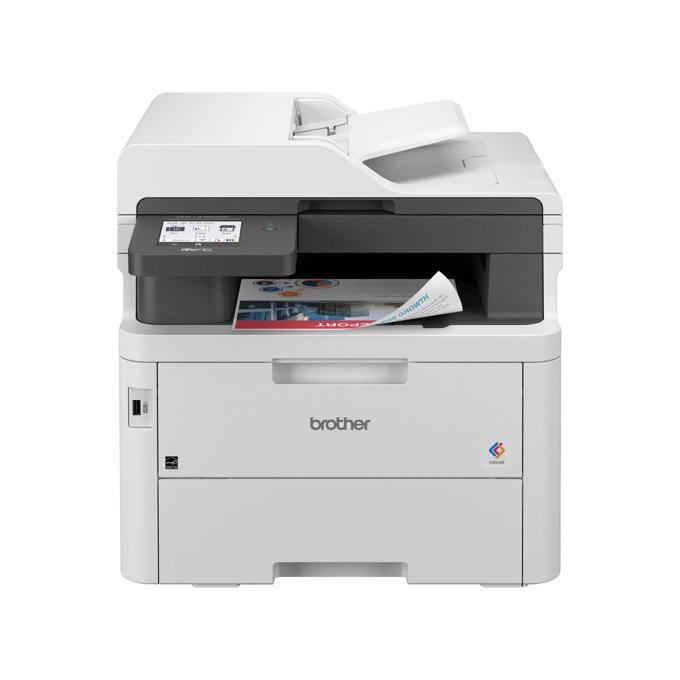
Quick answer: The MFC-L3765CDW uses Brother TN229 standard toner or TN229XL high-yield toner — black and three colors — over a DR229CL drum unit rated at about 20,000 pages. In round numbers: standard cartridges give roughly 1,500 pages (black) and 1,200 (each color); XL cartridges give roughly 3,000 (black) and 2,300 (each color).
Where the MFC-L3720CDW below it is the value model, the L3765 is the pace model: up to 27 ppm, Gigabit Ethernet on top of dual-band Wi-Fi, a front USB host port for print-from and scan-to flash drives, a 3.5″ touchscreen that holds up to 48 shortcuts, and a 50-sheet feeder.
First, a Pleasant Surprise in the Box
Most printers in this family arrive with starter toner of about 1,000 pages per color, and the L3765's colors follow that pattern. Its starter black, though, is rated at 3,000 pages — the same as a full TN229XL black cartridge. Owners regularly assume the first black replacement is due within weeks; on this model it usually is not. The colors will ask first.
Full supply list, for the record: four toner cartridges, the DR229CL drum (~20,000 pages), a BU229CL belt unit (~50,000 pages) and a WT229CL waste toner box (~50,000 pages). Toner is the recurring story; the rest are rare events.
Yields and Cost per Page
| Cartridge | Our compatible price | Rated yield | Per page |
|---|---|---|---|
| TN229XLBK | $37.84 | ~3,000 | ~1.3¢ |
| TN229XLC / XLM / XLY | $37.84 each | ~2,300 | ~1.6¢ |
| TN229BK | $30.98 | ~1,500 | ~2.1¢ |
| TN229C / M / Y | $31.47 each | ~1,200 | ~2.6¢ |
(Prices read from the product pages on November 2, 2026.) A 27 ppm all-in-one in a working office is not a light-use device, and the per-page gap between sizes — nearly double for the standard colors — settles the XL question for most buyers.
Every Color, Linked by Its Own Code
- TN229XLBK Black
- TN229XLC Cyan
- TN229XLM Magenta
- TN229XLY Yellow
- TN229BK Black
- TN229C Cyan
- TN229M Magenta
- TN229Y Yellow
The Set, and When to Skip It
The TN229XL four-color set costs $103.13 here, versus $151.36 for the singles — a clean $48.23 saved. One caution on set math: the four cartridges' rated yields add up to 9,900 pages on paper, but a color page draws on all four cartridges at once — so a full-color page costs roughly the sum of the four per-color figures (about 6 cents a page with the XL cartridges), while a black-only page costs about 1.3 cents. If your L3765 lives on a wired office network serving several people, the set is almost always the right restock.
Skip it when the starter situation is lopsided — and on this model it starts lopsided, with that full-size black already fitted. Many owners will need colors long before black; buy those colors as singles, and let the set wait until black finally joins the low list.
Swapping Cartridges
1. Lift the top cover and draw the cartridge tray fully out. 2. Lift the empty cartridge from its color bay using the green handle. 3. Remove the new cartridge's protective cover after a few gentle side-to-side tilts to settle the toner. 4. Lower it into the same bay until it clicks into place. 5. Clean that bay's corona wire with its green tab, slide the tray home, and close up.
Two Things Worth Knowing About This Model
It scans to — and prints from — a thumb drive. The front USB host port is easy to overlook and genuinely handy in a shared office: walk up, plug in, scan the signed page straight to the stick. Paired with the 48 touchscreen shortcuts, this is the model in the family most clearly aimed at a small team's daily paperwork, and its toner appetite matches that aim.
The feeder still scans one side at a time. Speed is this model's strength at the print engine (27 ppm, first page in about 13.5 seconds), but the 50-sheet ADF scans simplex, like the L3720's. Automatic two-sided scanning belongs to the MFC-L3780CDW above it. Wired Gigabit Ethernet, though, is present here — the L3765 is the cheapest route to a cable in this toner family.
Faxing Without Paper
The MFC-L3765CDW still carries a full 33.6 Kbps fax with 500 pages of memory, but its quieter trick is PC Fax: send and receive faxes through the computer, and read incoming pages on screen before deciding which deserve toner. Add internet fax support and most "faxes" in a modern office never touch paper at all. It is worth saying aloud in a toner guide — the cheapest cartridge is the one a workflow makes unnecessary, and this model's fax stack is designed to spare exactly the black cartridge that fax traffic usually devours.
Frequently Asked Questions
My black cartridge is lasting far longer than the colors. Is it faulty? No — Brother ships this model with a 3,000-page starter black against 1,000-page starter colors. The imbalance is built in, and it evens out once you fit regular replacements.
Does the MFC-L3765CDW work with TN229XXL cartridges? The XXL tier is not listed for this model in the family documentation we verified; stick with TN229 and TN229XL, which are confirmed fits.
Can I print from a USB stick without a computer? Yes, through the front USB host port, and you can scan to the stick the same way.
What is the drum situation? A single DR229CL drum unit, rated around 20,000 pages, serves all four colors. Replacements are occasional; the printer reports its remaining life on the supplies screen.
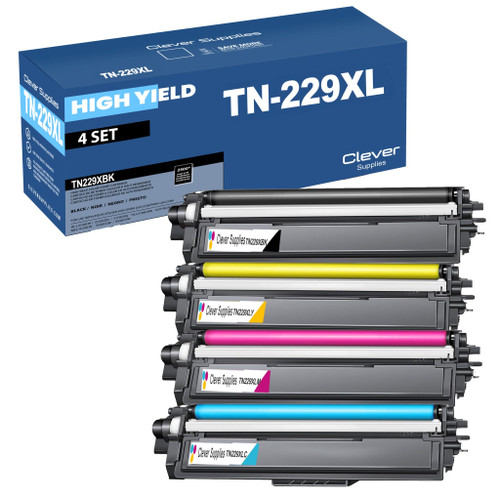 brother tn229xl tn229xlbk tn229xlc tn229xly tn229xlm toner c
 brother tn229 tn229bk tn229c tn229y tn229m toner cartridge 4
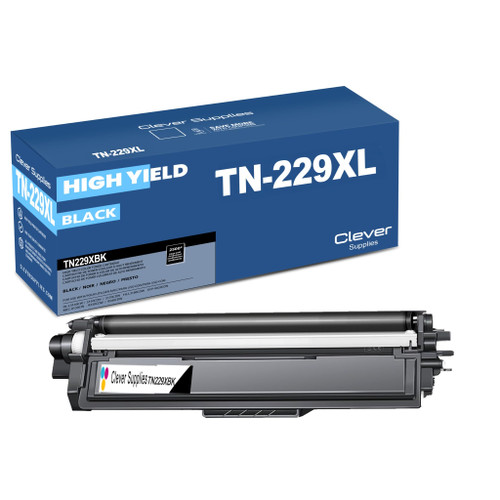 brother tn229xl tn229xlbk toner cartridge black
 brother tn229xl tn229xlc toner cartridge cyan
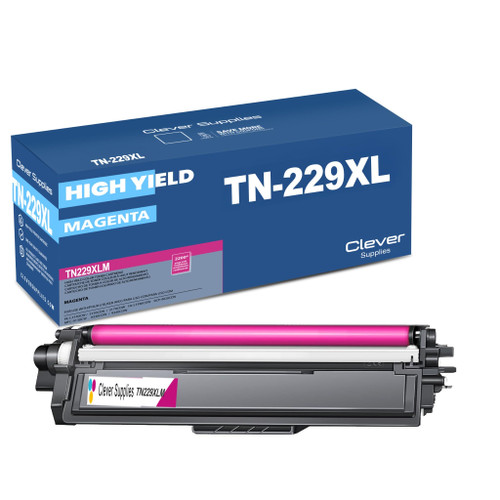 brother tn229xl tn229xlm toner cartridge magenta
 brother tn229xl tn229xly toner cartridge yellow
Key takeaways
- The top cartridge here is rated at 3,000 pages — fewer swaps, lower cost per page.
- Lowest cost per page in this family: ~1.3¢ with the highest-yield cartridge.
- Toner and drum are separate parts on this printer — replace only the one the printer asks for.
Other Printers That Use TN229 and TN229XL
The MFC-L3765CDW category page is the cleanest place to start an order — everything on it fits this machine.