




What Toner Does the Brother MFC-L3720CDW Use?
Nov 6th 2026
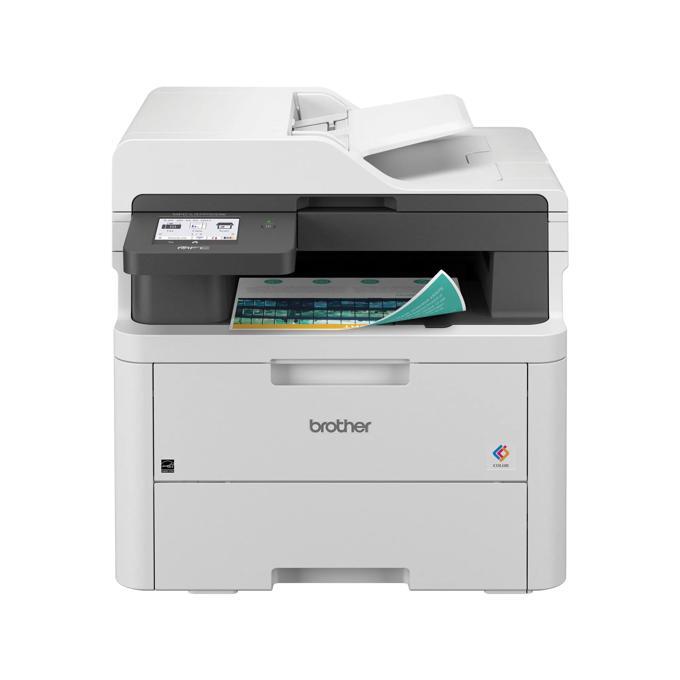
Quick answer: Brother TN229 or TN229XL, in black, cyan, magenta and yellow. The MFC-L3720CDW uses the standard TN229 cartridges (about 1,500 pages black, 1,200 per color) or the high-yield TN229XL (about 3,000 black, 2,300 per color), with a DR229CL drum unit rated around 20,000 pages working behind them.
This is the entry point of Brother's color MFC line: print, scan, copy and a real fax modem, a 50-sheet document feeder, a 3.5″ touchscreen and dual-band Wi-Fi, at up to 19 pages per minute.
Toner, Color by Color
| Code | Color | Yield class | Rated pages |
|---|---|---|---|
| TN229BK | Black | Standard | ~1,500 |
| TN229C | Cyan | Standard | ~1,200 |
| TN229M | Magenta | Standard | ~1,200 |
| TN229Y | Yellow | Standard | ~1,200 |
| TN229XLBK | Black | High yield | ~3,000 |
| TN229XLC | Cyan | High yield | ~2,300 |
| TN229XLM | Magenta | High yield | ~2,300 |
| TN229XLY | Yellow | High yield | ~2,300 |
It arrives with starter cartridges of about 1,000 pages per color, and its long-life internals — DR229CL drum (~20,000 pages), BU229CL belt and WT229CL waste box (~50,000 pages each) — mean toner is the only supply on your list for the foreseeable future.
The Money Question
At our November 2, 2026 prices, a compatible TN229XL cartridge is $37.84 in any color: roughly 1.3¢ per black page, 1.6¢ per color page. Standard-yield compatibles are $30.98 (black) and $31.47 (colors), which sounds cheaper until you divide — about 2.1¢ and 2.6¢ per page respectively. An MFC that faxes, copies and prints for a whole desk earns the XL premium back quickly.
Singles, ready to order: TN229XLBK · TN229XLC · TN229XLM · TN229XLY · TN229BK · TN229C · TN229M · TN229Y
Set or Singles?
The compatible TN229XL four-color set is priced at $103.13 versus $151.36 for four separate XL singles — keep the $48.23 and the shelf stocked in one move, if your colors run down together.
If they do not, singles are the grown-up choice. Plenty of L3720 owners print mostly black with color for the occasional chart; their cyan may outlive two black cartridges. A set would park money in a cartridge that sits. Match the purchase to the pattern the printer itself reports on its supplies screen.
Changing a Cartridge
1. Open the top cover and slide the whole cartridge tray out. 2. Remove the cartridge the touchscreen flags, lifting it out of its drum bay. 3. Unpack the new one, take off the protective cover, and rock it gently side to side. 4. Seat it in the same color bay until it clicks; slide the green tab on that bay across and back to clean the corona wire. 5. Push the tray in, close the cover, and let calibration finish before the next job.
Two Things Worth Knowing About This Model
The fax is real, and the memory is generous. A 33.6 Kbps modem with up to 500 pages of fax memory and PC-fax sending/receiving marks this as the model for offices still tied to fax workflows — insurers, clinics, law offices. Fax pages are black-only, which is one more reason the black cartridge does the heavy lifting here.
Scanning is one-sided — know it before the big job. The 50-sheet feeder scans at up to 29 ipm in black and 22 in color, but it does not flip pages automatically; duplex is for printing and single-sided copying. If two-sided originals are your daily bread, that is what the MFC-L3780CDW's single-pass scanner exists for — same toner shelf, different machine. Also note there is no Ethernet port: connection is Wi-Fi or USB.
A Note for Fax-Heavy Desks
Brother gives this model 300 auto-dial locations and broadcasting to as many as 350 destinations at once. That is a lot of outbound paper from a single send, and it lands almost entirely on the black cartridge — incoming and outgoing faxes print in black only. Offices that lean on broadcast faxing should treat the black XL as infrastructure rather than an upgrade: a 3,000-page TN229XLBK absorbs a month of heavy fax traffic that would chew through two standard cartridges, and the supplies screen's page counters make it easy to see the rhythm and order ahead of the empty warning rather than after it.
Frequently Asked Questions
Does the MFC-L3720CDW take TN227 cartridges? No. TN227 fits the older generation. This model uses TN229 and TN229XL only — the codes differ by one digit, so read the label before reordering out of habit.
How many faxes can it hold if the paper runs out? Up to about 500 pages in memory, per Brother's specification, so a long weekend will not lose incoming faxes.
Why is there no cable for a wired network in the box? Because there is no Ethernet port on this model — it connects by dual-band Wi-Fi or USB. The MFC-L3765CDW adds Gigabit Ethernet in the same toner family.
Do I replace the drum when I replace toner? No. The DR229CL lasts around 20,000 pages and is replaced on its own schedule, when the machine asks or print quality fades with fresh toner fitted.
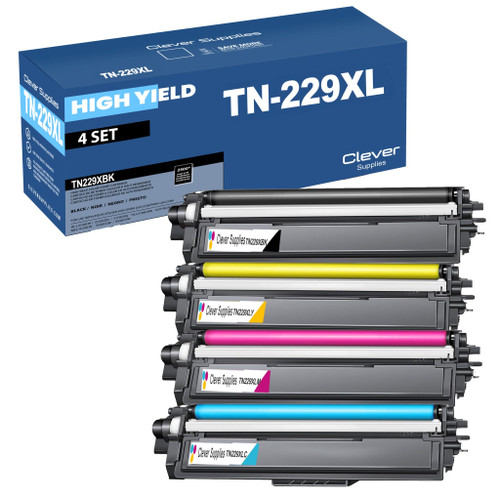 brother tn229xl tn229xlbk tn229xlc tn229xly tn229xlm toner c
 brother tn229 tn229bk tn229c tn229y tn229m toner cartridge 4
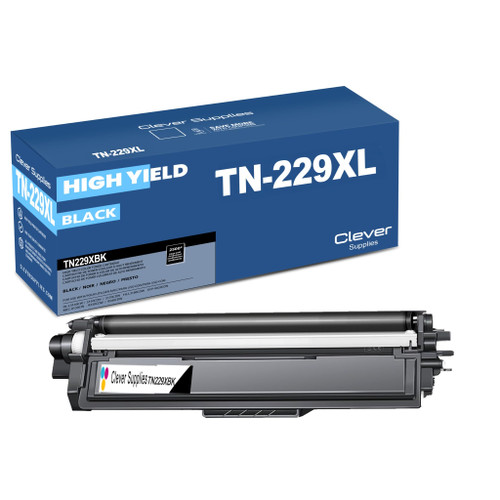 brother tn229xl tn229xlbk toner cartridge black
 brother tn229xl tn229xlc toner cartridge cyan
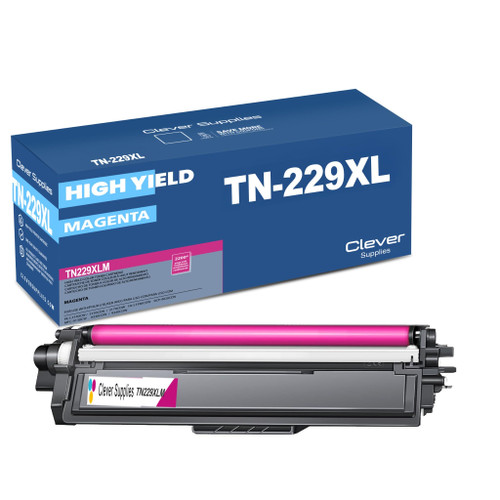 brother tn229xl tn229xlm toner cartridge magenta
 brother tn229xl tn229xly toner cartridge yellow
Key takeaways
- The top cartridge here is rated at 1,500 pages — fewer swaps, lower cost per page.
- Lowest cost per page in this family: ~1.3¢ with the highest-yield cartridge.
- Toner and drum are separate parts on this printer — replace only the one the printer asks for.
Other Printers That Use TN229 and TN229XL
Begin at the MFC-L3720CDW category page for the full, model-matched supply list.