




What Toner Does the Brother HL-L3300CDW Use?
Nov 5th 2026
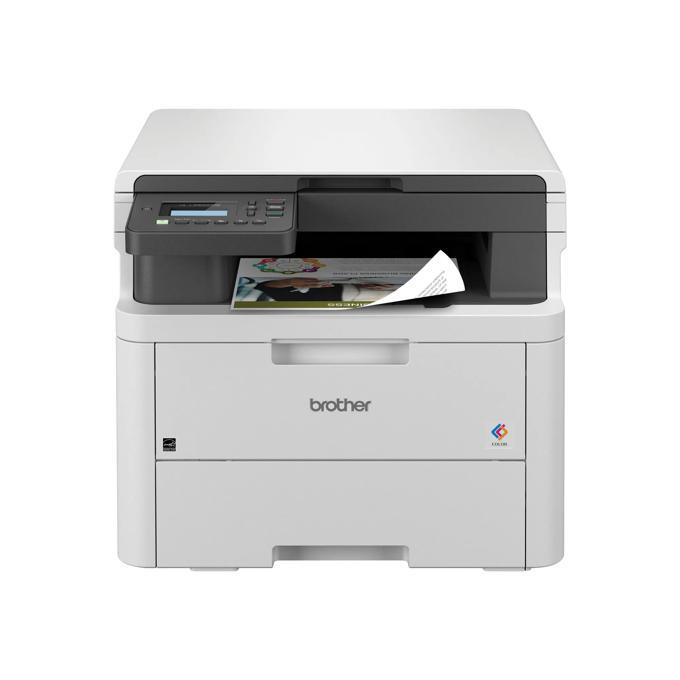
Quick answer: The HL-L3300CDW runs on the Brother TN229 toner family — TN229 standard yield or TN229XL high yield, one cartridge each for black, cyan, magenta and yellow — with a DR229CL drum unit (about 20,000 pages) handling the imaging side. Standard cartridges are rated near 1,500 pages black and 1,200 per color; XL cartridges near 3,000 black and 2,300 per color.
Do not let the HL badge fool you: unlike its print-only brothers, this one keeps a flatbed scanner under the lid, so it copies and scans as well as prints. There is no document feeder and no fax — pages go on the glass one at a time — which shapes how, and how much, it prints.
Yields at a Glance
- TN229BK — black, standard, ~1,500 pages
- TN229C / TN229M / TN229Y — cyan, magenta, yellow, standard, ~1,200 pages each
- TN229XLBK — black, high yield, ~3,000 pages
- TN229XLC / TN229XLM / TN229XLY — colors, high yield, ~2,300 pages each
Brother fits starter cartridges rated around 1,000 pages per color in the box, so budget for the first replacement set sooner than those full-cartridge numbers suggest. The belt unit (BU229CL) and waste toner box (WT229CL) are each rated around 50,000 pages and are not day-one concerns.
What Replacements Cost Here
Our compatible TN229XL cartridges are $37.84 apiece whichever color you pick — about 1.3 cents for each black page and 1.6 cents for each color page at Brother's rated yields. Standard-yield compatibles cost a little less upfront ($30.98 black, $31.47 colors) but more per page (about 2.1¢ black, 2.6¢ color). For a machine that also serves as the household copier, pages accumulate quietly; XL is usually the better habit.
Order the exact color you need:
- Black, high yield: TN229XLBK
- Cyan, high yield: TN229XLC
- Magenta, high yield: TN229XLM
- Yellow, high yield: TN229XLY
- Black, standard: TN229BK
- Cyan, standard: TN229C
- Magenta, standard: TN229M
- Yellow, standard: TN229Y
Set Versus Singles, Honestly
A compatible TN229XL four-color set runs $103.13 here — $48.23 less than the four singles at $151.36. When the printer reports two or more colors low at once, take the set and be done.
But a flatbed machine in a home office often prints in bursts: a school project drains yellow, a tax packet drains black. Replacing strictly what is empty, when it empties, keeps cash in your pocket and fresh cartridges on the shelf only when they are about to be needed. Neither answer is wrong; the set rewards volume, the single rewards timing.
How a Swap Goes
1. Raise the top cover and pull the cartridge-and-drum assembly toward you. 2. Press the release on the color you are changing and lift that cartridge out. 3. Rock the new cartridge left and right several times, strip off its protective cover, and drop it into the same color bay. 4. Slide the green corona-wire cleaning tab fully across and back. 5. Return the assembly, close the lid, and let the machine finish its calibration cycle.
Two Things Worth Knowing About This Model
Glass-only scanning changes the toner math. With no automatic document feeder, nobody feeds this machine 50-page scan-and-print jobs. Its copying tends to be a page here, a form there — lighter, spikier use than an MFC sees. Owners in that pattern sometimes find standard-yield cartridges last them a season, which is the one case where standard can beat XL on cash timing even though it loses on cost per page.
It is the wireless bridge model. You get dual-band Wi-Fi and USB, but no Ethernet port — check the step-up HL-L3280CDW if a cable matters. Print speed matches the entry model at up to 19 ppm with automatic duplex, and Brother rates it for up to 3,000 pages a month.
Printing From Phones and Tablets
Because there is no feeder and no fax, this model often lands in homes and small studios where the "office computer" is a phone. Brother covers that ground well: AirPrint for Apple devices, Mopria for Android, Wi-Fi Direct for a cable-free direct link, and the Brother Mobile Connect app for printing and managing scans from the handset. Practical effect on supplies: phone printing is spontaneous printing — boarding passes, recipes, return labels — in small, frequent bursts. That pattern favors keeping one spare cartridge on the shelf over buying in bulk.
Frequently Asked Questions
Wait — an HL model that copies? Yes. The HL-L3300CDW carries a flatbed scanner, so it prints, scans and copies. It just skips the automatic feeder and fax you would get from an MFC model.
Can I scan a multi-page document? Page by page on the glass, yes. There is no feeder to pass a stack through automatically, and no duplex scanning.
Which size should a home office buy first? If the printer is new, note that its starters are about 1,000 pages each. For the first full set, XL suits anyone printing weekly; genuinely occasional users can start with standard black and see how long it lasts.
Does it share toner with the MFC-L3720CDW? It does — the entire TN229 family (all eight models in the list below) uses the same cartridges and drum.
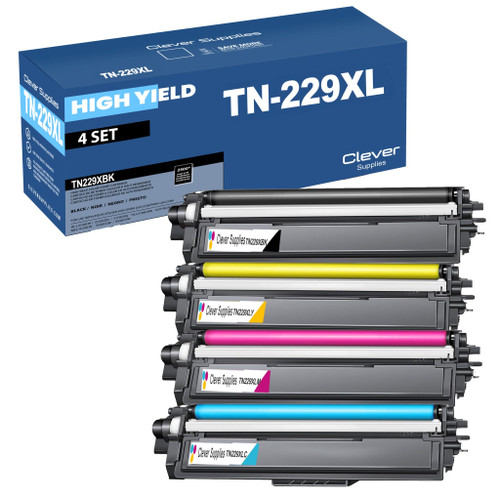 brother tn229xl tn229xlbk tn229xlc tn229xly tn229xlm toner c
 brother tn229 tn229bk tn229c tn229y tn229m toner cartridge 4
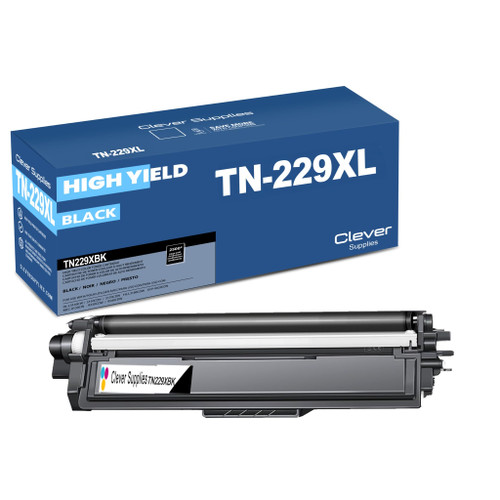 brother tn229xl tn229xlbk toner cartridge black
 brother tn229xl tn229xlc toner cartridge cyan
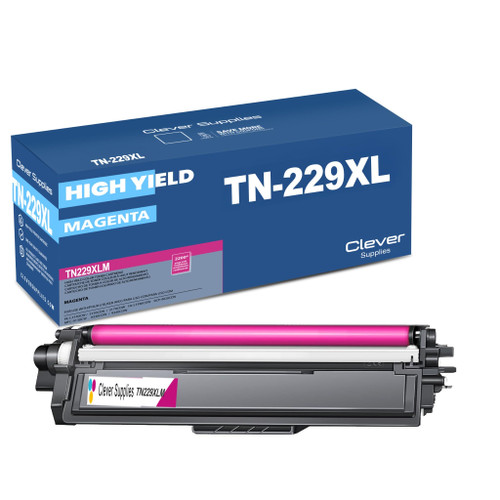 brother tn229xl tn229xlm toner cartridge magenta
 brother tn229xl tn229xly toner cartridge yellow
Key takeaways
- The top cartridge here is rated at 3,000 pages — fewer swaps, lower cost per page.
- Lowest cost per page in this family: ~1.3¢ with the highest-yield cartridge.
- Toner and drum are separate parts on this printer — replace only the one the printer asks for.
Other Printers That Use TN229 and TN229XL
Start your order from the HL-L3300CDW category page to see only the supplies that fit this model.