




What Toner Does the Brother HL-L3220CDW Use?
Nov 3rd 2026
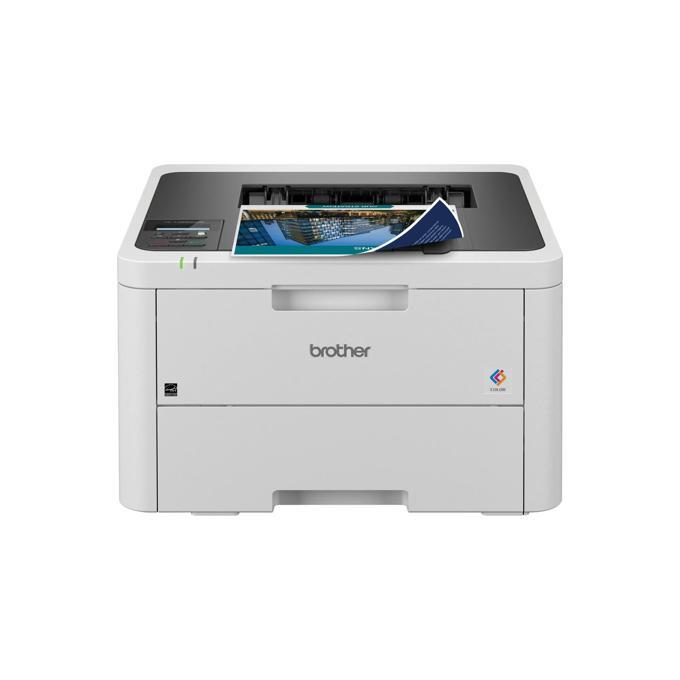
Quick answer: The Brother HL-L3220CDW uses Brother TN229 standard-yield toner or TN229XL high-yield toner, in four separate cartridges: black, cyan, magenta and yellow. The XL versions roughly double the page count of the standard ones. A separate DR229CL drum unit works alongside the toner and lasts far longer — around 20,000 pages — so on most supply orders you will only be buying toner.
This is Brother's compact print-only color machine: no scanner, no copier, no fax, just fast color printing up to 19 pages per minute with automatic two-sided printing as the default. Everything below is about keeping it fed.
The Four Cartridges, Yield by Yield
| Cartridge | Color | Rated yield |
|---|---|---|
| TN229BK | Black | ~1,500 pages |
| TN229C | Cyan | ~1,200 pages |
| TN229M | Magenta | ~1,200 pages |
| TN229Y | Yellow | ~1,200 pages |
| TN229XLBK | Black (high yield) | ~3,000 pages |
| TN229XLC | Cyan (high yield) | ~2,300 pages |
| TN229XLM | Magenta (high yield) | ~2,300 pages |
| TN229XLY | Yellow (high yield) | ~2,300 pages |
Yields are Brother's ISO ratings at standard page coverage; a color-heavy brochure run will empty a cartridge sooner than a stack of invoices will. Note the pattern in the codes: the last letter is the color, and the XL in the middle simply means the bigger fill. The printer accepts standard and high-yield cartridges interchangeably — you can run an XL black beside standard colors if that is how your printing leans.
What a Page Costs on Our Compatible Cartridges
Prices below were read from the product pages on November 2, 2026. Our compatible TN229XL singles are $37.84 each in any color, which works out to about 1.3 cents per page in black (3,000 pages) and about 1.6 cents per page per color (2,300 pages). The standard-yield compatibles run about 2.1 cents per page in black and 2.6 cents per color, so the XL is the cheaper way to print the moment your volume is more than occasional.
Shop by Part Number
Every color is its own cartridge with its own code — replace only the one the machine asks for:
Standard yield, for light use: TN229BK Black, TN229C Cyan, TN229M Magenta, TN229Y Yellow.
One Set or One Cartridge at a Time?
Our compatible TN229XL four-color set is $103.13, against $151.36 for the four XL singles bought one by one — a saving of $48.23. One caution on set math: the four cartridges' rated yields add up to 9,900 pages on paper, but a color page draws on all four cartridges at once — so a full-color page costs roughly the sum of the four per-color figures (about 6 cents a page with the XL cartridges), while a black-only page costs about 1.3 cents. If all four colors are running low together, the set is the obvious buy.
The honest counter-case: colors rarely empty on the same day. If only your yellow is out, a single cartridge puts the printer back to work without paying today for cyan and magenta you will not need for months. Buy the set when two or more colors are low; buy singles when one color quits early.
Changing a Cartridge
1. Open the top cover — the four cartridges sit in a row on the drum assembly. 2. Slide out the cartridge for the color named on the display and lift it free of its drum section. 3. Unpack the new cartridge, remove its protective cover, and rock it side to side a few times to level the toner. 4. Click it into the matching color position until it seats firmly. 5. Slide the green tab on that drum section back and forth once to clean the corona wire, then close the cover.
Two Things Worth Knowing About This Model
It is wireless-or-USB only. The HL-L3220CDW connects by dual-band Wi-Fi, Wi-Fi Direct or a USB cable — there is no Ethernet port. If your office insists on a wired network connection, that is the step-up models' job; for a desk-side or home-office machine, Wi-Fi is all most owners ever use.
The in-box cartridges are starters. Brother ships this model with starter toner rated at about 1,000 pages per color, so your first replacement arrives sooner than the standard-yield figures above suggest. Brother rates the printer itself for up to 3,000 pages a month of regular use.
Frequently Asked Questions
Can I mix TN229 and TN229XL cartridges in the same printer? Yes. Each color slot accepts either size independently, so an XL black next to standard colors — or the reverse — works fine.
Does the HL-L3220CDW need a drum for each color? No. It uses one DR229CL drum unit set (rated around 20,000 pages) plus the BU229CL belt unit and WT229CL waste toner box (around 50,000 pages each), all fitted from new. Toner is the only routine purchase for a long time.
Why did my first cartridges run out so quickly? They were starters rated at roughly 1,000 pages each. Full standard TN229 cartridges give you about 1,500 black / 1,200 color, and the XL versions about double that.
Is this the same toner as the TN227 in older Brother color printers? No. TN227 belongs to the previous generation (HL-L3270CDW family). The HL-L3220CDW takes TN229 and TN229XL only.
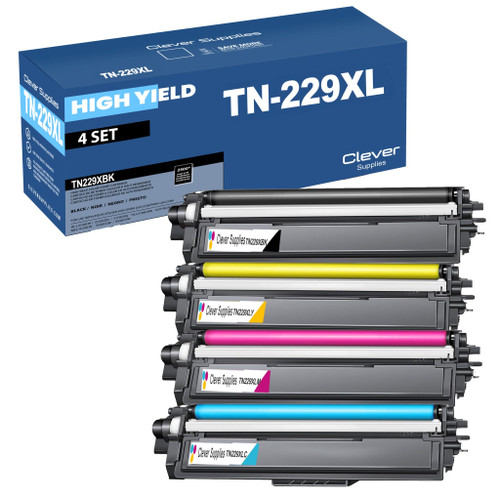 brother tn229xl tn229xlbk tn229xlc tn229xly tn229xlm toner c
 brother tn229 tn229bk tn229c tn229y tn229m toner cartridge 4
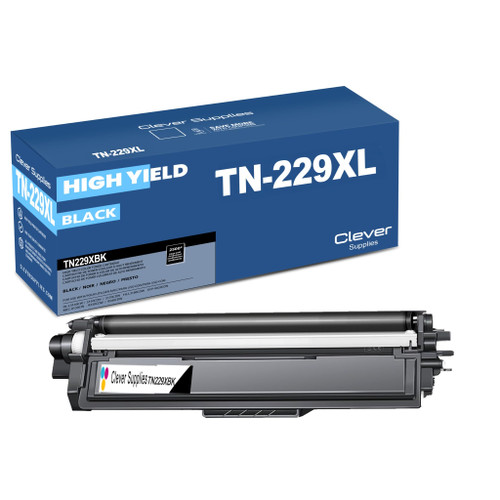 brother tn229xl tn229xlbk toner cartridge black
 brother tn229xl tn229xlc toner cartridge cyan
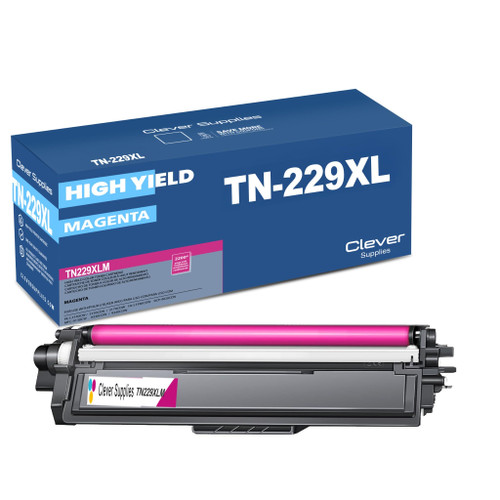 brother tn229xl tn229xlm toner cartridge magenta
 brother tn229xl tn229xly toner cartridge yellow
Key takeaways
- The top cartridge here is rated at 3,000 pages — fewer swaps, lower cost per page.
- Buying the set instead of the individual cartridges saves $48.23.
- Toner and drum are separate parts on this printer — replace only the one the printer asks for.
Other Printers That Use TN229 and TN229XL
Ready to reorder? Start from the HL-L3220CDW category page, where every cartridge that fits this printer is gathered in one place.