




Xpress C2670FW
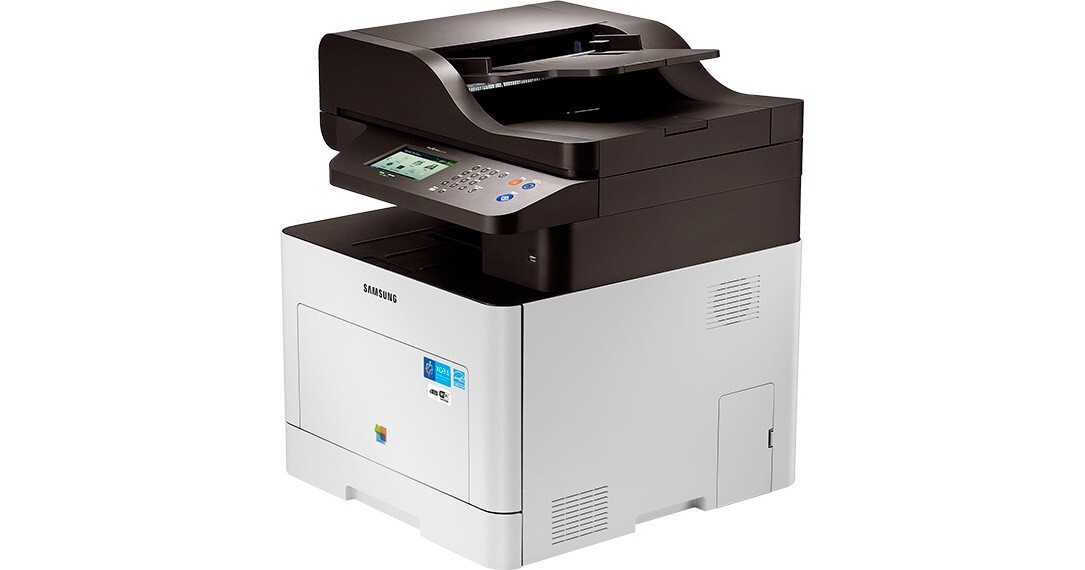
The Xpress C2670FW is Samsung's mid-2010s color laser multifunction printer, sold under the ProXpress banner. That letters mean this version adds fax and wireless networking compared with the standard Xpress C2670. It found its niche with business workgroups with heavier color workloads.
Toner for this machine comes from the CLT-K505 family — CLT-K505L for black, plus CLT-C505L and its cyan and yellow siblings. We stock compatible CLT-K505 toner as well as genuine Samsung OEM cartridges, and every order ships fast from Clever Supplies. The full set is rounded out by the CLT-M505L in magenta and the CLT-Y505L in yellow, each available on its own.
Toner Cartridges for Xpress C2670FW
This printer works with the following toner cartridges:
- Samsung CLT-K505L
- Samsung CLT-C505L
- Samsung CLT-M505L
- Samsung CLT-Y505L
More Samsung Printers
Frequently Asked Questions
Should the Xpress C2670FW be on or off when I change the toner?
Avoid touching the green drum roller or the chip contacts on the new CLT-K505L - oils and scratches there show up as print defects on the Xpress C2670FW. Do not leave the cartridge in bright light for long either. Work over a sheet of paper in case a little toner escapes during the swap.
Could a new CLT-K505L cartridge cause blank pages on the Xpress C2670FW?
The wrong or corrupted driver can absolutely make the Xpress C2670FW output blank pages even with a full CLT-K505L cartridge. Reinstall the model-specific Samsung driver and print a test page from the printer's own panel, which bypasses the computer entirely. If the panel page prints fine, the computer side is at fault.
How do I scan multiple pages into one file on the Xpress C2670FW?
Place the document face-down on the Xpress C2670FW glass or in the feeder, then start the scan from the printer panel or the Samsung scan software on your computer. Scanning is a separate function from printing, so the toner level in the CLT-K505L cartridge does not matter. Save as PDF for documents or JPEG for photos.