




LaserJet Enterprise M528f
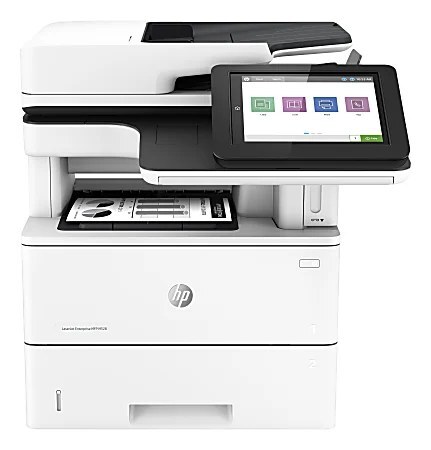
Fax still matters in some offices, and the LaserJet Enterprise M528F keeps it in the mix: a monochrome multifunction with fax alongside print, scan and copy. Toner comes from the HP 89A family — the standard CF289A, or high-yield CF289X and CF289Y for heavier fax-and-print traffic.
Genuine OEM and compatible CF289A, CF289X and CF289Y cartridges for the M528F sit side by side here. Choose compatible for everyday savings or OEM for factory-original output, and Clever Supplies ships quickly.
Toner Cartridges for LaserJet Enterprise M528f
This printer works with the following toner cartridges:
- HP CF289A
- HP CF289X
- HP CF289Y
More HP Printers
- LaserJet Enterprise M507
- LaserJet Enterprise M507dn
- LaserJet Enterprise M507x
- LaserJet Enterprise M528
- LaserJet Enterprise M528c
- LaserJet Enterprise M528z
- LaserJet Enterprise MFP M528dn
Frequently Asked Questions
How do I know which cartridges fit my LaserJet Enterprise M528f?
Look for CF289A (standard), CF289X (high-yield), and CF289Y (extra-high-yield) when shopping for the LaserJet Enterprise M528f — those codes identify the cartridges this printer takes.
The LaserJet Enterprise M528f lists A, X, and Y cartridges — what is the difference?
All three sizes — CF289A, CF289X, and CF289Y — fit the LaserJet Enterprise M528f and are interchangeable; the step from A to X to Y is capacity, so match the size to how much the LaserJet Enterprise M528f prints each month.
Why is the LaserJet Enterprise M528f showing as offline?
An offline LaserJet Enterprise M528f is usually a connection hiccup, not a hardware fault — verify the USB or network link, power-cycle the LaserJet Enterprise M528f, and remove and re-add the printer on your computer if needed.