




LaserJet 4200N
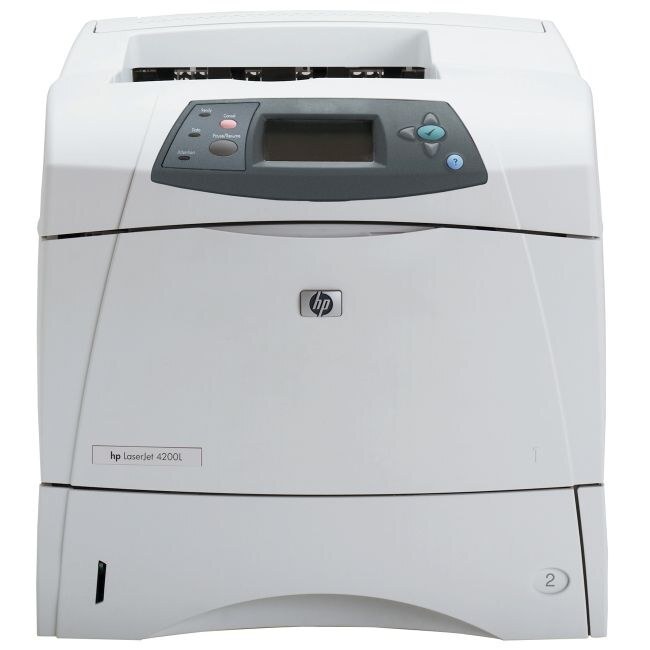
HP's LaserJet 4200N added Ethernet to the 2002 workgroup printer — the networked configuration offices actually standardized on. One fast, durable A4 machine served the whole team.
It runs on the HP 38A cartridge (Q1338A). Compatible 38A toner and genuine OEM Q1338A cartridges both available.
Toner Cartridges for LaserJet 4200N
This printer works with the following toner cartridges:
- HP Q1338A
More HP Printers
- LaserJet 4200
- LaserJet 4200DTN
- LaserJet 4200DTNS
- LaserJet 4200DTNSL
- LaserJet 4200L
- LaserJet 4200LVN
- LaserJet 4200TN
- LaserJet 4300
- LaserJet 4300DTN
- LaserJet 4300DTNS
- LaserJet 4300DTNSL
- LaserJet 4300N
- LaserJet 4300TN
Frequently Asked Questions
Can I share the HP LaserJet 4200N with other computers on the network?
Yes — the HP LaserJet 4200N has built-in networking, so once it has an IP address, every computer on the same network can add it. Install the HP driver on each machine and point it at the HP LaserJet 4200N.
Will the HP LaserJet 4200N work with a newer computer?
Usually yes — the HP LaserJet 4200N speaks standard printer languages, so modern systems can often drive it with a built-in or universal HP driver. Check HP's support page for the HP LaserJet 4200N first; if no model-specific driver exists, the universal driver is the next try.
How do I fix light vertical bands on prints from my HP LaserJet 4200N?
Start with the cartridge: pull the Q1338A from the HP LaserJet 4200N, tilt it side to side to even the toner, and slide it back in. Vertical banding that remains on the HP LaserJet 4200N after this points to a spent HP 38A cartridge.