




LaserJet 4200DTN
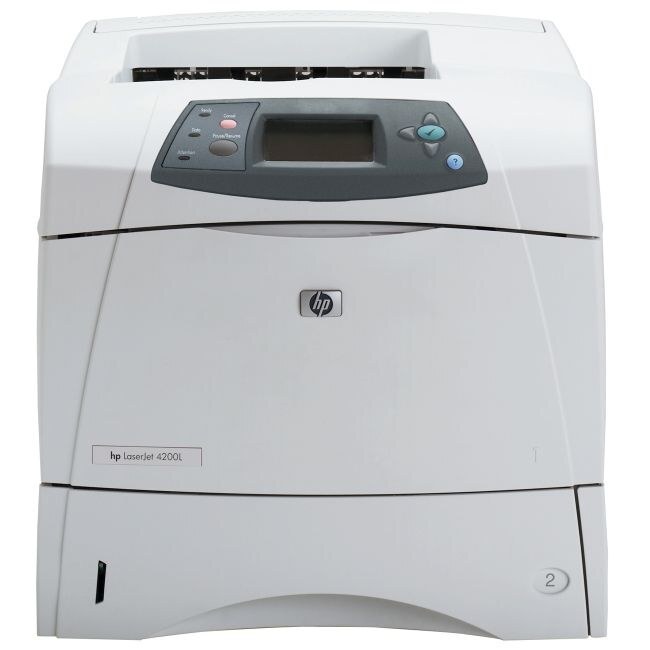
The 4200DTN was the kitchen-sink configuration of HP's LaserJet 4200 — duplexing, networking, and an extra tray on the 2002 workgroup engine. Busy departments got maximum capability from a desktop-sized printer.
Toner is the HP 38A (Q1338A). Compatible 38A toner and genuine OEM Q1338A cartridges both fit the DTN.
Toner Cartridges for LaserJet 4200DTN
This printer works with the following toner cartridges:
- HP Q1338A
More HP Printers
- LaserJet 4200
- LaserJet 4200DTNS
- LaserJet 4200DTNSL
- LaserJet 4200L
- LaserJet 4200LVN
- LaserJet 4200N
- LaserJet 4200TN
- LaserJet 4300
- LaserJet 4300DTN
- LaserJet 4300DTNS
- LaserJet 4300DTNSL
- LaserJet 4300N
- LaserJet 4300TN
Frequently Asked Questions
Does the HP LaserJet 4200DTN print on both sides of the paper automatically?
Yes, automatic two-sided printing is built into the HP LaserJet 4200DTN. Enable it per job in the print settings, or set it as the default for the HP LaserJet 4200DTN if most of your documents are double-sided.
How should I store a spare Q1338A cartridge for the HP LaserJet 4200DTN?
Leave the spare Q1338A in its original packaging, lying flat in a room-temperature spot. That keeps the HP 38A toner inside evenly settled for the day the HP LaserJet 4200DTN calls for it.
Can I use a compatible HP 38A cartridge in the HP LaserJet 4200DTN?
You can. A compatible HP 38A cartridge matches the OEM Q1338A specification for the HP LaserJet 4200DTN, so the printer treats it like the original. Many HP LaserJet 4200DTN owners use compatibles for everyday documents and keep OEM for final drafts.