




LaserJet 2300N
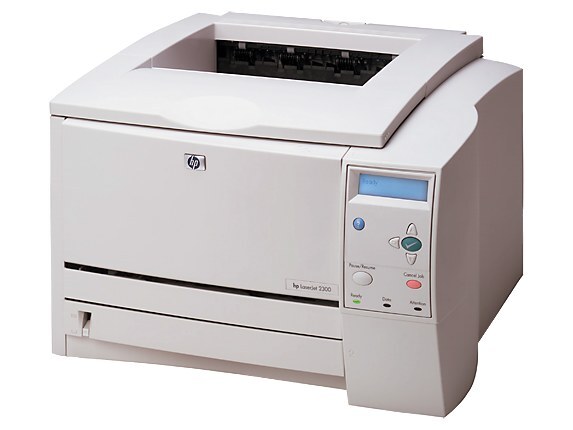
HP's LaserJet 2300N added Ethernet to the 2300 workgroup formula, making this mid-2000s monochrome printer a natural shared resource. Plug it into the network and the whole office could print to it.
The cartridge is the HP 10A (Q2610A). Choose our compatible 10A toner or genuine OEM Q2610A cartridges.
Toner Cartridges for LaserJet 2300N
This printer works with the following toner cartridges:
- HP Q2610A
More HP Printers
Frequently Asked Questions
Can I share the HP LaserJet 2300N with other computers on the network?
Yes, the HP LaserJet 2300N is designed for sharing. After it joins the network, each computer installs the driver and discovers the HP LaserJet 2300N; everyone prints to the same toner supply and paper trays.
Why is my HP LaserJet 2300N printing faded or streaky pages?
Faded output on the HP LaserJet 2300N usually means the Q2610A cartridge is running low — check the toner gauge on the printer's display or status page. If the cartridge is new, remove the HP 10A cartridge, rock it gently to redistribute toner, and reseat it in the HP LaserJet 2300N.
Where can I find drivers for the HP LaserJet 2300N?
Start at HP support and look up the HP LaserJet 2300N by its full model name. If no current driver lists the HP LaserJet 2300N, try HP's universal print driver, which covers a wide range of LaserJet models.