




LaserJet 2300D
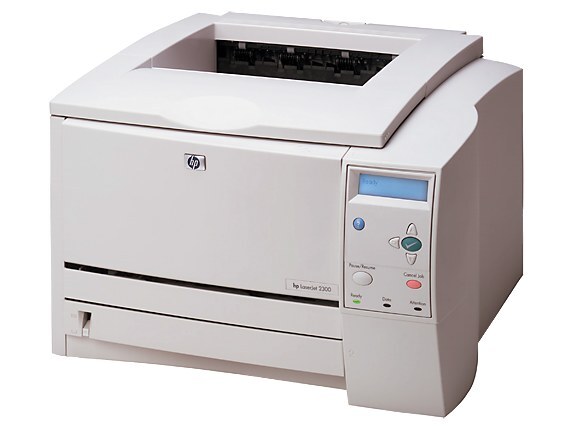
The 2300D took HP's 2003-era LaserJet 2300 workgroup printer and added automatic two-sided printing. For offices producing reports and handouts, built-in duplexing cut paper use without slowing the workday — the same dependable A4 engine, just more economical to run.
It uses the HP 10A cartridge (Q2610A). Pick compatible 10A toner for value or genuine OEM Q2610A for factory-original results.
Toner Cartridges for LaserJet 2300D
This printer works with the following toner cartridges:
- HP Q2610A
More HP Printers
Frequently Asked Questions
Does the HP LaserJet 2300D print on both sides of the paper automatically?
Yes, automatic two-sided printing is built into the HP LaserJet 2300D. Enable it per job in the print settings, or set it as the default for the HP LaserJet 2300D if most of your documents are double-sided.
Can I use a compatible HP 10A cartridge in the HP LaserJet 2300D?
You can. A compatible HP 10A cartridge matches the OEM Q2610A specification for the HP LaserJet 2300D, so the printer treats it like the original. Many HP LaserJet 2300D owners use compatibles for everyday documents and keep OEM for final drafts.
What should I do when the HP LaserJet 2300D shows a toner-low warning?
Treat the HP LaserJet 2300D's toner-low warning as your cue to have a spare Q2610A ready. Redistributing the HP 10A cartridge buys time, but once pages fade on the HP LaserJet 2300D, swap in the new cartridge.