




Color Pro MFP M282nw
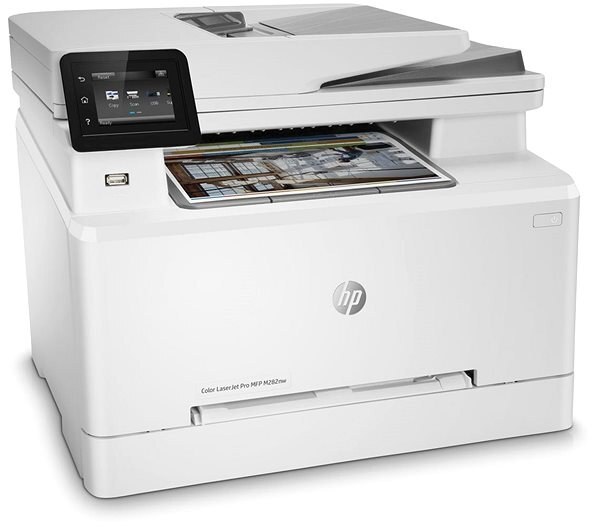
Color multifunction, your network your way: the Color Pro MFP M282nw connects over Ethernet or Wi-Fi and handles print, scan and copy for hybrid offices. It takes the HP 206A/206X four-cartridge set — W2110A black with W2111A, W2112A, W2113A color, each with a high-yield X option.
We stock the full 206A/206X family for the M282nw as genuine OEM and compatible cartridges. Reorder per color as levels drop — and with fast Clever Supplies shipping, the multifunction never waits long for toner.
Toner Cartridges for Color Pro MFP M282nw
This printer works with the following toner cartridges:
- HP W2110A
- HP W2110X
- HP W2111A
- HP W2111X
- HP W2112A
- HP W2112X
- HP W2113A
- HP W2113X
More HP Printers
Frequently Asked Questions
Which toner cartridges work with the Color Pro MFP M282nw?
The Color Pro MFP M282nw uses W2110A, W2110X, W2111A, W2111X, W2112A, W2112X, W2113A and W2113X. Match the code on your current cartridge before ordering so you get the right fit.
Can I use compatible (non-HP) W2110A cartridges in the Color Pro MFP M282nw?
Yes — reputable compatible W2110A cartridges are made for the Color Pro MFP M282nw and can cut per-cartridge spending. Stick with established suppliers and confirm the code on the box before buying.
How do I clear a paper jam in the Color Pro MFP M282nw?
Turn the Color Pro MFP M282nw off and remove the jammed sheet slowly through the rear or toner access door, pulling in the direction of the paper path. Check for torn scraps, then reload the tray with fanned paper.