




Color LaserJet 4730XS
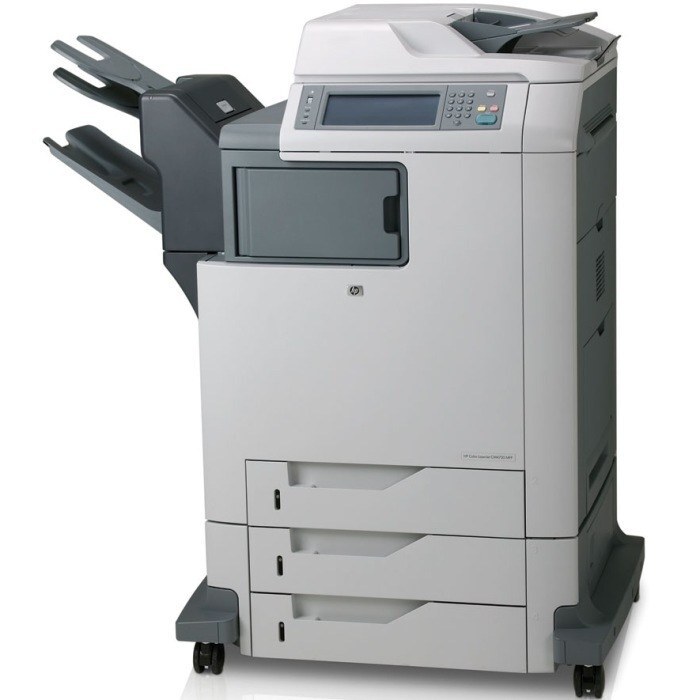
The XS variant of the HP Color LaserJet 4730 offered a specialized configuration for offices with particular workflow needs. It kept the same proven color MFP engine underneath.
It uses HP 644A cartridges — Q6460A black with cyan Q6461A, magenta Q6462A and yellow Q6463A. Compatible and genuine OEM toner for the 4730XS is stocked here.
Toner Cartridges for Color LaserJet 4730XS
This printer works with the following toner cartridges:
- HP Q6460A
- HP Q6461A
- HP Q6462A
- HP Q6463A
More HP Printers
- Color LaserJet 4730
- Color LaserJet 4730MFP
- Color LaserJet 4730X
- Color LaserJet 4730X MFP
- Color LaserJet 4730XM
- Color LaserJet 4730XM MFP
- Color LaserJet 4730XS MFP
- Color LaserJet CM4730
- Color LaserJet CM4730F
- Color LaserJet CM4730F MFP
- Color LaserJet CM4730FM
- Color LaserJet CM4730FM MFP
- Color LaserJet CM4730FSK
- Color LaserJet CM4730FSK MFP
- Color LaserJet CM4730MFP
Frequently Asked Questions
What toner does the Color LaserJet 4730XS take?
The Color LaserJet 4730XS needs all four of these cartridges installed: Q6460A, Q6461A, Q6462A, Q6463A. Any cartridge set marketed as a replacement for these exact codes will work in the Color LaserJet 4730XS.
Can I shake a toner cartridge to extend its life in the Color LaserJet 4730XS?
When the Color LaserJet 4730XS flags a cartridge as low, removing it and rocking it gently side to side redistributes the remaining toner and can buy extra prints. Replace the cartridge promptly if the Color LaserJet 4730XS's print quality stays faded.
How do I clear a paper jam in the Color LaserJet 4730XS?
Turn the Color LaserJet 4730XS off, open the covers, and gently pull the jammed sheet in the direction it feeds — never yank it sideways. Also check the cartridge area of the Color LaserJet 4730XS, since a sheet can lodge behind one of the toner cartridges.