




Color LaserJet 2840
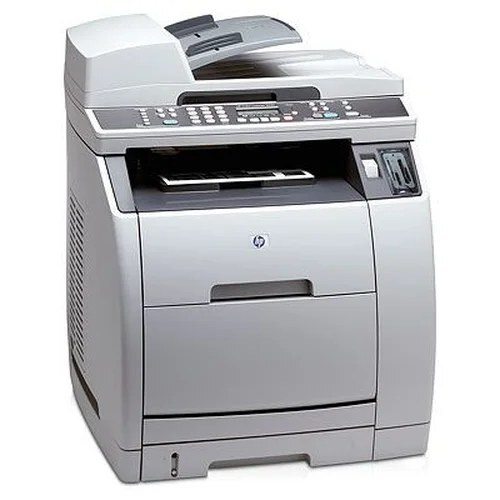
At the top of the 2800-series MFP numbering sits the Color LaserJet 2840 — the full-featured all-in-one of the family for offices that run everything through one machine.
Top of the range, same consumable: HP 122A cartridges (Q3960A through Q3963A). A busy all-in-one goes through color fast, so compatible sets are the economical pick; genuine OEM is stocked too.
Toner Cartridges for Color LaserJet 2840
This printer works with the following toner cartridges:
- HP Q3960A
- HP Q3961A
- HP Q3962A
- HP Q3963A
More HP Printers
- Color LaserJet 2550
- COLOR LASERJET 2550L
- Color LaserJet 2550LN
- COLOR LASERJET 2550N
- Color LaserJet 2800
- COLOR LASERJET 2820
- COLOR LASERJET 2830
Frequently Asked Questions
How do I know which toner to order for my Color LaserJet 2840?
The Color LaserJet 2840 takes HP 122A cartridges (Q3960A, Q3961A, Q3962A, Q3963A), and both genuine HP and quality-compatible versions fit the same way. Match the number printed on your current cartridge to Q3960A, Q3961A, Q3962A, Q3963A before ordering.
What are the steps for replacing toner in the Color LaserJet 2840?
To install a new cartridge in the Color LaserJet 2840, open the front door, take out the old cartridge, remove all packing material from the replacement, and push it in until it seats. Close the door and the Color LaserJet 2840 finishes the rest automatically.
Can I replace just the empty cartridge in my Color LaserJet 2840, or the whole set?
No — the Color LaserJet 2840 lets you replace each HP 122A cartridge independently, so swap only the empty one. The printer's supplies status will tell you which of the four is actually low.