





 See Compatible Printers
 Read more about our ink!
Epson
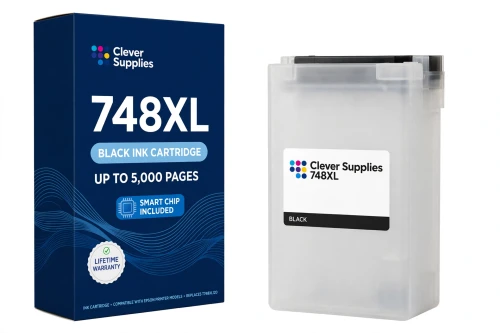
Compatible Epson 748XL T748XL120 Black Ink Cartridge
- Page Yield:
- Up to 5,000 pages (ISO/IEC 24711)
- Shipping:
- Calculated at Checkout

Amazon Price:

- Page Yield:
- Up to 5,000 pages (ISO/IEC 24711)
- Shipping:
- Calculated at Checkout
- Compatible Printers
- Specifications
- SKU:
- CS-EP-748-BKXL
- Condition:
- New Compatible
- OEM Part #:
- T748XL120
- Color:
- Black
- Ink Type:
- Pigment
- Page Yield:
- Up to 5,000 pages (ISO/IEC 24711)
- Chip:
- New compatible chip
- Warranty:
- Lifetime Warranty
- Returns:
- 1-Year Free Returns
- Description
- Reviews
This is the high-capacity black ink pack the 748 family does its heavy lifting with — our compatible T748XL120 carries DURABrite Pro pigment ink rated up to 5,000 pages (ISO/IEC 24711), twice the standard T748120 black at 2,500 pages. The 748 products are large ink packs, not small home cartridges: the PrecisionCore print head stays in the printer, and the pack supplies ink plus its green IC chip. Pigment ink is the point for a workgroup machine — documents that resist smudging, water and fading once dry.


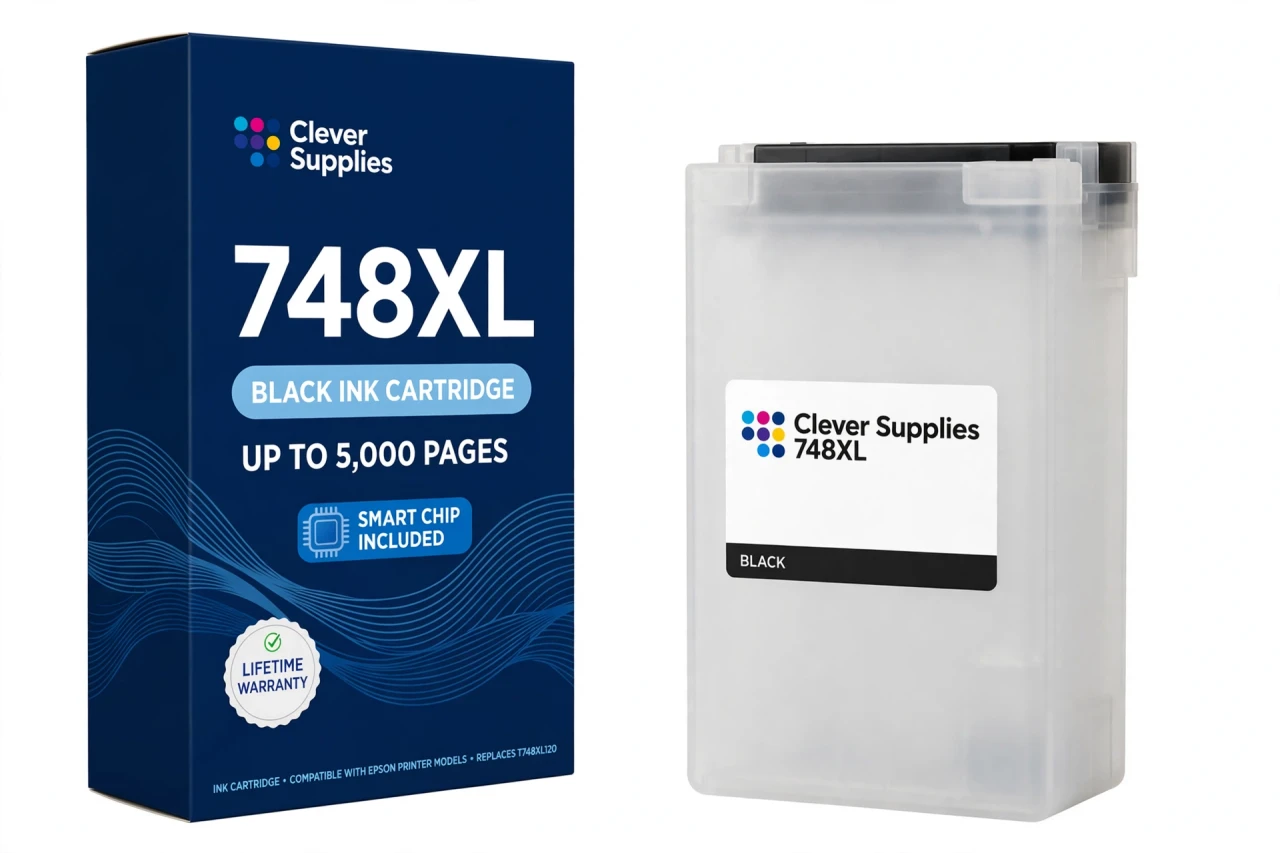
Our shelf for this family is deliberately narrow, and this page states it plainly: we stock the XL tier as individual packs — this T748XL120, alongside T748XL220 cyan (up to 4,000 pages), T748XL320 magenta (up to 4,000 pages), T748XL420 yellow (up to 4,000 pages). Epson's catalogue also lists a standard tier and an XXL tier (black up to 10,000 pages, colours up to 7,000 each), but there is no compatible ladder for those tiers in our range and no 748 set is sold here, so each colour is ordered on its own when the printer calls for it. This cartridge carries a new compatible chip. If your printer's firmware has been updated, recognition issues can occasionally occur — reseat the pack firmly and restart the printer before assuming the pack is at fault, and consider pausing automatic firmware updates before a big print run.
It fits all five verified 748-family models — WF-6090, WF-6530, WF-6590, WF-8090 and WF-8590 — in the XL position. One tier warning belongs on every 748 page: the WF-6530 takes standard and XL packs only, so XXL packs are not for that model; the other four models accept XXL in Epson's catalogue, but that does not change what this XL pack is. Nothing here fits a different Epson family. Covered by our lifetime warranty, with free returns for the first year.
Shop the Epson 748 family: T748XL220 Cyan Ink Cartridge · T748XL320 Magenta Ink Cartridge · T748XL420 Yellow Ink Cartridge
Browse by series: WorkForce
Frequently Asked Questions
How many pages does the T748XL120 print?
Up to 5,000 pages, Epson's published rating for the genuine pack on the ISO/IEC 24711 pattern. Actual yield depends on coverage, paper and cleaning cycles — dense colour work will track below the rating, plain documents closer to it.
Is this the standard, XL or XXL pack?
XL — the high-capacity tier. For black the three tiers rate as follows on ISO/IEC 24711: standard 2,500 pages, this XL pack 5,000 pages, XXL 10,000 pages. We stock the XL tier as compatible packs; the standard and XXL tiers are listed here only so you can match the code on the pack you are removing.
Which printers take this pack?
All five verified 748 models: WF-6090, WF-6530, WF-6590, WF-8090 and WF-8590. Every one of them accepts the XL tier in all four colours.
Why does black usually need replacing first on these printers?
These are workgroup document printers, and even colour pages lay down black for text and shading. The XL black pack is rated higher than the colours for exactly that reason: up to 5,000 pages against up to 4,000 per colour, on the same ISO/IEC 24711 pattern.
Will my printer recognise this pack?
This cartridge carries a new compatible chip. If your printer's firmware has been updated, recognition issues can occasionally occur; if a warning appears, power the printer off, reseat the pack until it is firmly seated, and restart before judging it. We do not promise recognition under every future firmware version — if a recognition problem cannot be cleared, the pack is covered by our lifetime warranty.
The printer says the pack is not recognised. What should I do first?
Power the printer off, remove the pack, check that the green chip contacts are clean and dry and that you have not touched them, reseat the pack, and power back on. If a firmware update immediately preceded the message, that update is the likely trigger — contact us and we will work through it under the lifetime warranty.
What kind of ink is in this pack?
DURABrite Pro pigment ink, the ink type Epson specifies for the whole 748 family in all four colours. Pigment ink gives these workgroup printers their smudge-, water- and fade-resistant document output.
Is this a genuine Epson pack?
No — it is a Clever Supplies compatible ink pack built to the T748XL120 specification and labelled compatible on the box and on this page. It is not manufactured by Epson.
Can I mix XL packs with standard or XXL packs in the same printer?
Yes, within the tiers your model accepts. Each colour position is independent, so an XL colour can sit alongside a standard or XXL black — except on the WF-6530, which accepts standard and XL only and must never be fitted with XXL packs.
How much ink is in the pack, in millilitres?
We do not publish a figure: Epson's official US sources do not state a millilitre volume for the 748 packs, so the Volume field is left blank rather than filled with a reseller's claim. The verifiable comparison for this family is the ISO page yield.
How do I install it?
Remove the spent pack for this colour, unpack the new pack only when you are ready to install it, avoid touching the green chip, insert the pack into its colour position until it seats firmly, and let the printer charge the ink before printing. Install a new pack promptly after removing the old one so the print head does not dry out.
How should I store a spare pack?
Sealed in its packaging, upright, at room temperature and out of direct sunlight. Do not open a spare until install day. No specific shelf-life figure is published for this product, so none is printed in its specifications.
Related Items
Epson
Compatible Epson 748XL T748XL220 Cyan Ink Cartridge
Colour work on a WorkForce Pro runs on packs like this one: our compatible T748XL220 carries DURABrite Pro pigment cyan ink rated up to 4,000 pages (ISO/IEC 24711), against 1,500 pages for the...

Epson
Compatible Epson 748XL T748XL420 Yellow Ink Cartridge
Colour work on a WorkForce Pro runs on packs like this one: our compatible T748XL420 carries DURABrite Pro pigment yellow ink rated up to 4,000 pages (ISO/IEC 24711), against 1,500 pages for the...
Epson
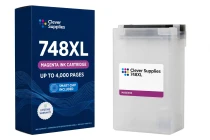
Compatible Epson 748XL T748XL320 Magenta Ink Cartridge
Colour work on a WorkForce Pro runs on packs like this one: our compatible T748XL320 carries DURABrite Pro pigment magenta ink rated up to 4,000 pages (ISO/IEC 24711), against 1,500 pages for the...

Epson
Compatible Epson 232 T232120 Black Ink Cartridge
The standard black is where this family's ladder starts — and unlike its closest relatives, the 232 ladder genuinely includes it. Our compatible T232120-S is rated up to 150 pages (ISO/IEC 24711),...