





 See Compatible Printers
 Read more about our ink!
Brother
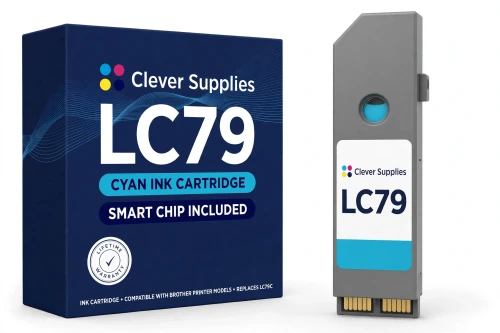
Compatible Brother LC79 LC79C Cyan Ink Cartridge
- Page Yield:
- Up to 1,200 pages (ISO/IEC 24711)
- Shipping:
- Calculated at Checkout

Amazon Price:

- Page Yield:
- Up to 1,200 pages (ISO/IEC 24711)
- Shipping:
- Calculated at Checkout
- Compatible Printers
- Specifications
- SKU:
- CS-BR-79-C
- Condition:
- New Compatible
- OEM Part #:
- LC79C
- Color:
- Cyan
- Page Yield:
- Up to 1,200 pages (ISO/IEC 24711)
- Chip:
- New compatible chip
- Warranty:
- Lifetime Warranty
- Returns:
- 1-Year Free Returns
- Description
- Reviews
Our compatible LC79C doubles the LC75 cyan: up to 1,200 pages under ISO/IEC 24711, in the cyan slot of the family's four large models — MFC-J5910DW, MFC-J6510DW, MFC-J6710DW, MFC-J6910DW. The seven smaller models cannot physically accept LC79 cartridges; their top color tier is the LC75C, and this page keeps that boundary exactly where Brother put it.


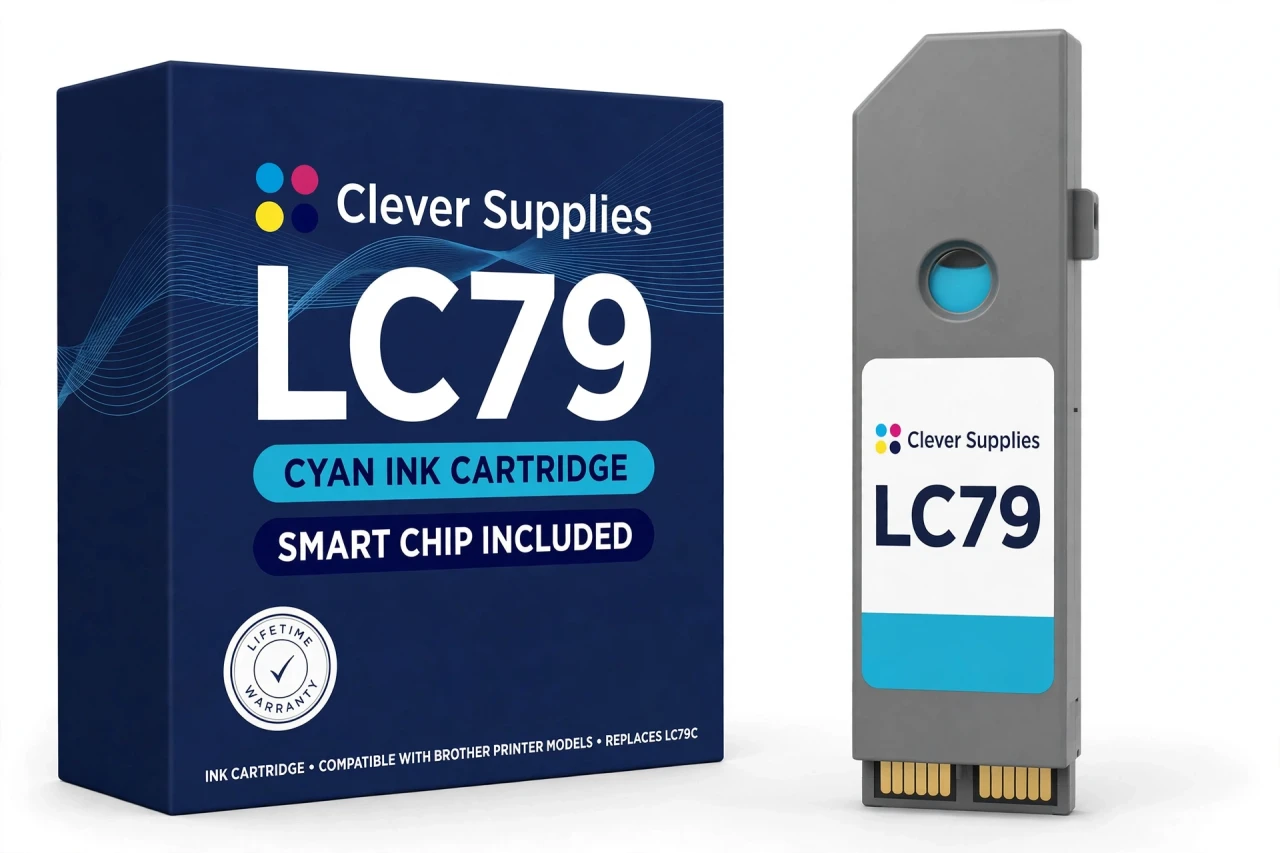
This family's cartridges are chipped, individual Innobella cartridges. A new compatible chip is fitted to every cartridge we sell for the platform. The tier structure is the thing to respect: which tiers a printer accepts is fixed by the model, so the fit list below — and only that list — decides whether this is your cartridge.
Covered by our lifetime warranty, with free returns for the first year. It is sold honestly as a Clever Supplies compatible — labeled compatible on the box and on this page — not as a Brother-manufactured cartridge.
Shop the Brother LC79 family: LC75BK Black Ink Cartridge · LC75C Cyan Ink Cartridge · LC75M Magenta Ink Cartridge · LC75Y Yellow Ink Cartridge · LC79BK Black Ink Cartridge · LC79M Magenta Ink Cartridge · LC79Y Yellow Ink Cartridge · Set of 10 BCMY Ink Cartridge · Set of 4 BCMY Ink Cartridge · Set of 10 BCMY Ink Cartridge · Set of 4 BCMY Ink Cartridge
Browse by series: MFC MULTIFUNCTION SERIES
Frequently Asked Questions
What am I actually buying here?
A single cyan cartridge: one compatible LC79C. Each color is its own listing on this page's platform, because every slot is replaced individually as it empties.
How do I install it without causing problems?
Hold the cartridge by its housing and keep off the chip contact; do not strip the seal or cap off early. Slide it into the cyan slot until it clicks. If the printer has been idle for some time, run a nozzle check afterward.
The printer shows 'Cannot Detect' after I fitted it. What now?
This cartridge has a new compatible chip, but a firmware update can occasionally produce exactly that message on this platform. Take the cartridge out, make sure the chip contact is clean and has not been touched, reseat it firmly, and restart the machine. We cannot guarantee detection under every firmware version — if it still will not read, the warranty process is the next step.
How long will this cyan cartridge last?
Brother rates the LC79 cyan at up to 1,200 pages under ISO/IEC 24711. That is the manufacturer's published figure, and the one we print; much larger page counts advertised elsewhere for this code are not Brother measurements.
Which models is the LC79C made for?
Just four: MFC-J5910DW, MFC-J6510DW, MFC-J6710DW and MFC-J6910DW. That is the full official list for the LC79 tier. For the whole top tier side by side — all six LC79 offers priced per page, and the high-yield shelf beneath it measured beside them — see our Best Brother LC79 Ink Cartridges guide.
How can I be sure it will fit before I order?
Check that your model is in the Compatible Printers list below and that the cartridge you are replacing is coded LC79C. The model, not the family name, sets the tier — this family spans three tiers, each with a different fit list.
Do I have to run LC79 in every slot?
No. On the four large models the tiers mix slot by slot, so an LC79 cyan can run next to LC75 companions. The seven smaller models cannot use LC79 at all; their range is LC71 standard and LC75 high yield.
My machine takes LC75. Can I step up to the LC79C?
Only when your machine is one of the four large models named above. The seven smaller LC75 printers — MFC-J280W, MFC-J425W, MFC-J430W, MFC-J435W, MFC-J625DW, MFC-J825DW and MFC-J835DW — have slots that physically cannot accept an LC79 cartridge, whatever some listings claim; for them, LC75 is as high as the range goes.
Would an LC71 fit my LC79 printer as a cheaper option?
No. The four LC79 models never accepted LC71; LC75 is their entry tier. LC71 serves only the seven smaller models, as the standard tier underneath their LC75.
Why are the colors not sold as one combined cartridge?
The printer is built around four independent slots with four independent ink levels. A single-color system means a drained yellow costs you one cartridge — not the cyan and magenta you had not finished yet.
Who makes this cartridge?
Clever Supplies. It is a compatible cartridge built to the LC79C specification with a new compatible chip, clearly labeled compatible on the packaging and on this page — not a Brother-manufactured cartridge.
What happens if it stops working?
It is covered by a lifetime warranty: a cartridge that fails to perform gets replaced. You also get free returns within the first year, under our standing compatible-product policy.
Related Items

Brother
Compatible Brother LC79 LC79Y Yellow Ink Cartridge
Our compatible LC79Y is the long-run yellow for the four printers that accept the LC79 tier — MFC-J5910DW, MFC-J6510DW,


Brother
Compatible Brother LC79 LC79M Magenta Ink Cartridge
Magenta at the family's top tier: our compatible LC79M is rated up to 1,200 pages under ISO/IEC 24711, double the LC75M, and fits only the MFC-J5910DW,

Brother
Compatible Brother LC79 LC79BK Black Ink Cartridge
This is the endurance black of the family: our compatible LC79BK is rated up to 2,400 pages under ISO/IEC 24711 — four times the LC75BK. It fits exactly four printers (MFC-J5910DW,

Brother
Compatible Brother LC79 Set of 10 BCMY Ink Cartridge
The warehouse box for the family's biggest printers: 4 x LC79BK (up to 2,400 pages each) and 2 x each of LC79C, LC79M and LC79Y (up to 1,200 pages each), rated under ISO/IEC 24711 and stated per...